Krueger Systems, Inc.
ICircuit 3D Customer Service

- ICircuit 3D Customer Service
- ICircuit 3D App Comments & Reviews (2026)
- ICircuit 3D iPhone Images
- ICircuit 3D iPad Images
iCircuit 3D gives you an endless virtual workbench to design, build, and test electronics projects in 3D. It combines the robust real-time, always-on simulation engine of iCircuit with modern 3D rendering and physics on iOS and macOS.
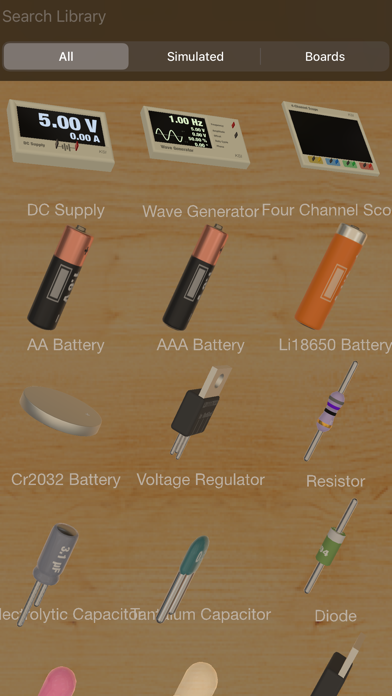
Do not let the availability of physical parts limit your creativity. Choose from an expansive library of 150+ physically and electronically simulated parts and over 1,000 reference boards to plan layouts, wire circuits, test ideas, and iterate fast. It also includes the full standard component library from the original iCircuit, so you can switch between realistic parts and symbolic circuit elements whenever you want.
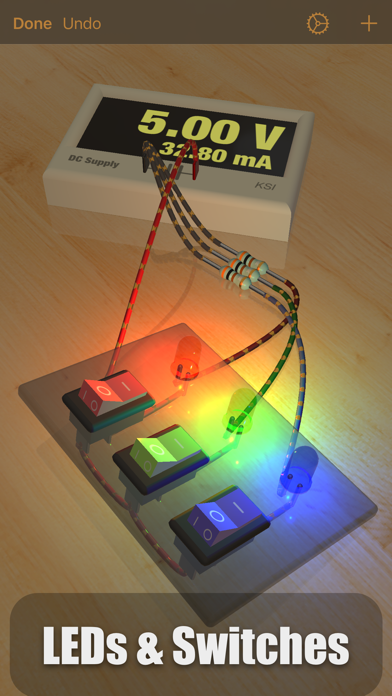
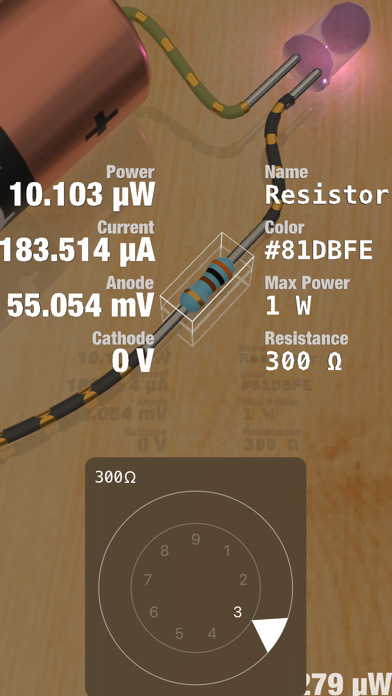
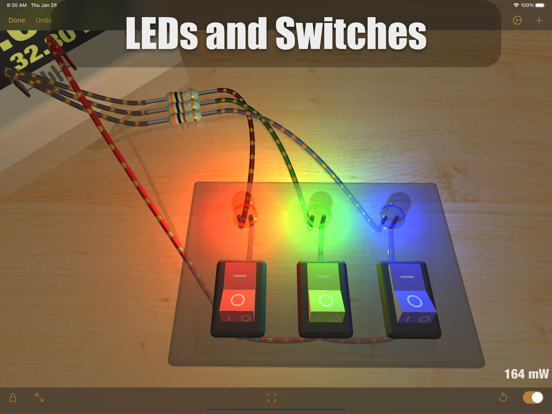
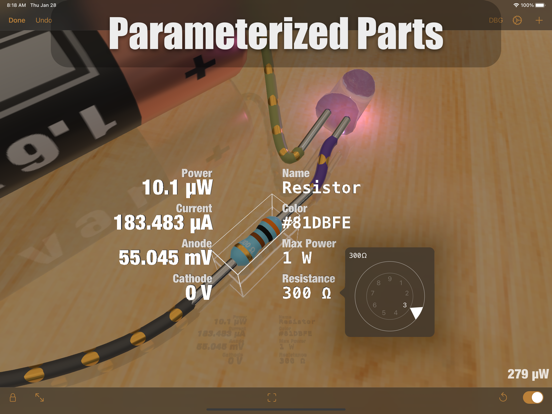
When powered, LEDs light up realistically, DC motors spin, and speakers make noise. Watch current flow along your simulated wires. See pinouts and color codes directly on components. Tap any part to view live values like voltage and current, then change parameters instantly. If you miswire something or overstress a component, magic smoke will billow from the point of failure so you can quickly diagnose and fix the problem.
Add reference photos to the environment, import your own 3D models to mount projects onto, or use Blocks to build enclosures, panels, and simple structures.
FEATURES
• Tons of resistors, capacitors, and LEDs
• Multiple breadboards and wiring elements
• Diodes, BJTs, MOSFETs
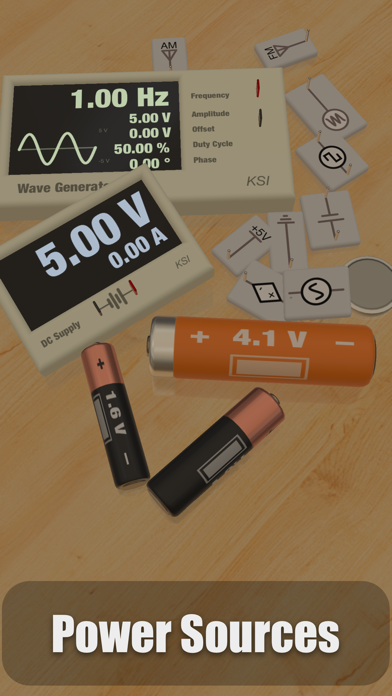
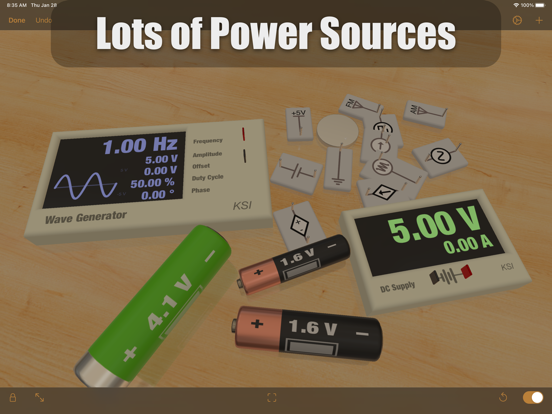
• DC power supplies
• Waveform generators (AC, square, sawtooth)
• Batteries (AA, AAA, 18650, coin cells, and more)
• Switches (SPST, SPDT)
• Buzzers and speakers
• DC motors and servos
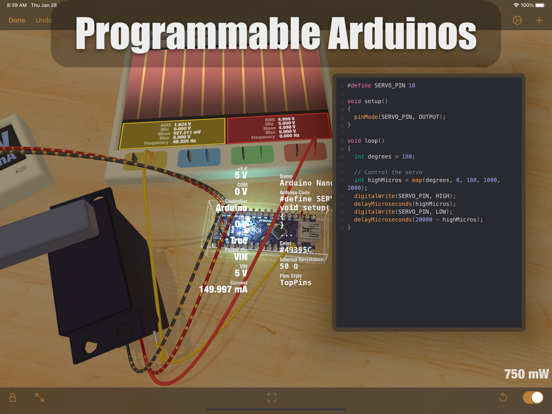
• Programmable Arduino elements
• The full symbolic iCircuit library (standard components included)
• 1,000+ reference circuit boards for layout planning (not fully simulated)
• Import board layouts from Eagle (imported layouts are for wiring/layout reference and do not simulate)
• Import custom 3D models to attach your projects to, and simulate their behavior on the workbench
• Import images for reference or documentation and place them as physical photographs
HOW IT WORKS
Add parts to the 3D workbench and they land on the table with gravity. Drag parts around, then draw wires between ports to connect them. When a circuit is completed, it starts simulating immediately. Wires stay connected as you move parts, so you can build tidy panels and enclosures, or leave parts scattered like a real bench.
iCircuit 3D was designed for fun and exploration, with plenty more to discover as you build.
I hope you enjoy this new take on circuit software.
ICircuit 3D App Comments & Reviews
ICircuit 3D Positive Reviews
Lot of potential but not there yetI've been playing with this for a couple of days now and this looks like a great tool to teach basic electronics. The 3d graphics are great. There are a couple of problems that if corrected would take this from great to brilliant. It is difficult to zoom in and out which sometimes makes it difficult to make connections especially when using a bread board. You can flip components vertically and horizontally, but it would make it so much better if you could simply rotate them so the pins face the component you're trying to connect with. No double throw relays? It would also be very useful to see voltage and current across components. Raspberry Pi simulation? There are lots of circuit boards but they don't contain any components and no obvious way to add them. I don't want to get too critical, this is a powerful tool as is, but could be soooooo much better with a few enhancements..Version: 1.0
Cool!This app is super cool, only giving it four stars because the user interface is very hard to manipulate on even a large iPad, I suspect a keyboard and mouse version is better..Version: 1.0
Weird use of simulated physics makes for a bad experienceThe designer's choice to implement simulated gravity and physics makes for an unnecessarily awkward experience - Components drop from a height and bounce on the table exactly in a way that no sane person would drop components on their work surface. Once the components land then you need to spend a much too long period of time fumbling with 3D graphics to place a component in a position where you can actually connect wires to the correct lead. Another bad example of misguided use of physics is when dealing with motors that you don't have the option to tie down - Once power comes on they will often spin crazily and move your wires and other components. The designers give you several options to control lighting, graphics quality and colors and no way to turn the fake physics off..Version: 1.1
Needs a Little WorkThe app has crashed once while I was re-arranging wires. The wrong component has been added when I tap the one I want a few times. Better controls and 3D arrangement/movement would be better. Some things make it freeze all together sometimes. Like creating a template will leave the success message up on screen with no way of backing out other than closing the app process and re-launching. My settings for how the workspace should look also appear to save, but not be applied to new projects. With these improvements, I’d give it 4.5 pending more components being added and maybe some better tools like a plain multimeter. Still say it’s probably worth the $12 in it’s current state. Would be cool if we could add our own components too, not necessarily with 3D models but representations with input/output..Version: 1.1
Lot of potential but frustratingHas the potential to be great but the fact that it drops components on the workspace, while “cute”, is incredibly frustrating. It results in knocking the existing circuit all around with unknown results. Also, the way it saves a project is very inconsistent so you never quite know what to expect when you return to your project. It a shame that the developer tried to be a bit too clever with what could be a great teaching aid and simulation tool..Version: 1.1
I feel like an electrical engineer!I love the original icircuit and 3D is a perfect compliment filled with tons of amazing components to play with and explore even though I am not an electrical engineer. I love the ability to explore and use so many parts! Great work and I can’t wait to build even more amazing creations!.Version: 1.0
Great potential overshadowed by bad UII have spent way too much effort just to move my components and keep them there. The slightest touch nearby and they flip, turn or move. It’s very frustrating to have to fight with this interface so much. It could be great except this makes me want to look to other products..Version: 1.1
Wonderful electronics simulatorThis app redefines ‘plug and play’! This app is one of the coolest (in terms of interactive tech) and most functional that I have ever used. It is a must for prototyping electronic functions and components! Highly recommended for Makers..Version: 1.0
Great just one slight problemIt’s hard to control the camera angle.Version: 1.1
Awesome App!Suggest using the original iCircuit to become familiar with things, then apply to this app! Great apps both of them are!.Version: 1.1
Very cool program, but please......don't ghost us! Keep developing this! It has SO much potential. Keep up the great work.Version: 1.0
Camera control is unintuiveCurrently really easy to get stuck in weird camera modes apart from that this is really cool..Version: 1.0
Amazing app. Well thought out, but does have bugs. Looking forward to using it.This is a great program. It definely has bugs, but it is really powerful and well thought out. I look forward to many updates. I hope you don’t give up on this app. I wanted to post a review for this app because I had to pay the $14.99 just to try it, and despite its bugs, it was worth the cost. I tried many other apps before I was willing to spend this money. I am sure other people may be doing the same thing. Because I have a specific need for this program, I realized and hope others may appreciate this review. First of all, I quickly realized this program was designed and created by someone (a team of someones) that loves what they do. It does not feel it was made to make money in an untapped market (yet). The ideas created in this program are far ahead of other apps I have found so far. Apps like this only exist when people creating them use them for a living and understand the needs of the end-user. I feel this program is great for hobbyists, children learning, adults with electronics knowledge or none (me), students, etc. I share this knowing this program has issues and bugs. I hope the creator will continue to make updates and resolve them over time. I have not found anything close to this. The money you save on parts alone will pay for itself. As for my personal experience, I have a background in programming (front-end development and design) and have limited knowledge and understanding of electronic circuits. I have some ideas for projects I want to create. I recently bought some Arduino boards and other electronic components. However, I realized I was lost and not ready to try out some of my ideas. To emphasize my limited knowledge of electronics, I still struggle to understand how resistors work and have a basic understanding of switches. I thought to look at the App Store, but most things I found were informative, but not quite what I needed. I was happily surprised by this program (in its young state) allowing you to write code to my virtual 3D Arduino board. There are a lot of other neet things you can do with this app. I am still just beginning to experiment with it. The maker of this app also has a non-3D app similar to this one (CAD-based). I am also considering purchasing that app. Perhaps, one day, we can export and import projects between the two. I got the idea from another reviewer, using a wireless mouse on my iPad works much better than using my fingers. It resolves some of the bugs I was having - like selecting items. The program also crashed on my iPad Pro 9.7” 2nd Gen and locked up several times. I turned off some of the 3D effects, which should help, but it is not resolving this issue 100%. In some cases, I do have to close the program and start over. There is an autosave feature, but it barely works. If you build large projects, just a warning, this program is not ready. I would hope and expect these issues resolved in future updates to the app. One feature I look forward to seeing is the ability to share projects like on GitHub. It would be great to could fork projects other people have started, including the ability to keep different versions. It would also interesting if we could view lists of the top projects on the app so we could find other projects people have designed. Maybe someday we will have competitions and similar options. I am sure that would allow the app to make more money. This is an important function of any app to be able to create ongoing revenue. Without the ability to grow its base and continue to make money, apps die vs being able to fix ongoing bugs and add additional features. On the topic of increasing revenue, I wanted to talk about the pricing structure since I waited so long to spend the money to even try this app. First, I am glad I could buy the app vs paying a monthly fee. I hate the monthly payment model because most apps I don’t use every day. I just don’t. The only successful company using this model (that I currently use) is Adobe. I am not saying it never works, I am just saying, when you look at the gaming industry, there are better revenue models out there. Again, I am against the monthly fee, but if it ever comes to a subscription model, one soluton is to offer a monthly fee, a yearly fee, and a lifetime fee (hopefully). Anyway, I did not like having to pay the $14.99 just to try this. I believe creating a social community using some of the other ideas I suggested similar to the many apps in the gaming industry is the best model. This would attract more users. Growing your user base is one of the most successful ways to get make successful apps (think Angry Birds). To do this, this app needs to offer a free version with limited use so we can try it out. If we want additional components, we would then pay for advanced features. As far as free apps go, I am also against the advertising model. It's annoying. You want people to use it and like it, because even if they don't buy it, at least they will tell a friend about it. If it is popping up ads all the time, they will give up on it fast (most of them will). Again, I prefer the model that used limited options, and if you want to do more advanced projects, then you pay. A lot of DJ apps use this model. It works very well. Enough of all that. I apologize for my babbling. I do like this program. If you made it this far, I appreciate your indulgence. Anyways, I wanted to say something. Hopefully, my review will help you if you are considering this app. I am sure you also noticed, I am hoping that the app developer considers some of my ideas as I patiently wait for future versions. Nice work and... to be continued... : ).Version: 1.0
Great app bUtAwesome app but is a little finicky to use especially using bread board and others. It would have been nice to link Wikipedia to the info the same as regular ICircuit. I think this app is great but could be refined. Also for the 20 dollars it’s not really worth it right now. I would say buy the original first and use that it’s more straight forward..Version: 1.0
This app rocks!This is an awesome way to fiddle with standard electronic and Arduino components in a fun, easy to understand way.
The selectiion of components is well thought out, it uses the iPad and iPhone capabilities very well to make the circuit simulations relevant and analogous to typical Maker components.
Now comes the begging:
- Could you add Teensy boards like the 3.6 and 4.1?
- Could you add serial console output like the Arduino IDE has and (what would get the widest audience) MIDI interface to IOS.
The # of people crafting musical interfaces with Arduino components is through the roof. Having
Free International Money Transfer 💸Enjoy high maximum transfers into more than 20 currencies while saving up to 90% over local banks! The cheap, fast way to send money abroad. Free transfer up to 500 USD!Version: 1.15
What do you think ICircuit 3D ios app? Can you share your thoughts and app experiences with other peoples?
Please wait! Facebook comments loading...