WifiMan From DataMan Kundeservice
SERVICEPOENG 3
STØTTEFORSØKELSE 3
SELSKAP Johnny Ixe
Om WifiMan From DataMan (Johnny Ixe) App
Les mer
| Kategori | Finans |
| Utgivelsesdato | 2015-11-09 |
| Siste versjon | 17.2 |
| Pris | 79 kr |
| Aldersgruppe | 4+ |
| Kompatibilitet | Min. IOS 16.6 |

WifiMan From DataMan Kontaktinformasjon
| Selskapsnavn | Johnny Ixe |
| Selskapets Hjemmeside | xvision.me |
| Firma e-post | [email protected] |
| Firmatelefon | Kommer snart... |
| Kundeservice | xvision.me/info |
| Sosiale Medier | Facebook / Twitter |
WifiMan From DataMan App positive kommentarer og anmeldelser
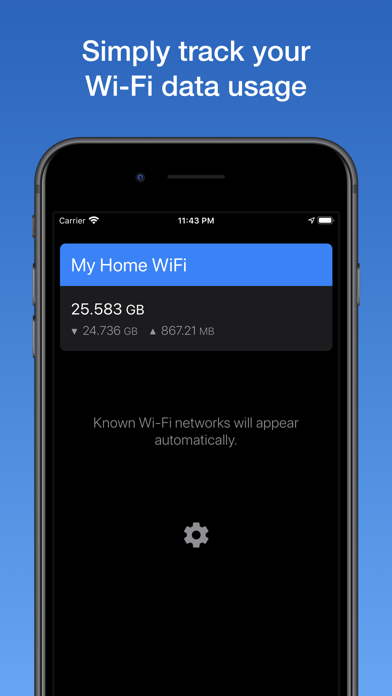
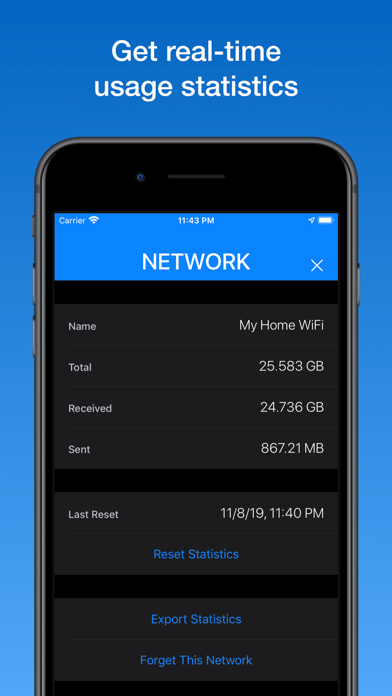
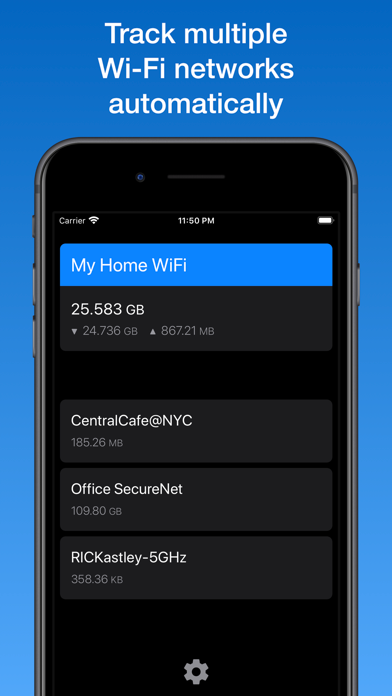
Does what it should, but lacks app tracking Perfect for when you connect to a WiFi router which forwards the data through a mobile 4G Broadband connection (common in cabins and other remote locations). It provides a simple overview over the total you have used for each wifi network. (Should have had a sum total of all wifis too). It sadly lacks an individial tracking of how much wifi each app uses (similar to the mobile data usage in iPhone settings), which would have been very handy. Some apps are very greedy in the background when on WiFi. (I would have paid more for this feature. If it wouldn’t kill the battery on my iPhone.). Versjon: 13.1

WifiMan From DataMan App negative kommentarer og anmeldelser
T Bare tull. Version: 17.2
WifiMan From DataMan Skjermbilder