Simon B. Støvring
Sticky Draw Customer Service

- Sticky Draw Customer Service
- Sticky Draw App Comments & Reviews (2026)
- Sticky Draw iPhone Images
- Sticky Draw iPad Images
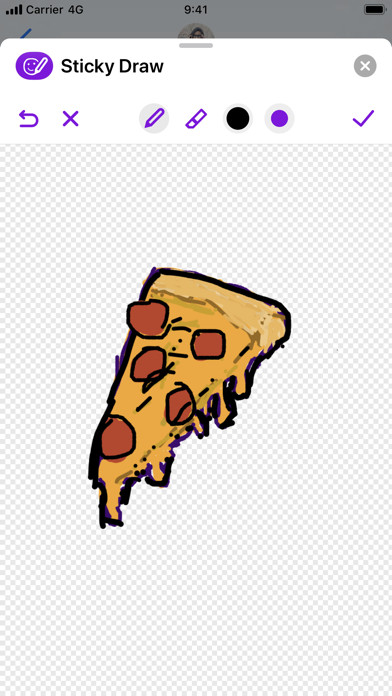
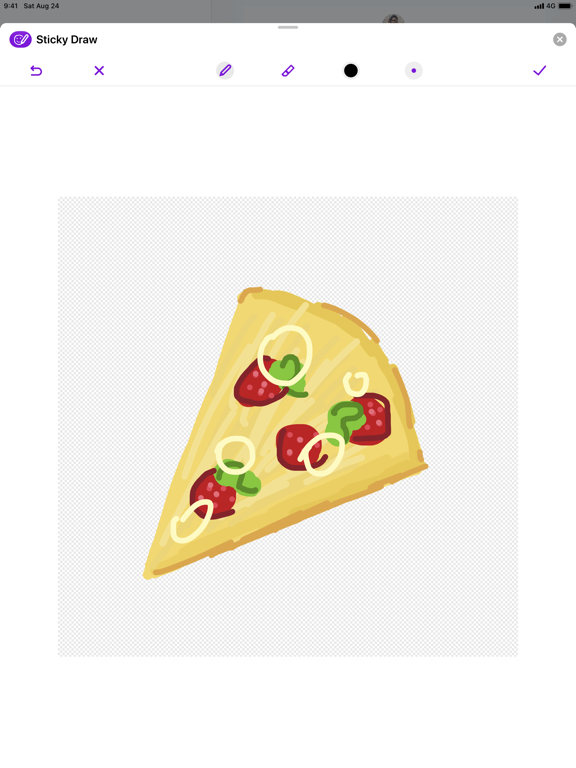
Draw your own stickers and send them to friends and family. Sticky Draw is a fun way to add a personal touch to the message you send to your loved ones.
- Add a personal touch to the messages you send to friends and family.
- Create a catalog of your own stickers and send them at any time.
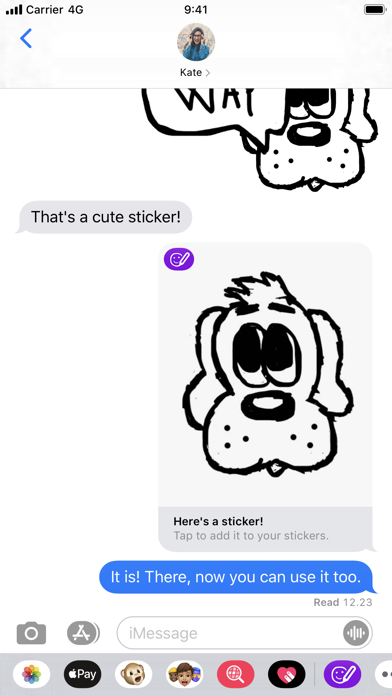
- Share your stickers with friends and family so they can add your sticker to their catalog! And add stickers you receive to your catalog!
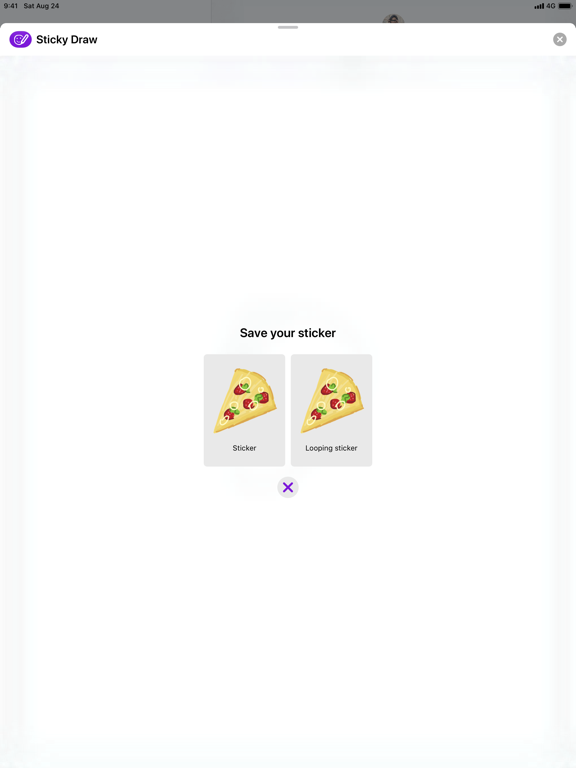
- Send looping stickers that show your drawing come to life.
- With a wide range of brush sizes, adding small details is just as easy as filling large areas.
- Those pesky mistakes? Don’t worry. Just undo!
- Zoom in and out to perfect the small details.
- Use the color picker to find just the right color for your drawing or use one of the 21 carefully picked and delicious colors.
- Double-tap on a second generation Apple Pencil to quickly switch between the pen and eraser tool or show and hide the color palette, depending on your preference.
- When drawing with an Apple Pencil, you can use your finger to erase from the canvas.
- Support for dark mode on iOS 13 and later.
Sticky Draw App Comments & Reviews
Sticky Draw Positive Reviews
Free International Money Transfer 💸Enjoy high maximum transfers into more than 20 currencies while saving up to 90% over local banks! The cheap, fast way to send money abroad. Free transfer up to 500 USD!Version: 1.3