MORAVIA Consulting, Spol. S R.o.
HP Prime Pro Customer Service

- HP Prime Pro Customer Service
- HP Prime Pro App Comments & Reviews (2026)
- HP Prime Pro iPhone Images
- HP Prime Pro iPad Images
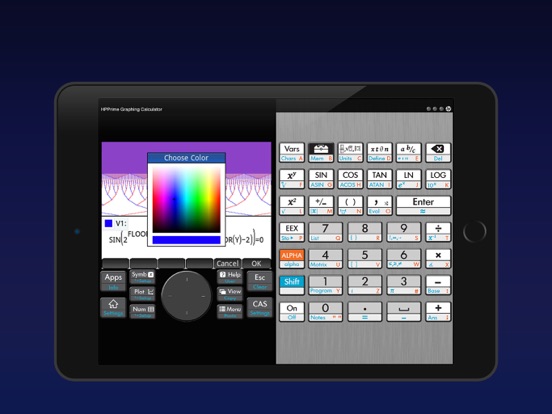
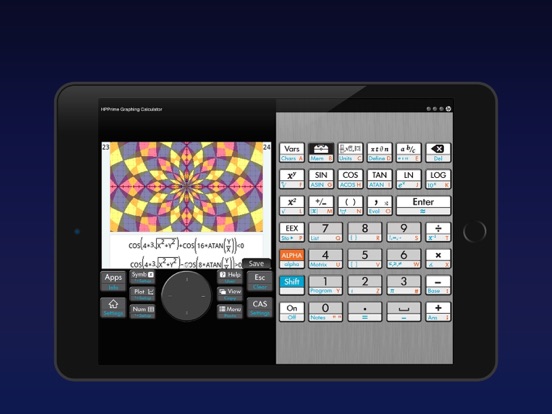
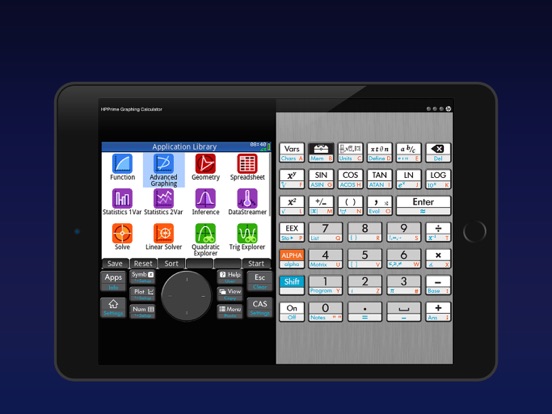
HP Prime Pro is an extensive and integrated graphing calculator app that enables students to solve problems, learn, and explore on their mobile device.
Designed with the same layout and features as the College Board approved HP Prime Graphing Calculator, the app answers the demands of the digital classroom and delivers flexible functionality anywhere you work.
FEATURES:
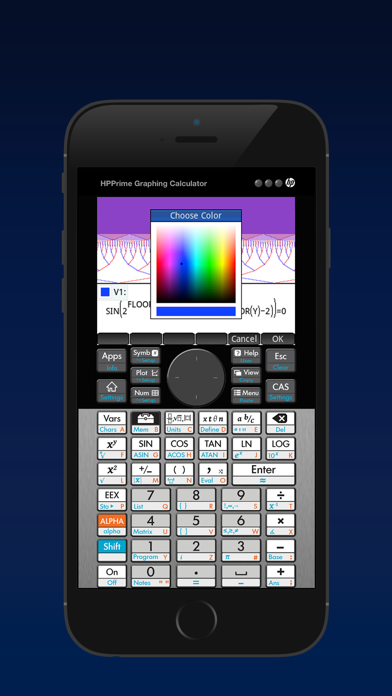
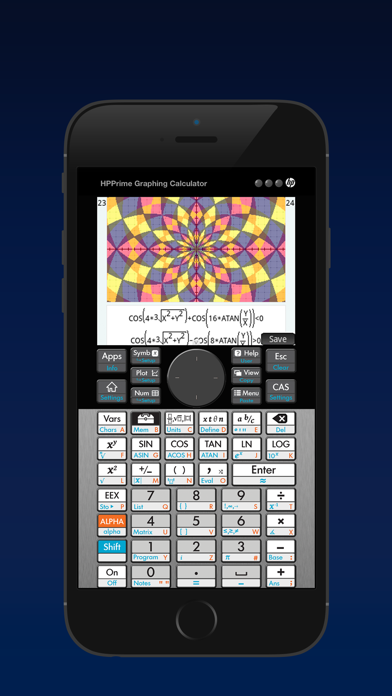
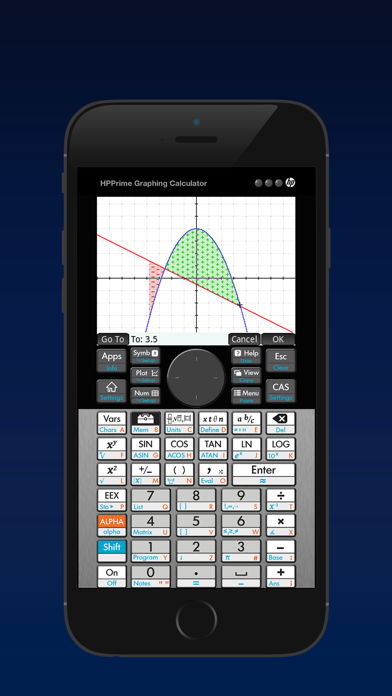
• Advanced graphing capabilities to graph implicit and explicit equations and inequalities, with the capability to trace or build tables of points of interest.
• Use the Graph 3D feature to plot functions that define Z in terms of X and Y
• Units & base conversions to handle the most complex problems in chemistry, physics, quantum mechanics and other engineering fields
• Pinch-to-zoom and multi-touch capabilities for a hands-on, intuitive experience.
• Full featured programming language including user defined functions and re-assignable keys
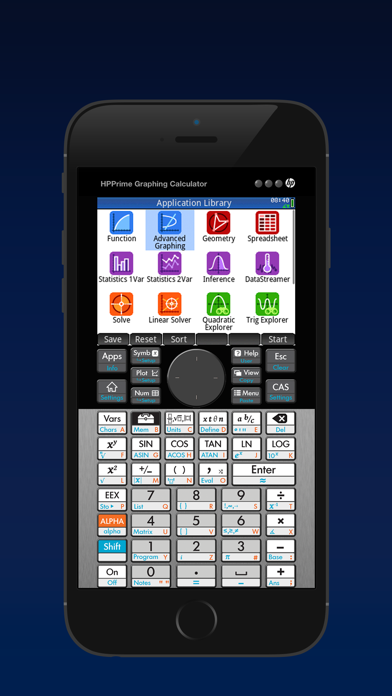
• Perfect companion for secondary and collegiate mathematics courses with dynamic Geometry, Statistics, Finance, and Spreadsheet applications.
• Just-in-time context-sensitive help available through the app.
• Easily toggle decimals to special values of (a/b)*π, (a/b)*√(c/d), ln(a/b), and e^(a/b)
• Solve single equations and systems of equations (linear and nonlinear)..
• HP Prime Explorer allows the user discover several function families
• Calculate bonds, cash flows, dates and more with the Finance feature.
• Reduce keystrokes with optional RPN.
• Delivers a multidimensional Computer Algebra System (CAS).
• Authentic app, developed and supported by HP.
HP Prime Pro App Comments & Reviews
HP Prime Pro Positive Reviews
A total waste of money...I bought an HP Prime when they first came out. It and the virtual on my pc are in sync and not as glitchy as they were when first acquired. Using the connectivity kit i can save and load programs on external media as well as interchange between devices. HP does not support the iPad. I would like to know one thing...how does one get years of programs from a pc into an iPad that doesn't seem to connect to anything useful? I'm using iOS11.4 As for the calculator itself...it's just like the real one. And just as glitchy. update...finally can connect with my pc to transfer programs. Still just as glitchy as ever. But at least now I can save my work..Version: 2.1
Best I have found but a bit buggyI agree with others that there are some bugs and often it takes opening it more than once for it to work. Sometimes the app doesnt respond to touch and makes it more frustrating. I used on a 6s+, 7+ and iPad Pro (9.7 & 10.5) so I assume its not the device. I was looking for an HP that has the Solve function they pioneered yesrs ago (e.g. on the HP-28 and many others). Used to be great and easy to use but as the calculators got more sophisticated (HP-48/49) it became less easy. Its a bit easier here but not great. I suppose I'm looking looking for is long gone and the HP-28S experience is dead. I will keep looking but until then I will use this app..Version: 1.3.2
Great Replica of the CalculatorOver all I love the representation of the calculator, but that makes it rather annoying to attempt to program on the calculator without the external keyboard. That was one of the biggest drawbacks to the actual calculator. If HP would simply use the native keyboard or alternative keyboard it would be more useful. Update: It does appear that HP is leaving the calculator market as they have sold the business to Royal Consumer. It appears that Royal is also not interested in staying in the market and has transferred the application to Moravia. It appears that the demise of the HP calculator is complete..Version: 2.1.14584
Problems on iPhone 7Just starting using this app. The touch gestures are having a real problem on the iPhone 7 but work fine on my iPad mini 2. Key click works great on iPhone 7 but are delayed and erratic on iPad mini 2. Will update after more use. Edit: It seems that the problem with the touch gestures is that this app leaves the standard iPhone title bar on when running which offsets the app graphics down. The app will work fine if you select the "hide title bar" option. This will not remove the iPhone title bar which will appear on top of the app title bar. Not perfect but will work until they fix this bug..Version: 1.3.2
Completly brokenRunning iOS 12.2 on iPad Pro 10.5”. CAS functions I have tried immediate crash the app every time. For example integration or summation. Pretty clear this app was not tested with this version of iOS. Too bad, I like the physical calculator and would like to use the app. Hopefully HP will fix it. Also, oddly, it supports 3 of 4 screen orientations but not the one I use: home button at top — I use this to avoid hitting the home button with my palm while taking notes..Version: 2.1
CAS does indeed crashLiking it overall so far, wish the RPN support were a bit more complete; as with many other reports, I found that at least on iPad the CAS is easy to crash: from Home in RPN mode just key in: ALPHA X ENTER and boom, the app crashes. So far it looks like the prime is one step forward two steps back from the 50g, but the app simulating it has stability problems regardless..Version: 2.1
Awesome function / Adequate form / BuggyGreat programmable cas with rpn... I would give it 5 stars if the app didn’t shrink just to get the hp logo to show at the top of the screen... please fix this hp! UPDATE: App crashes when using CAS solve functions. Very disappointing that the company known for “gold standard” engineering calculators such as the HP 50 g, HP 42s and more, can’t get this right on a paid app! Lowered to 3 stars....Version: 2.1
A very powerful, but finicky appHaving the power of a very full-featured calculator in an app is quite handy. Entry is a bit clumsy and sometimes sluggish. Occasionally the app will crash for no apparent reason, and in that case it reverts to the state of the calculator when you last opened it which discards any of your recent work. I expected more for a $25 app..Version: 2.1
Keys no longer visible!The upgrade caused the calculator's "LCD" to be visible but everything else is a black background. If I randomly press in the black area, a key will be pressed but I can't see what I'm pressing..Version: 1.3.6
Need help with prime proJust downloaded pro version. App is stuck in the language mode, shifting between the various languages. What do I do?????.Version: 2.1.14346
Please update!I just want to easily connect this to my connectivity kit and move over my backup from my actual calculator..Version: 2.1.14584
Brushed aluminum texture needs update.My iPad has 128GB of memory. I don’t think it will matter if HP adds an HD aluminum texture behind the keyboard. It’s the little things....Version: 1.3.7
HP Prime ProHey !!! They fixed the bug that had it crashing for two years. Back to a five star calculator..Version: 2.1.14346
CrashingThis last update crashes when any calculations are done. Then it resets the app. Please fix the pro version..Version: 2.1
Need key clickWould be 5 stars if I could get audible feedback when keys are pressed..Version: 1.3.2
Finally 3D graphing supportSome bugs have finally been resolved and I’m really liking the new 3D graphing app!.Version: 1.4.0
Update to fit new phonesPlease update the app to be optimized for iPhone 11 Pro Max phone..Version: 2.1.14584
IPhone X screen problemThe app doesn’t fit the screen of iPhone X well..Version: 2.1.14346
How do you load . hpprgm files into the app prime pro ?How do you load . hpprgm files into the app prime pro?.Version: 2.1.14346
NEEDS UPDATING FOR MULTITASKING AND A NEW UI SKINNEEDS UPDATING. BADLY. A vertical mode with responsive resizing for iPad Pro multitasking is MISSING. BRING IT UP TO SPEED. Allow for more streamlined UI and connectivity tutorials..Version: 2.1.14584
Crashes in CAS modeWhen can we expect a fix?.Version: 2.1
All CAS functions crash the appDo not buy. Intentionally crippled by HP and they are not fixing it.Version: 2.1
A too faithful emulatorFor better and for worse, this is an extremely faithful emulator. Right from the start, the app/emulator makes a bad first impression by requiring pointless interactions. First, one must "slide to unlock" the virtual HP Prime screen. Next, it asks one to set the calculator clock, as if your iOS device wasn't already keeping track of time for you. This faithfulness, quirks and all, might seem like a selling point to a fan of HP's graphing calculators. As such a fan, I found myself frustrated. The biggest problem is that the virtual buttons are small or way too small for a iPhone screen. You'll find yourself slowing down considerably to ensure that the correct button is pressed. Another frustration is that the user interface stubbornly follows the design of the real calculator and therefore one must press the virtual buttons to accomplish tasks that would feel more natural as on-screen touch gestures. For example, one often needs to press the virtual D-pad and the virtual enter key to navigate the on-screen elements instead of just touching the elements directly. In the end, I'm not sure who the target audience for this app is. If you need a graphing calculator on a daily or weekly basis, then just buy the real thing. It'll be much easier to use. If all you want is an occasional RPN calculator on your iPhone, then there are plenty of good ones on the App Store that don't have tiny buttons. If you only occasionally need a graphing calculator and you want the depth and familiarity of HP's design, then maybe the quirks are worth it..Version: 1.3.2
Product Improvement14Oct17 Very Happy HP - Keep up the great work nice to see u still value your calculators. Note to HP Marketing - if you want to sell more Primes you need to get these high school teachers onboard with your product. They are all teaching TI’s. High school teacher education program and discount for the teachers may go a long way. I’m an engineer, not teacher so no conflict of interest here. Review Both sons now using HP Prime Calculator in high school (iphone version as backup). Im using to iphone version to help teach them and for work. I have one product improvement recommendation for the iphone version. Can you add an independant “click volume control” to the calculator app. The one thing i don’t like about the touch screen is the lack of feedback without physical keys. The screen “click” works really well but i have to raise the ringer volume to max to hear it. Inevitably I forget to lower the volume after using the calculator and my phone goes off in a meeting and i have to scramble to adjust the volume control or it is way too loud when I answer a call. Hey Apple...product improvement for you, a more mutifunctional volume control center would help other apps as well. Different volume control levels for ringer, voice, alarms, etc. would be a big improvement. May want to consider app level control as mentioned above. Thx *************** Old Review Below- bugs below havebeen fixed. Iphone 6 Plus IOS 10.2 30 year HP15C Fan Luv RPN Purchased Prime calculator for 15 yr old son and App for myself so i could help my son learn RPN and the calculator. Having the following issues but not all the time: 1). Tap on icon and app opens in background. Have to scroll thru open apps to find calculator. 2). Changes to the HOME SETTINGS do not hold after shutting down the App and restarting. Changed NUMBER FORMAT to FIXED-4 and reverts to STANDARD-8. Change ENTRY to RPN and it reverts to TEXTBOOK. Same thing for FONT SIZE. Does not do it every time. Have not been able to correlate with changes to shutdown sequence associated with closing App, clearing hostory or full power down of phone. Appears random in nature. Older ipad running IOS 9.3.5 does not exhibit same issue so far. Confident HP will fix issue. Happy so far with Prime and layout of calculator. Fix these issues and would consider giving 5-star. NOTE: Review made with just a few days of use..Version: 1.3.7
Some functions don't workI have the actual calculator and the app cannot run all the functions, for example DDAYS down not work in RPN but it works on my calculator..Version: 1.3.1
Great first releaseI purchased a Prime and then noticed this app which was released on Dec 15 and purchased it while waiting for mine to arrive. I have a 6S Plus on which it is easy to use. It works quite well at matching the calculator's functionality - especially for a first release. Since my phone is always around this app will be a nice addition to the fantastic i41CX+ that I've used almost daily for the last two years. Great work all around HP!.Version: 1.0
ROM Update?Are we ever going to get the lastest ROM update?.Version: 1.1
Great calculatorThe calculator works as it should and I haven’t had any issues so far. The app however scales its gui to fill the screen and it doesn’t look sharp. I would give it 5 stars if they improved this.The app is great..Version: 2.1.14584
Please update to latest version and add system keyboard supportI’m using a real HP Prime and this iOS version is more convenient and durable (the keys on my real calculator is kind of broken after 3 years). My real calculator is a G2 hardware version. Somehow it can’t properly plot Y=X^(1/3) in Advanced Graphing (X<0 is somehow not defined), but this iOS emulator and PC/Mac emulator are both correct with the domain. This is an emulator, but it’s kind of over emulated. Why not add system 26 keys keyboard support? It will be a lot easier to type in commands. Besides, I’m writing this review in 2024. The latest firmware version is released on 04.13.2023, but in the emulator it’s only 05.05.2021 version. Other than these it’s still a good emulator. It solves some integrals like ∫(1/(x^3-1),x,0,∞) that Texas Instruments and even Mathematica couldn’t..Version: 2.1.14584
Accurate replication of HP PrimeHP Prime is the best calculator out there and runs circles around anything from TI if you know how to use it. This updates reflects the 5/5/2021 firmware update of the real calculator. This app faithfully replicates the calculator’s functionality. The only missing feature is the ability to synchronize programs with the real calculator or the pc emulator that is probably related to iOS sandboxing restrictions..Version: 2.1.14584
Still works on iOSThe Hp Prime Pro is still functional!.Version: 2.1.14584
Almost great! Bug in arg() in CASIn CAS, regardless of angle settings, arg() returns randomly the answer in rads or in dregs. Example: arg(3+4i) retorna radians, but arg(-1) returns degrees..Version: 2.1.14346
Nice to have the app working againGreat app, when it works.Version: 2.1.14346
Update fixed cas issueIt works fine in cas mode with the update..Version: 2.1.14346
Free International Money Transfer 💸Enjoy high maximum transfers into more than 20 currencies while saving up to 90% over local banks! The cheap, fast way to send money abroad. Free transfer up to 500 USD!Version: 2.1.14584
What do you think HP Prime Pro ios app? Can you share your thoughts and app experiences with other peoples?
Please wait! Facebook comments loading...