Happy Moose Apps
Learn SwiftUI Customer Service

- Learn SwiftUI Customer Service
- Learn SwiftUI App Comments & Reviews (2026)
- Learn SwiftUI iPhone Images
- Learn SwiftUI iPad Images
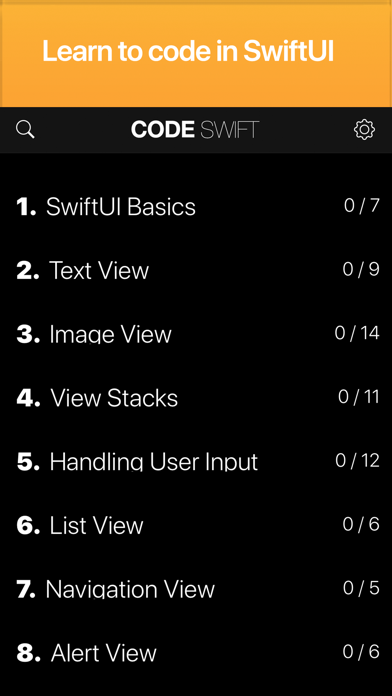
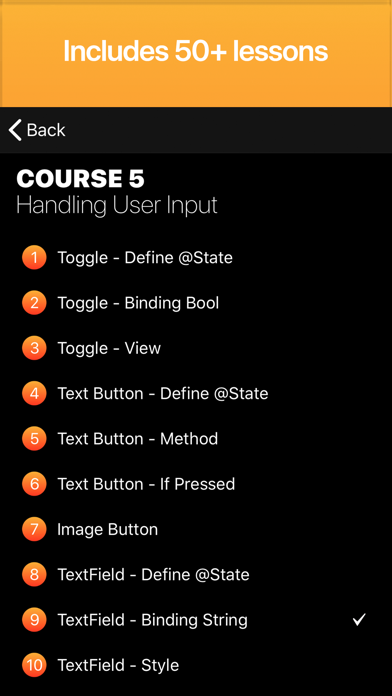
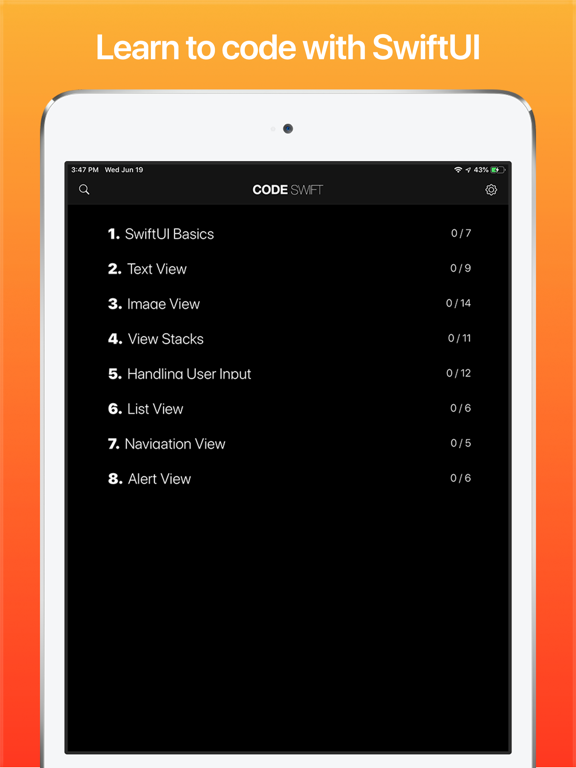
Easily learn how to code with SwiftUI directly on your iPhone or iPad! Includes over 50+ fun and fully interactive mini lessons and tutorials.
WHY USE CODE SWIFT?
Want to be a better writer? Write more!
Want to be a better coder? Code more!
Want to be great in SwiftUI? Write more code with SwsiftUI!
Code Swift offers you 6 SwiftUI courses with bite-sized lessons where you have to write your own Swift code using the SwiftUI framework! You will be amazed how fast you can learn to SwiftUI! Code Swift starts with the basics of SwiftUI and assumes you have no prior experience. Code Swift is also a great resource for intermediate to advanced users because it makes it super quick and easy to instantly search for and review tutorials and code snippets for a huge variety of SwiftUI topics.
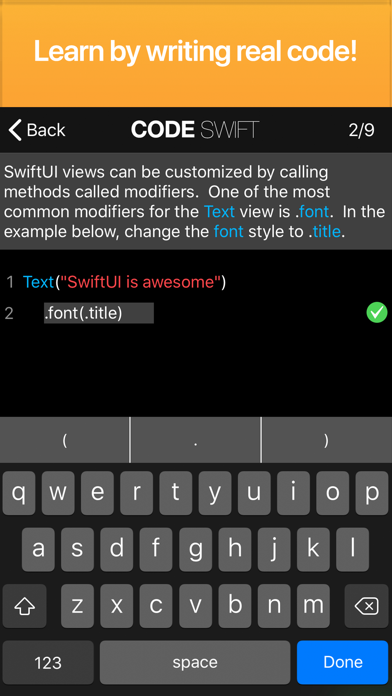
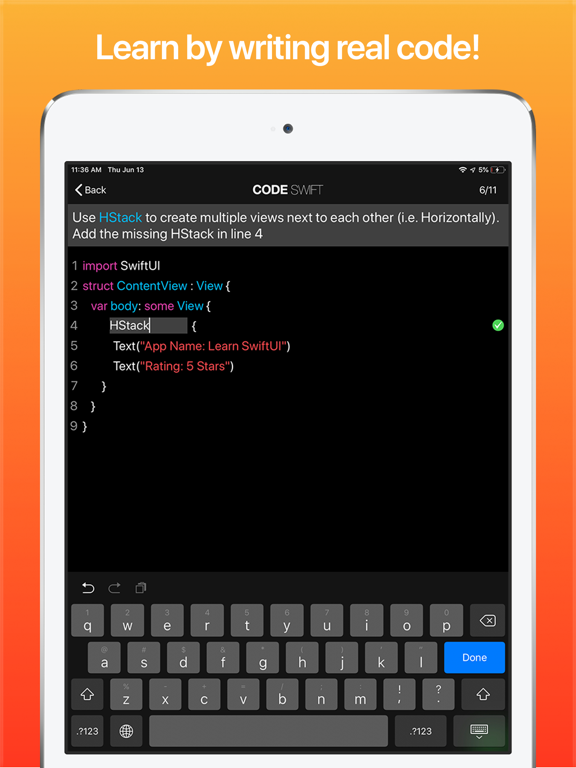
Code Swift offers a totally unique experience by challenging you to write your own code from start to finish. There really is no faster and more enjoyable way to learn than writing your own code. Our real-time code checker instantly offers valuable tips and suggestions the moment you make a mistake. It is like having your own personal swift instructor sitting next to you to help you along and accelerate your learning and make sure that you won’t get frustrated, stuck, and give up.
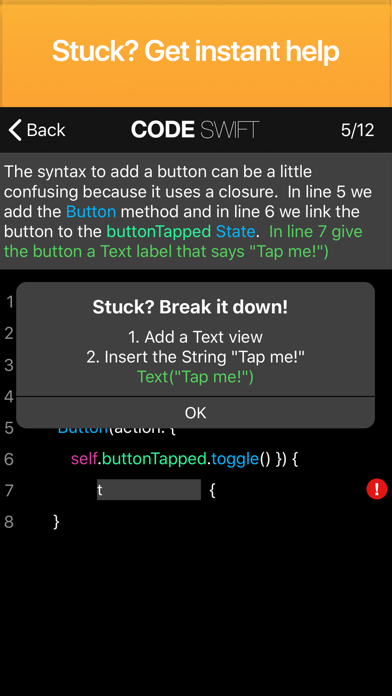
Afraid of getting stuck? Don't be! As soon as you make a mistake, you see a red exclamation mark. Just press on it to get step by step guidance and help so you are never stuck and never alone! Once you get more comfortable, you can also turn the real-time code checker off (this is great while working through the course a second time to make sure you truly know how to code).
Need more help?
Code Swift also acts as a SwiftUI Guide in your pocket. Have a question or need a quick refersher on a specific topic? Just use our powerful search feature to instantly find great examples and code snippets with detailed explanations.
SwiftUI Courses:
1. SwiftUI Basics
2. Text View
3. Image View
4. View Stacks
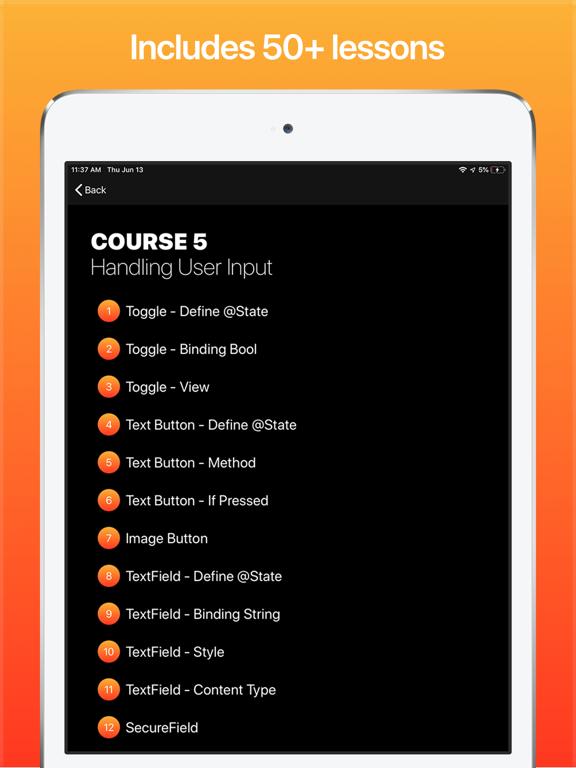
5. Handling User Input
6. List View
7. Navigation View
8. Alert Views (in development)
9. Navigation (in development)
10. Transforming Views (in development)
11. Animation (in development)
The first course is completely free. All other courses can be unlocked with a single in-app-purchase or a bulk purchase to unlock all content for a greatly reduced price. Once purchased, you will instantly qualify for all future additions and updates including future courses.
We are just getting started and plan on adding hundreds of lessons over the coming weeks and months. If you enjoy this app and are looking forward to new lessons, please take the time to rate this app. If you have any questions or feedback, please email us at support at happymooseapps.com
Learn SwiftUI App Comments & Reviews
Learn SwiftUI Positive Reviews
SimpleSo far I’ve learned a little. I would however like more explanation in the form of showing us while explaining what your doing and why that’s the best practice..Version: 1.2
Why three stars?I was asked for feed back in approximately 5?minutes. I've never coded, don't know if I ever will. Finding a beginning has been unsuccessful and I don't know if this app is going to be just another lead to a dead end. I hope it's not. So three stars for hope. It could be false hope. I don't anticipate much from an app that asks for a review in like five minutes. I'd say try it. No harm can from trying. What expectations do I have? I'd expect to learn a structure that is applicable whether easy or difficult. Applicable structure that I can build on. A clear precise path is a must in an obscure realm of vast knowledge. I definitely will re-review and upgrade the stars if there is clarity and structure, that is applicable for myself and others and also downgrade if this there is not! Good luck to those who can relate!.Version: 1.3
It’s pulled my attentionI’m a beginner in coding w/ advanced IT skills. The most challenging aspect of learning is finding productive and time efficient tactics and methods to commence a streamlined learning environment. Even more challenging, is maintaining, improving and updating those tactics and methods, while continuing personal daily functions. SwiftUI is very satisfactory. I have implemented this app as a tool to establish a starting point to in my learning environment. So far, it’s pulled my attention. Thank you, Devs, for your efforts..Version: 1.3
AmazingReally good app for getting down the basics of the Apple’s latest framework. Honestly, I expected a much worse experience learning mobile development on a mobile device lol. But now whenever I have a free minute, instead of spending that time on Twitter, I just go and sharpen my skills right on the iPhone. Well done developers!.Version: 1.3
Pretty GoodHard to do on the phone effectively so pretty good overall. There are a bunch of misspellings and incorrect camel case words and use of the . In modifiers. Please review and fix these. It also needs a submit button before it evaluates. You can edit and get the correct answer but it will not recognize it until to type the last correct symbol..Version: 1.3
Really helpful when learning SwuiftUII’ve just started using Learn SwiftUI and it’s really easy to understand and really helpful when learning SwiftUI. (And definitely a lot easier than reading the 1,000 page guide Apple has xD).Version: 1.2
Just startedSo it was a little confusing and complicated at first but as you start realizing it’s simple and began to memorize the codes it starts to make sense..Version: 1.2
I like itOne issue is that on some questions the keyboard hides the app.Version: 1.2
Doesn’t work with iPhone 13 miniLooks interesting but unfortunately many apps don’t support the smaller screen size. :(.Version: 1.3
Colorful and EasyThis process of learning a new language is very intriguing and innovative..Version: 1.3
Idk what’s going onI want to use the app so bad to continue my SwiftUI learning journey but every time I try to open it I just get a black screen idky!! Help plz.Version: 1.3
EasySo far the lessons are detailed and easy to catch on to..Version: 1.2
Solidify the EssentialsIt’s a great app that focuses on the essential SwiftUI knowledge. A great place to start. I’ve love using it to grow my confidence with SwiftUI..Version: 1.3
Feel like kid again!Can’t put it down! I’ a Happy Moose!.Version: 1.2
So far seems helpfulIn this iPhone display I can’t see what I’m writing. Easy to make syntax errors.Version: 1.3
Like itI like it a lot.Version: 1.2
Easy to graspFree and no ads! Perfect for developing coding skills..Version: 1.3
Super helpful and convenient for learning SwiftUITitle says it all.Version: 1.3
Needs update and proofreadingIt crashes every now and then and There are spelling errors in some of the directions they written. It would also be helpful if you would show a visual example after we write the code. It’s an okay app, not worth $2…$1 is what it’s worth. And swift and SwiftUI has been updated since the last time you updated the app..Version: 1.3
GreatAwesome !.Version: 1.3
Woohoo! 😁Cool! It learns!.Version: 1.3
Learn SwiftUIIt’s a really decent app if u want to learn how to code its super easy step by step by far the best one for iOS.Version: 1.3
Very HelpfulIn general, these are excellent for both learning and review. Occasionally, even rarely there is a typo in the explanations, but this is an extremely minor complaint. It would be really cool if each finished chapter would then export to a Swift playground or even a word doc. Much of this is useful code snippets that can easily be reworked into larger apps. Not having to retype them all would be a useful value add. The authors should continue to produce more of this content..Version: 1.3
Nice Simplicity AppAs a first time learner for SwiftUI coming from UIKit, this is a nice simple app to help get the basics down. Even though my learning of SwiftUI is coming from another source with a more in-depth look, I found this app a nice quick refresher on the simple use of the code and its dot syntax. Although I would like to see more for this app. The developer talks about @State and it would be nice to go more into this with @Binding, @Enviroment and @ObserveableObject. Otherwise, its a nice simple app for beginners like myself..Version: 1.3
Free International Money Transfer 💸Enjoy high maximum transfers into more than 20 currencies while saving up to 90% over local banks! The cheap, fast way to send money abroad. Free transfer up to 500 USD!Version: 1.3
What do you think Learn SwiftUI ios app? Can you share your thoughts and app experiences with other peoples?
Please wait! Facebook comments loading...