Fitness Labs
Art Word: Add Text To Photos Customer Service

- Art Word: Add Text to Photos Customer Service
- Art Word: Add Text to Photos App Comments & Reviews (2026)
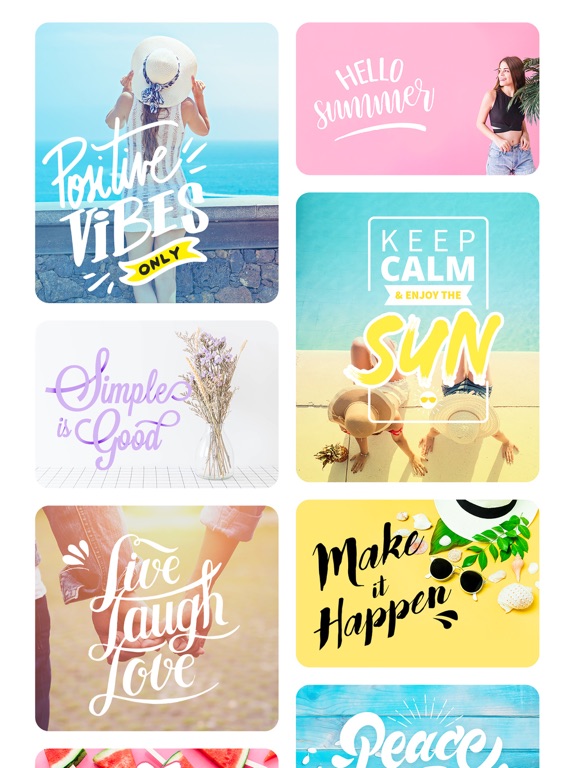
- Art Word: Add Text to Photos iPhone Images
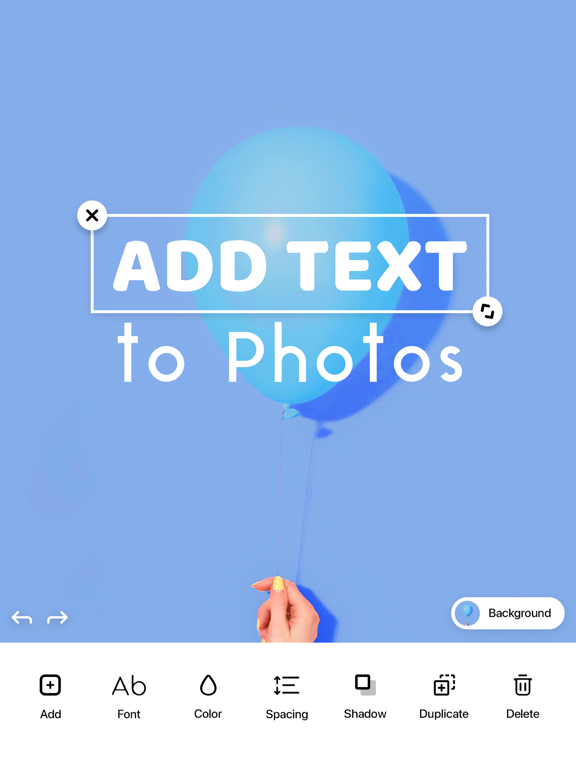
- Art Word: Add Text to Photos iPad Images
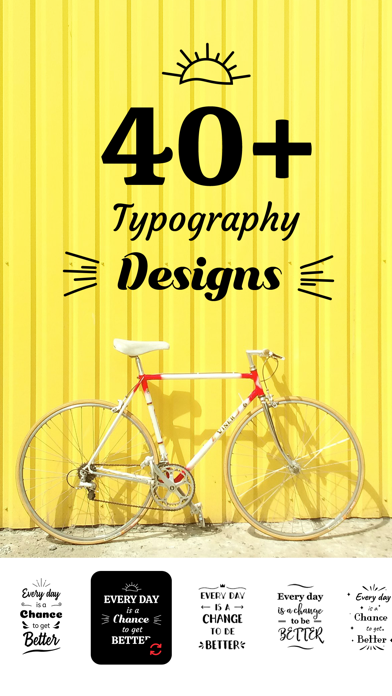
ArtWord is the best app for designers and artistic people to transform their pictures into digital art!
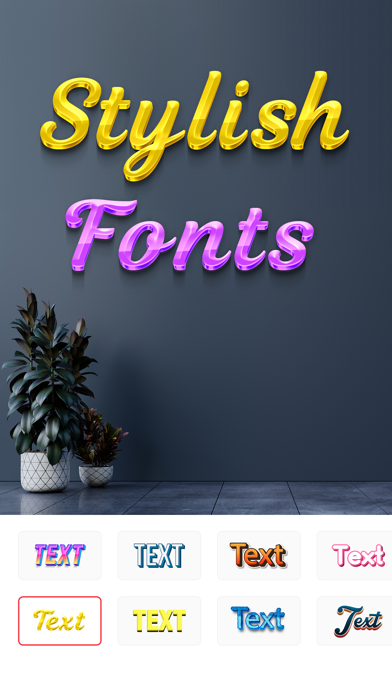
Be creative and inspire others with your unique ideas! Create funny memes, motivational pictures, greetings, and birthday cards or just decorate your own images with our collection of stamps, photo effects, and text fonts.
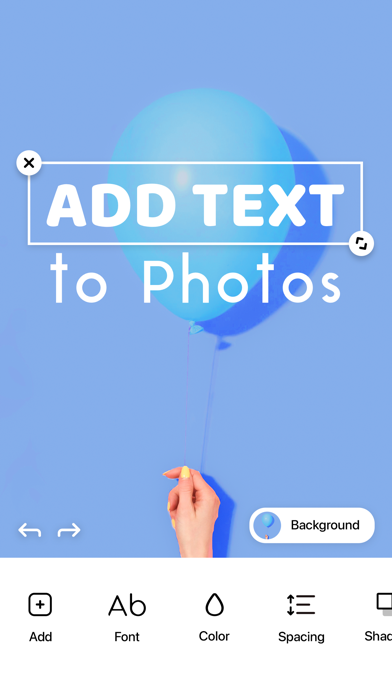
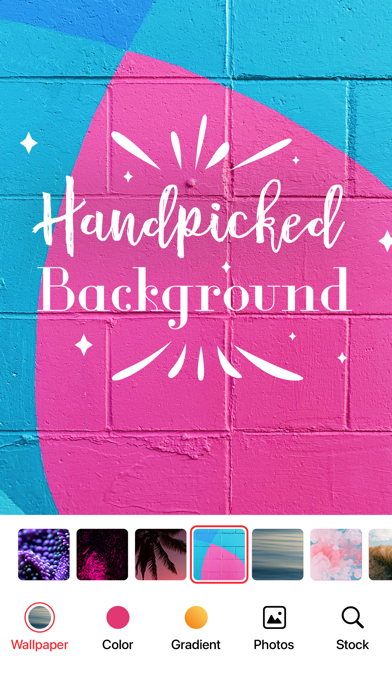
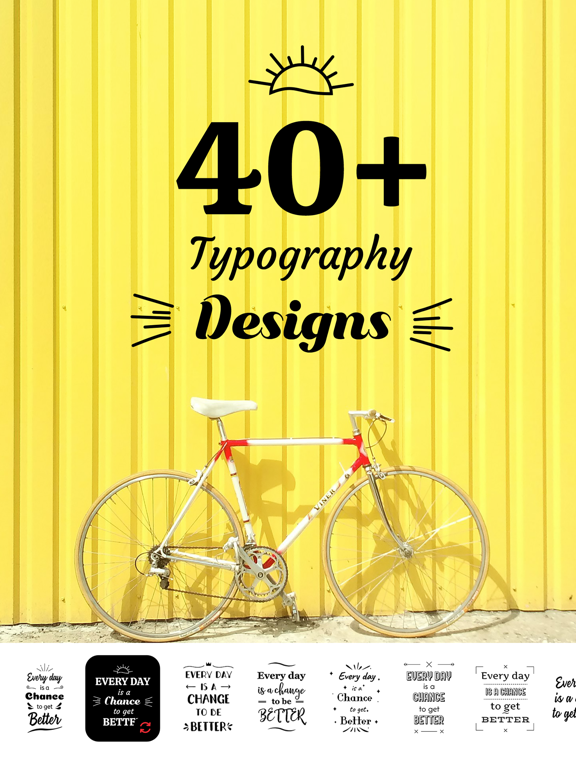
Easy to use app with an intuitive interface. Just select a typography and type a meaningful or funny text with a font of your choosing on preferred background. You can use your camera to make new pictures or use existing pics from the gallery or wallpapers included in the app.
Choose colors, adjust brightness, contrast, saturation, blur and use other desired photo effects and filters. Improve your picture with stamps selected by our designers: ribbons, banners, photo decorations and various frames.
Share your creation with your friends on Facebook, Twitter, Instagram or save in the gallery to send it through Email, iMessage.
ArtWord lets you use your imagination and create amazing artwork.
We currently offer one auto-renewing subscription option: Artword Pro for $29.99/year
By subscribing you get unlimited file conversions.Payment will be charged to iTunes Account at confirmation of purchase. Your subscription will automatically renews unless auto-renew is turned off at least 24-hours before the end of the current period. Your account will be charged for renewal within 24-hours prior to the end of the current period. Subscriptions may be managed and auto-renewal may be turned off by going to the Account Settings after purchase. No cancellation of the current subscription is allowed during active subscription period.
Any unused portion of a free trial period, if offered, will be forfeited when the user purchases a subscription to that publication, where applicable
For the Terms of service and privacy policy, please check:
http://braincake.net/artword_privacy.html
http://braincake.net/artword_terms.html
Art Word: Add Text to Photos App Comments & Reviews
Art Word: Add Text to Photos Positive Reviews
Help!I have used this app for free for years, so I bought the subscription this year, and today the app will not allow me to paste any words onto the downloaded background pictures. This has never happened before. Now I have to do them on my iPad photos. When I double tap in the ArtWord app, it jumps to the top of the screen and will not say paste, so I cannot use the app. I sent 2 messages today, and haven’t heard back. Please fix this problem…I love this app and prefer to keep it. Follow-up……..I figured out the problem! Somehow my keyboard had gotten out of the dock setting and was floating, preventing the “Paste” function to work. Once I corrected that on my iPad, I downloaded the Art Word app again to test it, and sure enough, it’s working fine!.Version: 1.7.3
Great! Some issues though.This app is amazing! It works so good and is very effective. The only reason I didn’t give five stars is because sometimes it is extremely irritating and annoying. I make a lot of collages with this app and it works out great! But I will try to add one photo and resize it to better fit the space, and it will refuse to move or become bigger or smaller and randomly disappear. It will do this several more times before I finally get it right. Sometimes the template doesn’t save to my photos correctly. For example, I did an album cover collage and Evermore by Taylor Swift was in the top left corner in the template I was working on, but when I saved the photo Evermore was either not there or in the completely wrong place. Maybe it’s me trying to put too much onto one template, but I had to bring this to your attention. Otherwise this app is just amazing! I will continue to use it for a very long time and hope to see updates and bug fixes in the future..Version: 1.6.6
The ABSOLUTE BEST!!!OMG — This one’s a 10! I just downloaded this app and I’m in loooooove! So instinctual and easy to use — and the fonts are BEAUTIFUL, and created for adults, not unicorn-sparkled children — how refreshing! I’ve already created and posted cards, a bulletin, and a poster, and I’m reining myself in or I’d keep on going but there ARE other tasks on my To-Do list that need to be done today, otherwise I’d keep creating! Do yourself a favor, especially if you need access to create beautiful things for presenting at work, or you’re an artist who just lives to make life more beautiful! Great job, devs!!😊🙏🏼💕.Version: 1.4.3
Actually works!!!Tried a few of these to put text on photos, without using my computer and Photoshop. They’ve all been pure trash; pay and you can save, pay to use a font that can be read, some simply did not work at all (on iPhone Xs Max). This not only works properly, it works GREAT and with great options instead of just skinny, lame, hardly readable text..Version: 1.4.7
Free is good...I like that this app is free because there are so many similar apps that have most of their options hidden behind a paywall. However, there is no landscape mode, which is kind of obnoxious, and there are also really not a ton of fonts options. Again, I’m grateful it’s free, but the non-free options have so many font choices that they outnumber the number of choices in this app. Hope that makes sense. There were some slight UI bugs, like when I tried to horizontally stretch the text box, it would only stretch one letter at a time, and then I’d have to let go and stretch again. I hope the developers will continue to improve this app! And if they want a paywall, they’ll do it pretty tastefully..Version: 1.2.1
Use to be freeI’ve loved this app and have been using it for years, but I was disappointed to find that it now requires a $30 annual fee to access features that were previously free. There was no prior notice about this change, which made the experience frustrating. It would be helpful if the developers could clearly communicate pricing updates in advance. This app came highly recommended by a coworker, and we’ve since shared it with many others—only to now discover that it’s no longer free. I hope the developers reconsider offering a free version or at least provide better transparency regarding pricing changes..Version: 1.7.2
Straightening is fully manual and hardFirst off, it's not a game. Some reviewers have called it a game which is bizarre since it's a tool for adding text to photos. If you download this expecting gameplay you'll be disappointed. The basics are straight-forward but woe be unto you who wiggles one end of a word higher or lower than the other. Maybe it's easier on an iPad than a phone but I placed one word, came to review and will be moving on to finish my edit with another text-on-photo app. I'm not whining but it was just too annoying. Although the demos don't look like it, there are very few fonts available..Version: 1.1.5
Nice easy textSince retirement I’ve lost all the many graphic tools I had for work and since my artistic efforts are few and far between I don’t want to spend the money for Photoshop tools. I needed a nice graphic to make coffee mugs for a fundraiser so…..I managed to import my own background and add text with very little practice. I wish the text had more options such as letters in arc shape but there are still many choices for color and style..Version: 1.4.9
WhaaaaaI really love this app and I’ve been using it for months…. actually a year and loved it because it was not only efficient but free but…. I was kind of hoping for like because I was using it since beginning I would be one of the ones to keep it free lol kind of bummed that I have to subscribe in order to get the full use of the app now 😅 not gonna lie.Version: 1.7.2
I need lifetime purchase (membership) optionI used this application before without any paywall issues and didn’t bother to buy it (honestly). But now it looks like I can’t use those features/tools that I used before without having to pay/subscribe. Please, lifetime purchase (lifetime subscription) option needed. With Kindest Regards-BR.Version: 1.7.3
5/5 Recomend!This is so amazing! There are alot of apps for photo editing, but they ahve updating and changing, but this one is so easy to use, so many templates, and for free!?!? YEAH! Super lit! I neded to make a quick invitation for an event and this app did it so easy so fast and so beautiful! Just pit the words, choose from so many templates, and boom! 5/5 recommend!!.Version: 1.4.4
High Quality and EfficientI wanted an app that delivered high quality fonts so I can design pictures with texts. Well, this app is perfect for that! I love the variety of fonts and the ease of application. Best of all, this app is free with no gimmicks or underlying fees. I highly recommend this if you love to design photos and create that special picture!.Version: 1.2.1
Looks good so farI just got this app and have only tested it on one photo so far. I like the styles of the letters and color selections so far. Still trying to learn how to place text where I want it. I’ll update the review after I’ve learned how to use it better..Version: 1.5.3
First timerIt is only my very first time using this app, but it was very easy to navigate and create what I wanted. I absolutely love the font choices and the color spectrum, there is so much more I haven’t explored yet so will check back with my second timer review!.Version: 1.3.9
App Stopped Working Entirely!App is not linking straight out of Photos, and it crashes immediately when moving text after workaround from initial step. Loved app prior to 18.3.1. Have tried all the usual tricks to flush the system to no avail. Please advise. I use this app practically every day..Version: 1.6.9
AwesomeI use this App to make notices for a nonprofit organization. It has taken a few tries to figure everything out but is very easy to navigate once you do. I prefer clip art type backgrounds so I just download them to my photos to use..Version: 1.4.8
Txt on photoOne of my favorite apps. Easy to use. No annoying ads. Use it for creating fun birthday memes , highlighting spots in photos and much more. Had this app for at least 1 year with no problems. Would 100% recommend.Version: 1.4.0
Easy, simple and everything you need!If you are looking for a very basic and user-friendly text-over-photo app, look no further. This is it!.Version: 1.5.3
Excellent Text Editor!We do community service picking up feral cats to trap, neuter and release (TNR). We feed them too. This text editor is easy to use, has nice fancy features which I use on kitten pictures to advertise them for adoption to loving families..Version: 1.5.2
SizingIn the section to adjust the spacing of the text, the top slider does not work. I can only assume this was meant to adjust the height of the text. Otherwise there is no way to adjust the size of the text making this app useless in a lot of cases. If, I am missing something, please tell me. I will upgrade my review if I am wrong..Version: 1.5.5
Wonderful for making thumbnailsI really like this app. It’s also great for making a thumbnail for a video! I am a Gacha life and Toca life player, and when I am going to make videos, it’s always great to used this app. Sorry for my spelling errors I am not really English..Version: 1.1.8
Love it!I’ve been looking for a template/picture editor that is straight forward and user friendly !! This one definitely checks off all my boxes!.Version: 1.6.3
How to delete the images uploaded?Wondering how to delete the images, I tried deleting the projects, but the images are still there..Version: 1.3.0
Amazing Free to use app!!I downloaded another app and it wanted me to pay to use it!! I got so mad but this app came to the rescue I need these pics with words for my small business page on Facebook.Version: 1.2.3
Perfect!!Love this! Exactly what I need. I appreciate the ease factor and I can complete my task quickly, efficiently, and don’t have to deal with so many choices were it becomes way too overwhelming! I will certainly share this with my friends!.Version: 1.1.1
Finally! Easy to use!I’ve tried numerous apps to add text to my pics - wanted SIMPLE, but classy looking, with options - and NO annoying ads! LOVE this one! I have not had to spend wasted time revising because it’s EASY TO USE. Thank you!!!!.Version: 1.2.1
IshThese received are partially correct. Yes it is true it's hard to get the text to get smaller but I suggest instead of making one long text make multiple so you don't have to keep scrolling down. Just be patient with it because the app does not work the best but if u write very little it is pretty easy to put down some words..Version: 1.0.9
Love itVery convenient and easy to use plus its free cant complain at all and you can get creative with what they have and change it up add your own spice to the poster.Version: 1.6.6
Great appOnly used a small set of features to add text to a Lock Screen wallpaper. But it worked perfectly and was quite easy. Very well done..Version: 1.5.1
Just what I’ve been looking for!This is a great app. There are various ways you can design, Andi love the templates, which provides more and more design options the deeper you go. Awesome!.Version: 1.6.6
DisappointedI have use this beautiful app and share many many posters and Family to encourage them and strengthen them now you have changed it to something that I have used free for a long time you have hired a work That reaches people I’m so sad..Version: 1.7.2
Simple & EasyThis is a very simple and easy way to add text to your pictures. No talent is needed. The best part about this app is that it is FREE! Better than the other apps where you have to pay..Version: 1.2.1
What I’ve been looking for!This app is easy to work with and has lots of options for photos and text..Version: 1.6.6
So much fun!! Going to be making tons of signsThis app is amazing with the options and details offered! Download it and you will want to make tons of signs.Version: 1.4.8
Some potential! butJust exploring your app and it looks very good but being able to SCALE the fonts would make a big difference and not having to use Facebook to ask my questions would be most welcome..Version: 1.6.6
Part of the text disappearsPart of the text disappears when you change The font.Version: 1.2.1
Pure AwesomenessThis app is amazing!!! But it now it is so perfect, you don’t have to pay to use stuff either!!! Thank you so much for making this app!.Version: 1.6.0
Luv my name on my pic💛Excited to be able to put my name on some of my photos I share with others and groups on Face Book and Insta! Awesome App! Thank you!!.Version: 1.6.8
Easy & goodSurfed for a text on photo app & tired of committing to an app that you have to pay for before using (even for a trial period). This surprised me with its capabilities!!.Version: 1.2.6
Love itThis game is what I have been looking for. I am not allowed to have Snapchat and I have been trying to find an app that is like it, well like it enough for me! Thank you for making it 😅.Version: 1.1.5
Love itUsing first time I downloaded so many apps before which are not free and this app has so many great options am loving it:).Version: 1.6.8
This is so cool 😎I am only in 3rd grade and I can make so much cool things with our using money it is so so cool and I just had an app where I would have to pay money so I hope you like this game to🥳.Version: 1.2.2
Thank youJust like, thank you.. ya know? 🤗 this is exactly what I needed, and it’s free 🤯 Free apps are so uncommon these days, but this unicorn is extremely functional! You are awesome and I love you.Version: 1.5.3
Bug?Whenever I go into the stock photos I scroll down and it starts flickering and colors show up instead of the photos? Is this a bug?.Version: 1.5.1
Thank you!For this app! I wish that there is a way to add solid color behind text. Or if there is, that there was a easy way to see it to use?.Version: 1.6.8
Typing problemWhen I write in Parisian , my writing appears out of order, please pay attention to this problem. thanks.Version: 1.6.7
Love thisLove it.Version: 1.6.8
Very coolIt has lots of background Color’s and texts you can add it is also great for making someone a “love you or hope you feel better message”.Version: 1.6.6
Fantastic appThis is my go to app for writing on photos. Great great app.Version: 1.6.4
This is not a reviewBut more of a bug I keep noticing. I am trying to add text to my photos but the colour and style of the font keeps reverting back to the default black for example, I’m trying to make the font a pink colour but every time I save it I see it has saved black instead of the pink that I selected. Can you please fix this? 🥺.Version: 1.6.4
MemoryGreat app and very helpful!.Version: 1.5.3
EXCELLENTRECOMMEND. Easy interface; I happily uploaded my own list of fonts, not trouble. Manipulating text, background, shadows and so much more is quick and simple. Easily be my new go to and fav text/typography app. ENJOY.Version: 1.5.2
Beautiful appI downloaded this app for free and using it and is very useful..Version: 1.5.1
This app made me happyThis app made me happy at the of the year to greet people a happy new year.Version: 1.4.9
ReveiwI wanted to make a review because I was looking for the perfect app to download to try to make beautiful pictures and this app gave me what I wanted. Thank you.Version: 1.4.9
Very usefulUseful serviceable like it lots.Version: 1.4.3
BeğendimCidden güzel ve ücretsiz diğer tüm programların aksine.Version: 1.4.1
Amazing!I love working with this app! Simple to use but professional..Version: 1.2.3
AWSOMEI Just Got in the game and I know this will be good it helps me make my Wattpad Stories Too If I Rated This I Would Give it a 10/10.Version: 1.2.1
OMGThis is the FIRST app that worked to add text to a photo for me I recommend it.Version: 1.1.5
Free International Money Transfer 💸Enjoy high maximum transfers into more than 20 currencies while saving up to 90% over local banks! The cheap, fast way to send money abroad. Free transfer up to 500 USD!Version: 1.7.3