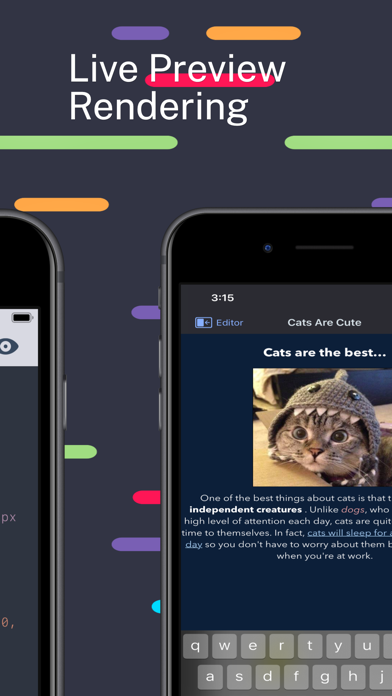
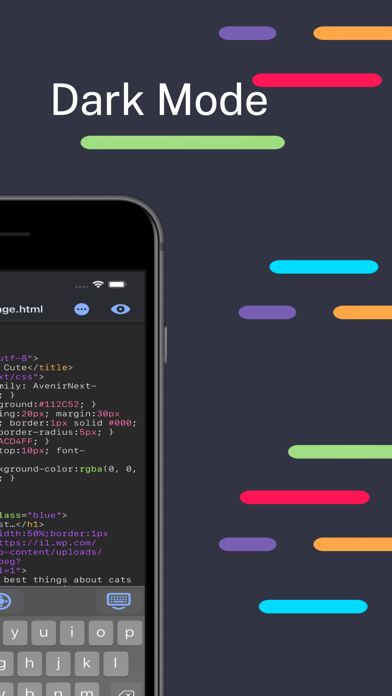
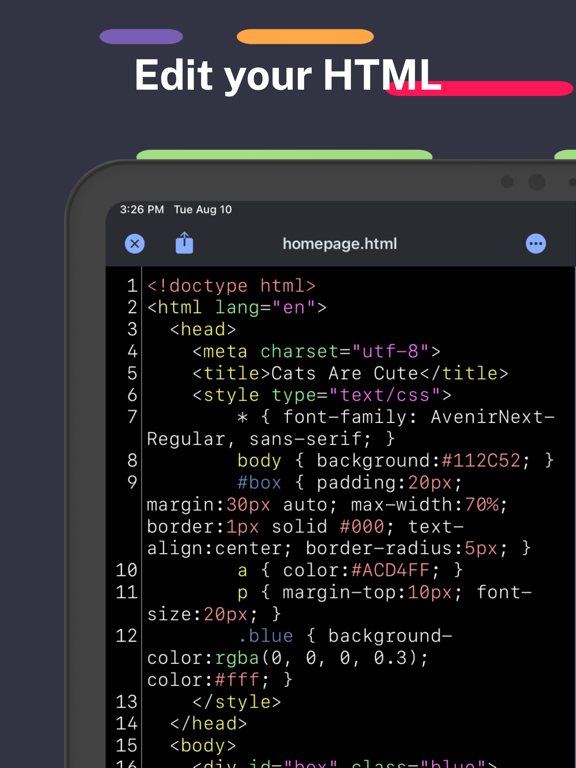
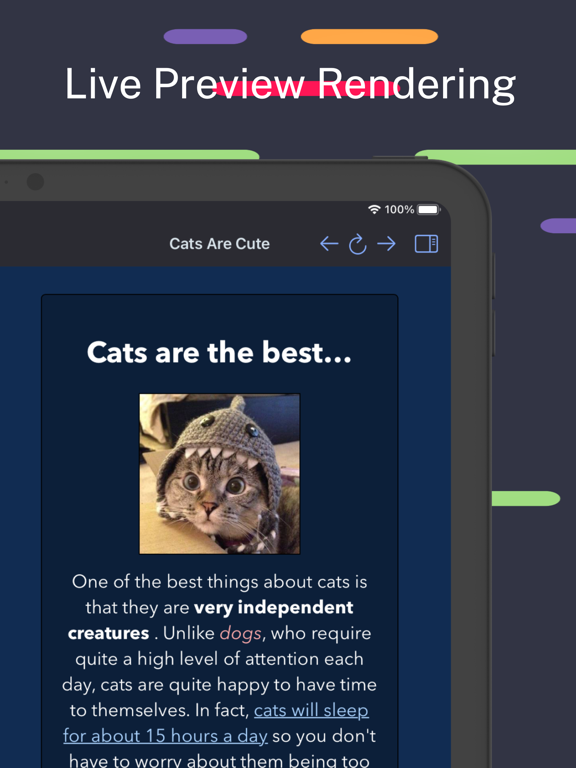
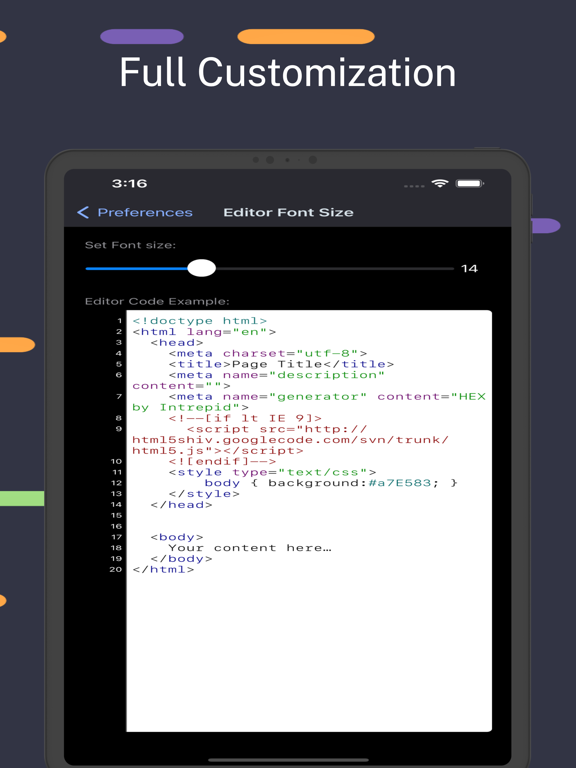
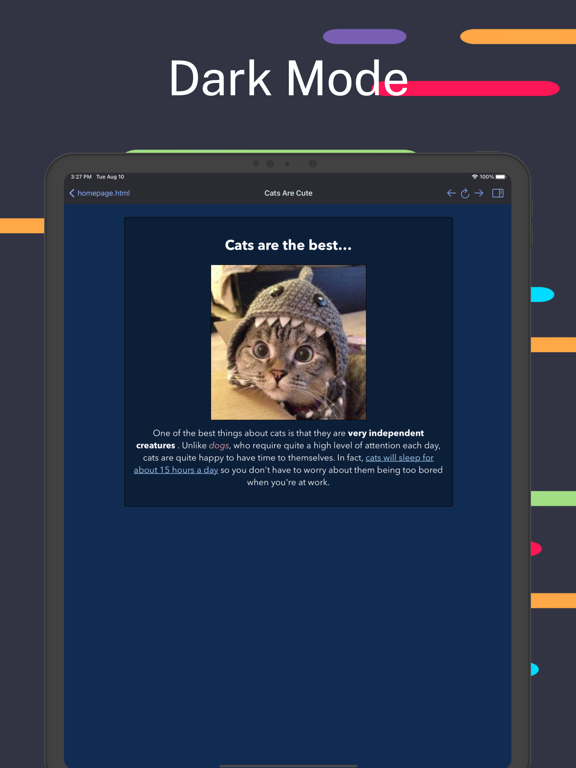
HTML Editor is a lightweight HTML editor complete with syntax highlighting, focused code completion suggestions and a live preview panel.
With HTML Editor, you can open any existing HTML document on your device or in your iCloud storage. Simply drop your existing HTML document onto our app icon to open that document within HTML Editor.
Quickly insert tag elements via the menu, or comment out code dynamically with IntelliSense highlighted detection system.
You can efficiently export your HTML document and share it with your teammates.
HTML Editor comes with full iCloud and local support. HTML Editor is also available on iOS.
We're always working on improving our apps and would love any feedback or suggestions that you may have.
Privacy Policy: https://www.iubenda.com/privacy-policy/57995653
Terms of Service: https://www.apple.com/legal/internet-services/itunes/dev/stdeula
HTML Editor Positive Reviews
Good appI use this as a text editor to proof read HTML files stored on my iPad and make corrections. Works great for that, better than any other app I found. Only complaint: after making an edit and then switching back to the browser the view always goes to the beginning of the file, so I have to scroll down to where I left off, a hassle for large files. Wish there was an option to sync browser view to editor view. Otherwise very efficient..SquawBrahVersion: 2.1.2
Good html editor need php supportThe only thing the app is lacking is php support and app intents for shortcuts it has a beautiful design and UI. It works fast and smooth and utilizes syntax highlighting. Overall the app serves its purpose..Hackerlocal.usVersion: 2.7
Very GoodDefinitely recommend it for coders.
No annoying ads so you can enjoy your time coding! One complaint hard to underline stuff! But still very good app!.GDS_GamesVersion: 2.7
HtmlApp works great. JavaScript isn’t showing up. Great learning app. Only holds 10 files. Your older files will delete and progress will be lost so be careful..HJHarrisonVersion: 2.7
You Made This for Amateurs.You Made This for Amateurs. On Microsoft, we can do it ourselves. Please stop asking for money for it. if you want money, just say donate five dollars..BekeygoVersion: 2.8
HTML classifier is main function of the applicationI’m having it on iPhone 14Pro with iOS 17.3 beta.
It works good. Thanks, both this app and the power of iOS.Veyron Pax KouzaeiVersion: 2.6
Really nice and usefulWhen developing with ChatGPT running next to it this is a super nice HTML editor. Full screen preview would great thats missing for me..CekuhnenVersion: 2.4
GreatIt's (seemingly) ad-free, doesn't sell your data, and doesn't require microtransactions. it has a few quirks you need to learn in order to use it comfortably, but it's god-dang free and otherwise works like a charm, so i couldn't care less. developer, if you're reading this review, thanks a bunch :).@quillverVersion: 2.7
Like it, but one thingI like this game, but one thing. Can you guys please add a compiler/executor to the app? If you do, I will turn this ⭐️⭐️⭐️⭐️ rating into a 5-star!.TamaTheWolfPlayzYTVersion: 2.2
Hope to improveThe keyboard will block the input focus when you type.N342623Version: 2.4
Nice appExcept that when you open a file, ITS ALREADY LOADED!.Pookie050Version: 2.0
Easy PeezyGreat way to keep my web pages at #1.Marshy76Version: 2.8
What's the deal?Why does it erase my html and replace it with the default cat html? Is this a tactic to get me to upgrade? I don't see any way to upgrade..Max OppenheimerVersion: 2.2
Great appGood work!!.Phgu66Version: 1.2
HTMLThis is very helpful beause as you are writing your code you can see your outcome which is very organized and easy.934uibvVersion: 2.8
WhyPlease add hex editor for app named hex..LoserMonkey666Version: 1.2
GreatAmazing app! I love how the text changes color based on if its a tag or an attribute, and how it automatically indents for you. Other code editors may not have these features. The only piece of feedback I have is that it would be really nice to have a fullscreen viewer for the code..Toxic_GruffaloVersion: 2.8
Great tool to workI love using this editor , its color coding makes it easier and preview of your code is awesome..PeddirajuPVersion: 2.8
Great Live Preview FeatureIn reality I am using this just to see what the code looks like and see live changes as I edit the code. I do not use this to create the code, or to edit the live page. If you only need to check code and see live changes then this things is perfect. I am using it for Email HTML.Tmunoz12Version: 2.5
Loved it until it CrashedI was really enjoying this editor, and just putting the final few tweaks on my web page that I intended to use as a template throughout the site, but then it crashed hard. I had nothing but a rainbow wheel rolling around and going nowhere, which was really depressing.
Fortunately, the HTML is there, but it seemed to lose a connection to that html file and kept asking me to find my username directory, which I did over and over, until it finally crashed.
I'm giving it 3 stars in order to encourage further development because I absolutely how it highlighted the syntax, and turned it red when there was an error I needed to address (as I typo alot)..SiteHostProsVersion: 2.5
Simple and easy!A lot of reviews seem to give this app a bad rep. If you need something to work with basic HTML code than this is perfect. I used to use Atom but it was discontinued and this is a great alternative. I use it to work on email signatures, iframes and other smaller codes. I love the live preview option. For someone wanting to learn code this app won't really help you do that or if you are trying to build an entire site from scratch. But if you need a simple editor or code checker this is great!.FleetingAutumnVersion: 2.5
Great Little App!I've been using this app for a couple of weeks now on a 2017 Macbook Pro with Ventura. Hasn't failed me yet. It is simple to use and can handle the 10 or so pages that I have open at one time.
You do need to know html since there is no code "cheat buttons." to use.
Thanks to the developer(s) for this app. They have put a lot of thought in functionality with simplicity..TGatzaJrVersion: 2.3.2
I have a couple problems1. I cannot view html files without editing the code first.
2. When editing a large html file (about 500mb large), it crashes out of the app.
3. There are no settings
I haven’t done anything with the app, but it looks pretty good..GamingcactisVersion: 1.2
Good AppGreat app. Better than textedit. easy to read code, editable. Don't listen to the to the other douchbag reviewer. either he doesnt want others to succeed or he is REALLLY dumb.RD Parker studentVersion: 2.1.2
HayHay.KhaneymarVersion: 2.8
Over the top appEverything works perfectly and you can learn easily as well. Great tool for beginners..PMS52000Version: 2.5
Very niceVery good app, preview window updates on the fly and the entire program is very responsive.
thank you..Nodes113Version: 2.5
Can you please add in a new feature please.Can you add in a new feature that allows your app to function like the official maximumsoft Sites-2-Go app please but with searching interacting and browsing with no live current internet web please..Kaine DubeVersion: 2.1.2
Free International Money Transfer 💸Enjoy high maximum transfers into more than 20 currencies while saving up to 90% over local banks! The cheap, fast way to send money abroad. Free transfer up to 500 USD!AdvertorialVersion: 26.0.0
HTML Editor Negative Reviews
Why is there a Pro popup in the way now? I'm fine with basic featuresI've been using this for months now and it is ok ... I don't really know what the Pro features are but don't really need them ... Now I'm getting a obstructive Pro popup that can't be dismissed in the middle of the screen. $4/week? I use this tool like 2x a month ... for an hour. I'll delete this first if you are going to make this hard to use..Want to like AIMVersion: 2.9
Worst coding app everThis app is very over complicated. Microsoft docs, and notepad can make much more efficeant websites. Also, I spent over ten minutes just trying to add ONE IMAGE. This is way to hard and even though it says 4 , this app is ment for people who have been doing coding for years. A lot of people I've met say that HTML editor is for beginners, but I think that it's for extremly smart people. Very bad app and do not recommend for anyone..E2theG squaredVersion: 2.2
Pro - Pop-up ClosingI don’t use this program very often, I’ve read all the reviews on the PRO annoying Pop-Up. Yes its annoying it can’t be moved but YOU CAN CLOSE IT… It is technically a separate window. So on the menu bar, under windows, click the Pro pop-up and simply Press .. “Command W” to close the window. The window will close and you should be able to use the program like normal..Crystal CSVersion: 2.9
Useful tool, but 'pro' mode popup is annoyingThis app is pretty handy for just quickly writing out some HTML.
But, it also opens a large unmoveable window that asks you to pay $3.99 a week for 'pro mode' (for features that are totally useless like "launch at login"). No thanks. Uninstalling this..SkigglesVersion: 2.9
The app is broken on my 14 Pro Max!The app is very minimal i like it, but I cannot open any file it says you don’t have permission to open this file i’ve checked the permission and it has full access to Files and Folders!.BeratgashiiVersion: 2.4
I don't need another subscriptionJust let me buy the app or something. Subscription services are disgusting. Nobody needs extra subscriptions. Especially not for a simple tool that doesn't require any extra effort on the devs side. Scam city..Paul8484Version: 2.9
Not what i expected….Just because we use apple product doesn’t mean you should make premium subscription obvious in every app….. even for a html editor???.Tanjim6969Version: 2.9
Changes disappearTwice my changes to my html file disappeared after a few days. I know I’m saving my changes, previews show my changes; but, after a few days, my changes are gone. I can’t explain why..Disappointed Xfinity CustomerVersion: 2.2
Terrible ApplicationI create a new file, make my updates/edits, and when I come back to my computer, the entire file is blank. This has happened multiple times. Do not recommend..Jrob229Version: 2.1.2
Cannot Decline SubscriptionUpon trying to use the app, a pop up for the pro version stops me from simply using the normal free app i downloaded. there is no ‘proceed with free plan’ or ‘no thanks’ option.
unusable and false advertising.Memelord1934Version: 2.8
REMOVE THAT PERMANENT POP-UPAfter some use the free version is totally unusable. A popup (trying to make you upgrade to Pro) takes over the full screen and it is not movable. Cannot even exit the app. You need to kill... what a shame.Devender77Version: 2.9
Does not open any existing fileJust says “The file ‘XXX’ couldn't be opened because you don’t have permission to view it.” for every single file created outside the app..BrianGivesFeedbackVersion: 2.4
Sort of sad, absolutely useless.Cannot edit on the rendered page and there is no search feature. Useless as an editor..FlugmeisterVersion: 2.3.2
Tries to force yo to buy and won’t let u access your html. DeleteTries to force u to buy it and you can’t exit out of the buy screen. Surely that violates app store terms no ?.JaymajjVersion: 2.9
Simple and NiceHas potential, however you cannot edit the size of the preview pane..Robbie BottVersion: 2.1.2
Not freeIf you filter for "free" this app comes up. Upon opening is gives a dialogue box that roughly says it's a three day trial, then you have to pay... so, not free..BarclaymVersion: 2.8
No longer works!On startup it no demands that you buy "html editor pro" at a weekly rate..2a4fn7Version: 2.9
Not that greatConstantly deleting my stuff and making me have to redo everything, doesn't show my images on the preview which is annoying.Love to cryVersion: 2.2
Did not get it to workSadly i am not able to open my files (i have them on google drive)
app sees them but tells me “they dont exist”
my goal is to add data to my webpage, test it.
probably a small fox needed either by me or by the program developer, but i see no help mechanism.Sparta1978Version: 2.6
It's a RENTALDownload... and then you're renting it for 4 bucks PER WEEK!
* * * * $208 per year... RENTAL! * * * *.PoppaeusVersion: 2.9
CSS won’t workCSS won’t work..Mr.simulator747Version: 2.8
Absolutly HorribleThis was a GREAT app but recently they keep sending huge popups to force you to upgrade, and you can't even close the popups without closing your code anymore! Horrible, DO NOT DOWNLOAD..Supergamerboy1256cuzVersion: 2.9
Was fantastic but now an Add pops up every time I open itI use to love this app, and use it all the time to make changes to my personal blog, and any other website tests, and just learn html. However now every single time I open up the app. A STUPID ADD pops up asking me to upgrade to pay for it. I simple just needed an app to allow me to code html on my iPad, but the add is super annoying, because even if I leave the app open and go do something else the next time I go back to it the Add pops up again..NoneofyourbusiVersion: 2.8
Started out great but...I'm in the early stages of learning HTML, CSS, PHP, MySql, etc. and was excited to find an app on the Mac App Store that would ~seemingly~ fit my needs. However, I find this app doesn't reliably display the code written in the "preview" window. Viewing the same HTML file in safari would display something entirely different than the app's preview window, which makes it a seemingly pointless feature? I'd rather use textedit and open safari to verify the code than deal with this frustrating pseudo-preview window..JoshxkerriganVersion: 2.5
Wanted access to my Home DIrectoryI deleted it because it kept asking for access to my ~/ directory that the code I opened did not reference.
Therefore, it is untrustworthy software. One star is too many..Retired Systems AnalystVersion: 2.3.2
Impossible d’utiliser l’appJe ne peux plus utiliser l’application car une fenêtre me demandant d’acheter à 4.99$/semaine m’empêche de l’utiliser alors que j’avais déjà acheter l’app, Franchement ça fait dur!.Michel 777Version: 2.9
No longer a free optionUsed to be a good enough system as a free software. It's quite basic but if you know coding, it can useful. But no longer. Now every time you open it a huge pop up covers the screen and you need to pay or you can't work on anything. Better off going elsewhere and getting some other software..PachardVersion: 2.9
Nag message is super annoyingNag message is super annoying.No commentssssssVersion: 2.8
Was great until updateWas really great. Now there's a popup to upgrade to pro all the time, so I'm going to uninstall it and look elsewhere. At $5/week that's ridiculous..PpalyVersion: 2.8
Preview not workingI have two doing apps and this one won’t show the images in this app where the other one does and all I did was upload the untouched files.ChrissycatacombVersion: 2.4
GarbageWorst app is not working.Sam7778999999Version: 2.4
Very badly made intentionallyI think just because it's free they wanted to make it bad intentionally. You can't do basics - like select text on the code side, you wouldn't know how annoying until you try something as disgusting as this app. Those text boxes are something you wouldn't even need to program - so the makers worked really hard to de-engineer basics to annoy users. Like a practical joke..NH-CRVersion: 1.0
Payoneer 💰Payoneer is an online payment platform that lets you transfer money from any corner of the world! A best and must have payment service for every blogger, traveler, freelancer, affiliate marketer, consultant, virtual assistant, business person, online sellers, and receivers. Earn $25 for free by joining Payoneer. Sign Up Now!AdvertorialVersion: 26.0.0
 Intrepid