Scott Dodson
Firestorm For LIFX Customer Service

- Firestorm for LIFX Customer Service
- Firestorm for LIFX App Comments & Reviews (2026)
- Firestorm for LIFX iPhone Images
- Firestorm for LIFX iPad Images
Set the mood using your LIFX lights. Watch your lights glow and flicker to the sounds of a fire.*
*Internet connection and LIFX Cloud account required
FIRES
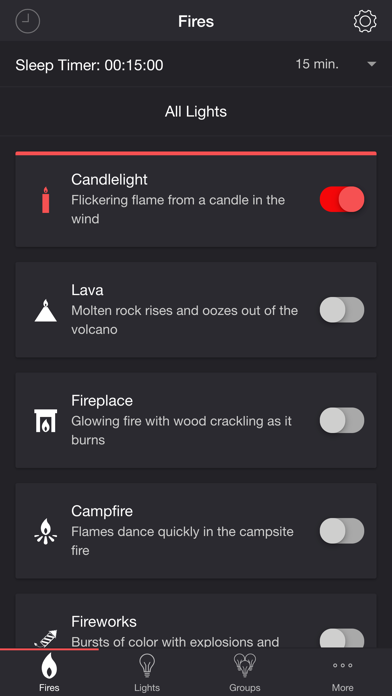
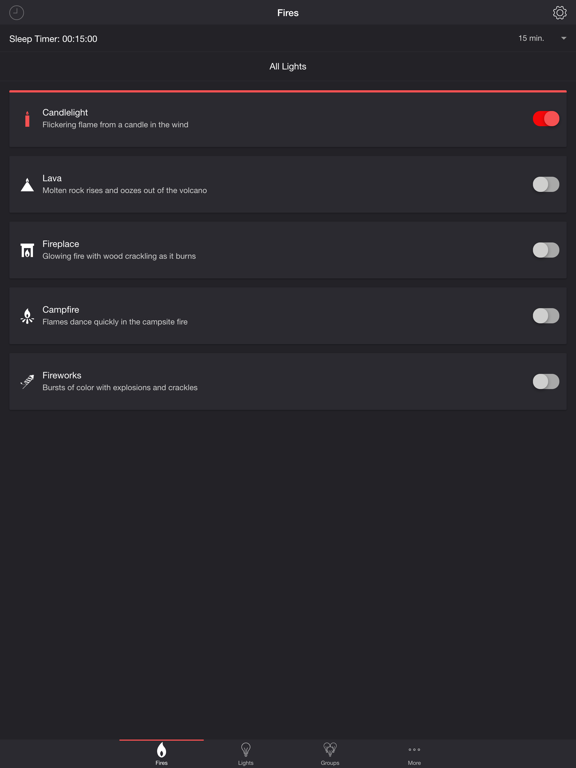
• Candlelight — Flickering flame from a candle in the wind
• Lava — Molten rock rises and oozes out of the volcano
• Fireplace — Glowing fire with wood crackling as it burns
• Campfire — Flames dance quickly in the campsite fire
• Fireworks — Bursts of color with explosions and crackles
SETTINGS
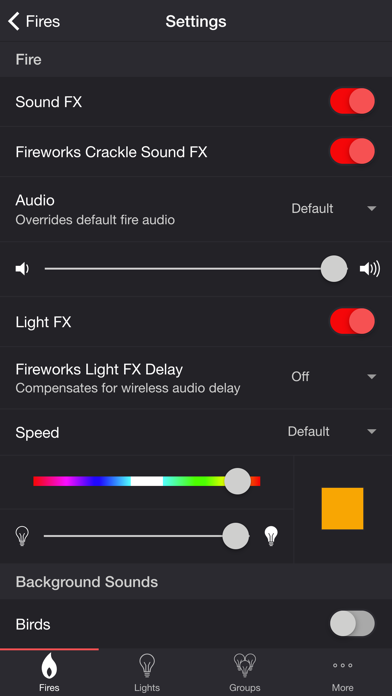
Fire
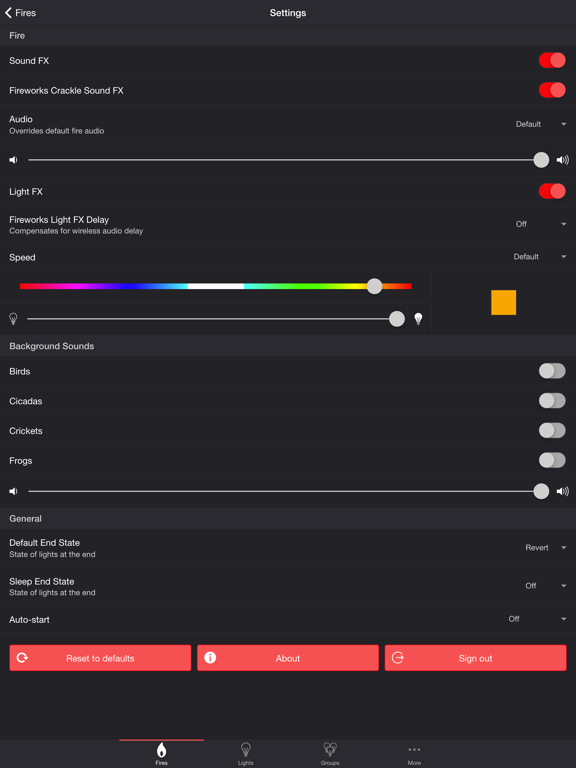
• Toggle fire sound effects
• Toggle fireworks crackle sound effects
• Change fire audio: Default, Lava, Fireplace, Campfire
• Change fire volume
• Toggle fire light effects
• Toggle zone control
• Change fireworks light effects delay (Wireless audio delay offset)
• Change speed: Default, Very Slow, Slow, Medium, Fast
• Change color of the fire light effects
• Change brightness of the fire light effects
Background Sounds
• Toggle background sounds: Birds, Cicadas, Crickets, Frogs
• Change background sounds volume
General
• Change default end state: On, Off, Revert
• Change sleep end state: On, Off, Revert
• Select mode to automatically start when app opens
• Choose time to automatically stop selected mode
• Choose time to automatically restart selected mode when sleep timer ends, enabling recurring cycle
LIGHTS / GROUPS
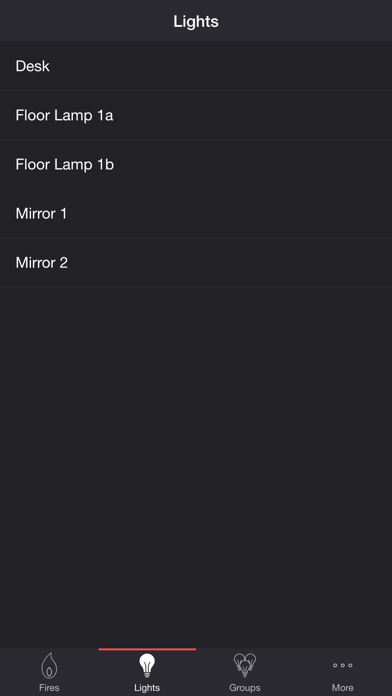
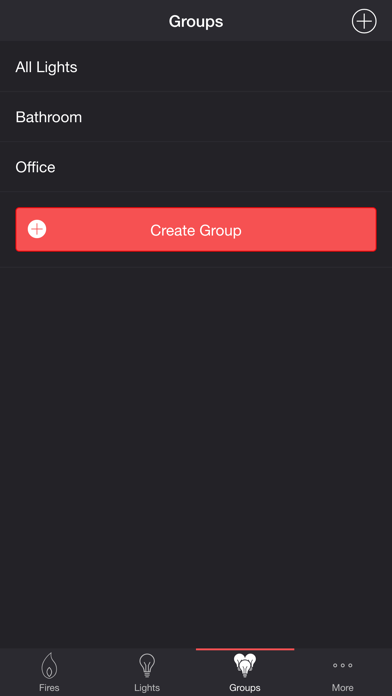
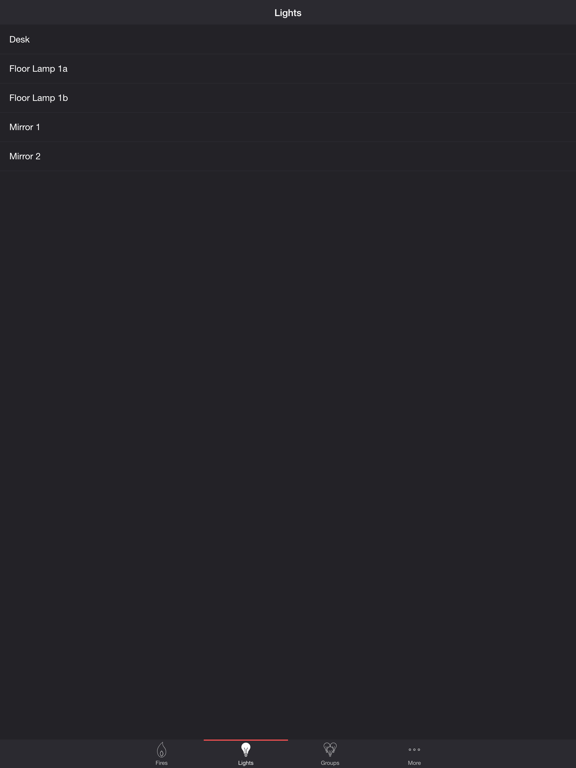
Select one or more lights for your fire light show on the Lights/Groups tab. Choose a group that you set up using your LIFX app, or create a new group in the Firestorm for LIFX app. To edit an in-app group in the list, swipe the item to the left and tap the pencil icon. When you add, remove, or change lights, pull down the list to refresh.
ADDITIONAL FEATURES
• Sleep Timer — Set a timer complemented with an audio fade-out feature. Choose the state of your lights after the timer ends with the Sleep End State setting.
• Bluetooth and AirPlay Support — Connect to Bluetooth speakers directly, or connect to speakers with AirPlay using the Control Center. Adjust the Delay Light FX setting to offset any wireless audio delay.
Please contact me at [email protected] if you experience any issues. I'd love to hear your thoughts and appreciate you taking the time to rate and review the app. I want to continue to improve Firestorm for LIFX and create a great experience for you and future users. Thank you! —Scott
Firestorm for LIFX App Comments & Reviews
Firestorm for LIFX Positive Reviews
Pretty CoolWorks exactly as advertised with the LIFX bulbs; I love how it’s more customizable than LIFX’s own effects. I can’t wait to see more effects come from this developer, and I’ll be using new ones if they come in the future. It be cool if you made a whole app dedicated to customizing effects for these bulbs. Pretty cool app..Version: 3.0.0
Free International Money Transfer 💸Enjoy high maximum transfers into more than 20 currencies while saving up to 90% over local banks! The cheap, fast way to send money abroad. Free transfer up to 500 USD!Version: 3.7.1