TAPUNIVERSE LLC
Image Converter· Customer Service

- Image Converter· Customer Service
- Image Converter· App Comments & Reviews (2026)
- Image Converter· iPhone Images
- Image Converter· iPad Images
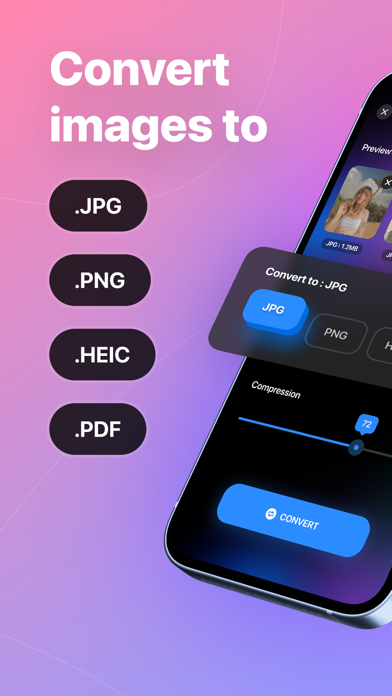
Easily convert your photos to JPG PNG HEIC PDF format in an instant!
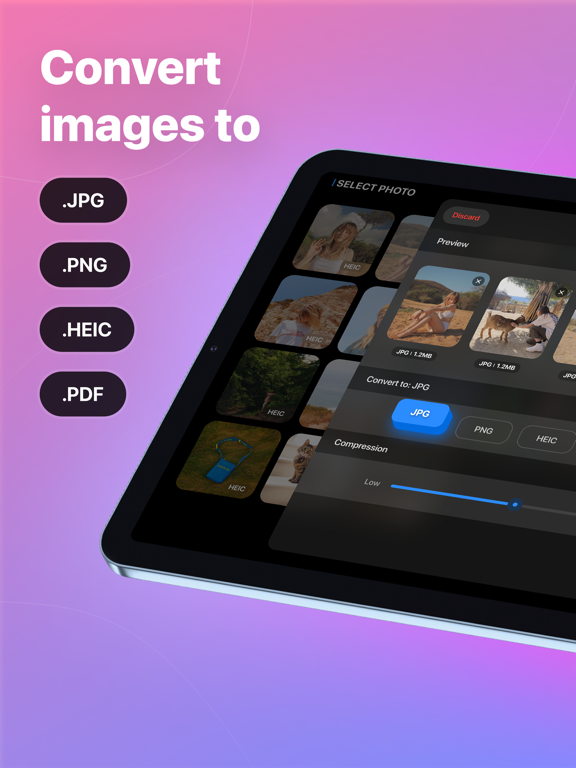
This app is designed to help you transform any of your pictures into different image formats. Supported output formats include JPG, PNG, HEIC, and PDF
FEATURES
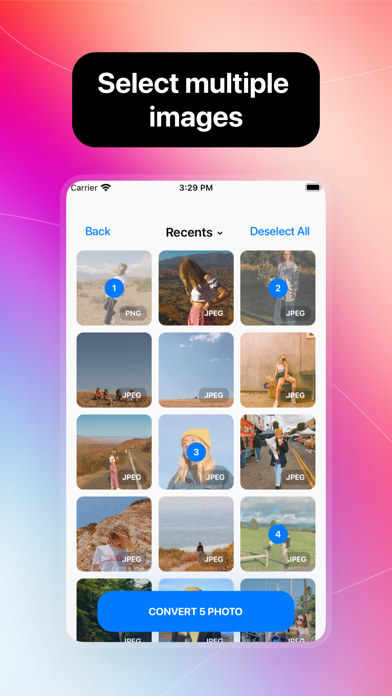
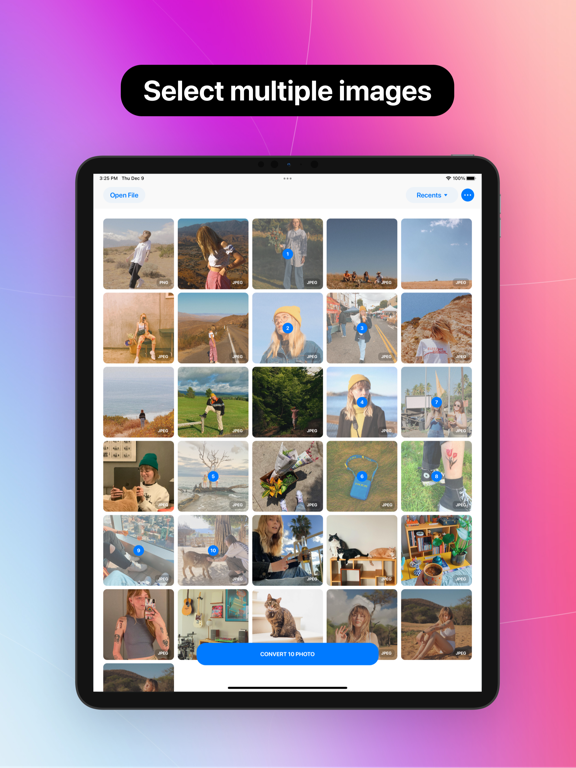
- Select multiple images at once
- Add photo from different sources
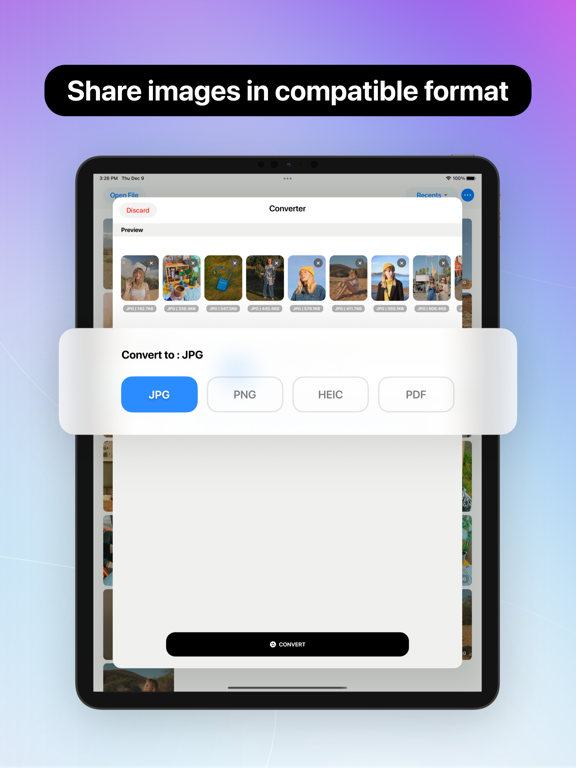
- Convert images between different formats like .jpg .png .heic .pdf
- Converting without losing its quality and resolution
- Adjust the compression quality freely
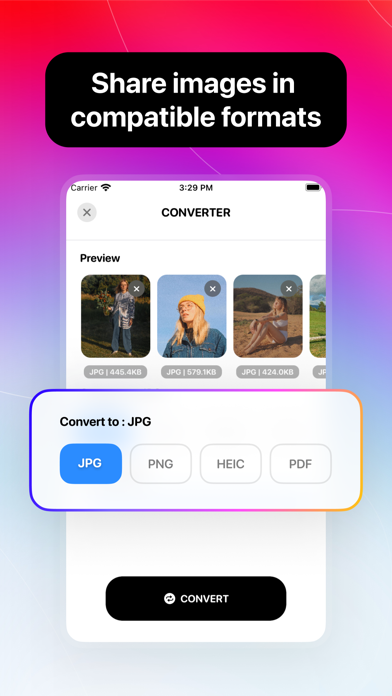
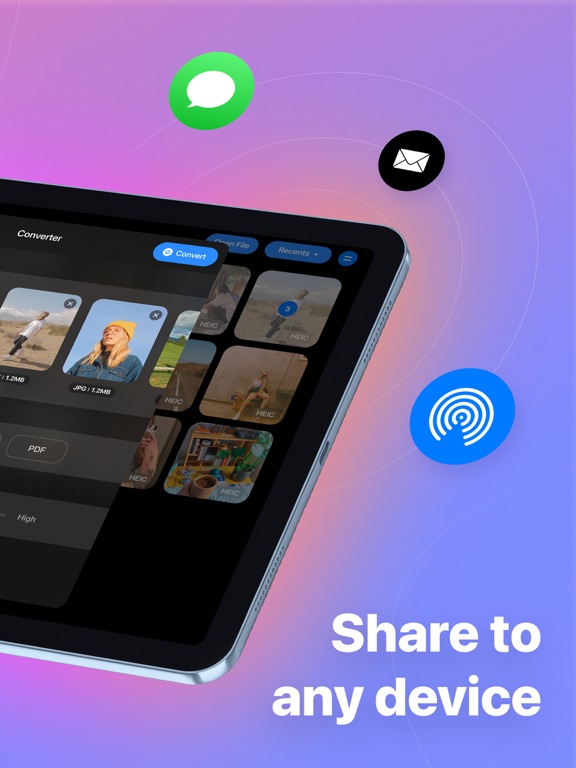
- Save and share converted files to any device and in compatible format
EASY TO USE
1. Select your input files
2. Select the conversion format and compression quality
3. Wait for your photo to be converted in seconds
4. Save and share to your desired destination
Terms of Services: https://tapuniverse.com/terms
Privacy Policy: https://tapuniverse.com/policy
Image Converter· App Comments & Reviews
Image Converter· Positive Reviews
Effortless batch conversion I couldn’t find any betterWish I could have found this great app sooner! I am a frequent user of a website that allows photos upload only in jpeg and png formats. Most of my work and communication are done right from my iPhone on the go and this too is not an exception. Every time I need to upload photos to my favorite website, for photos taken by my iPhone camera that are always saved in HEIC format I had to go to photo library, browse to a photo and make a screenshot for that photo to get a png file and upload it. Really want to get rid of this tedious loop and I tried to look for an app to help with, but they all just allow me to pick a single photo and convert one by one. I should have 3, 5 and more photos wanting to change the format at once and I don’t want things to go like that. This app is a time saver for me as I can easily choose as many photos as I want and boom, you get the format you want in a button click. I even never thought I can also choose different compression levels to help reduce output photos size that no other previous similar apps offer me. What an ease it could give me for the work I have to do in my company internal email app. The app is easy to use, gorgeous and it converts in a blink. This app is now a must have for my daily life and I couldn’t recommend any better one so far. Thank you so much developer! If I could give you 10 stars, I would!.Version: 1.0.2
P3 to RGB pleaseThe app performs superbly on my iPhone(7-11) and iPads (mini2 & iPad9). Extremely smooth compression from iPhone PNG photos to JPG then air drop or email to iMacs running SnowLeopard and Yosemite. Unfortunately the photo’s retail the P3 Display/color profile (check “get info” of image) which will crash Preview in SnowLeopard if you try to edit there. Would love to be able to alter that to sRGB or Adobe RGB1998 as an option on the conversion. Currently I have to manually assign the profile for each file one at a time and re-save on SnowLeopard. I do this to about 50 images a day. P3 was forced on iPhone users a few IOS’s back with no opt out. Yosemite will not “Save As” after assigning RGB profile, it requires “Export” and then often will not retain the profile change. I use a lot of graphic and video apps that are not available on newer Macs, so maintain several older ones for this reason. Plus it would not be practical to update everything on all the computers at this time in my life. I may be one of a few that would find this useful, but would surely appreciate the time savings this would bring to my work flow. HEIC also has similar issues with older OS machines but we can switch that off in settings..Version: 1.0.4
SO Quick an Easy to CONVERT - GET ITSo simple so fast so easy - so you should get it if you ever need to convert your photo/s to a different format. So it even will do a batch. So it even has options for save or delete the original/s. SO WHAT ARE YOU WAITING FOR, GET IT NOW..Version: 1.0.3
It can be an essential app!Generally, I hardly ever write comments, but for this one, I'm writing right after downloading and using it for just a couple of minutes! It's a helpful app with a clean and lovely UI. Furthermore, the colour space option is also excellent and straightforward. But there is some room for improvement. The first and foremost is the resolution reduction issue. It reduces the resolution of the images without even asking. Personally, I prefer my photos to be in their original resolution and quality (even though it may result in a larger size because of the nature of the output format). It would be nice to have a setting for this. The second issue I've experienced in this short-term app usage is the “Saving Behaviour” setting. It won't get saved permanently, and it gets reset to the default value on every launch. It would be nice to consider these refinements. Thanks..Version: 1.2
Works greatThe update does retain all EXIF information in all the photo file types. Great job by the developer! My earlier review: Works good. I’d gladly give it 5 stars if it retained all EXIF information in the converted photo file..Version: 1.2
Best ConverterI love this app! Converts my photos so easy! Definitely recommend;);).Version: 1.2.13
It annoys me mostly.I rated this app 3 stars because half of the time it creates doubles of every image that I convert. It only works correctly after restarting my phone. That is stupid! I paid for the year of premium too..Version: 1.2.4
It worksIt works.Version: 1.2.13
First rateNeeded this for a long time. Nicely done..Version: 1.2
Nice app😁 very good.Version: 1.0.4
زيادبرنامج راقي جداً.Version: 1.0.3
Not JPG IT IS JPEGThat doesn’t work for me. I need it to be JPG..Version: 1.2.8
First usedWow!!! It gives the original size and the converted size which I like to send in gmails. Thanks.Version: 1.0.4
Quick and easyThank you! 🙂.Version: 1.2.6
Les bogues quand on converti plusieurs photos.Excellente app si tu en as que quelques-unes à convertir. Quand tu en a beaucoup, l’application bogue après quelques conversions. Soit elle ferme toute seule, soit elle supprime les deux versions des photos que tu viens de convertir et tu dois aller retourner les chercher dans la corbeille . Vraiment dommage car ce serait excellent..Version: 1.2.4
Great appThanks for the quick fix. It works really well!.Version: 1.2.2
AwesomeThis app is easy to use and it’s awesome!!.Version: 1.2
Great app, needs workGreat app and idea asa whole. Please make it preserve the original resolution or maybe give an option of choosing the output resolution . As of now, it saves the original 12 megapixel resolution to only 1200x1600 pixels which is only 2 megapixels..Version: 1.0.3
Love itSo easy to convert a photo. I use it on a regular basis..Version: 1.0.4
Free International Money Transfer 💸Enjoy high maximum transfers into more than 20 currencies while saving up to 90% over local banks! The cheap, fast way to send money abroad. Free transfer up to 500 USD!Version: 1.2.13