George Garside
Thermals Customer Service

- Thermals Customer Service
- Thermals App Comments & Reviews (2026)
- Thermals iPhone Images
- Thermals iPad Images
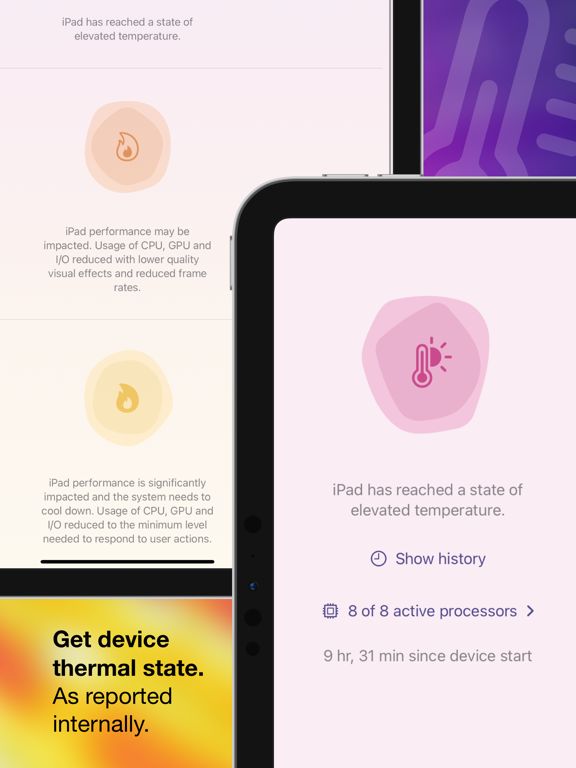
Phone running slowly, charging slowly or low brightness? See if your device is overheating using Thermals.
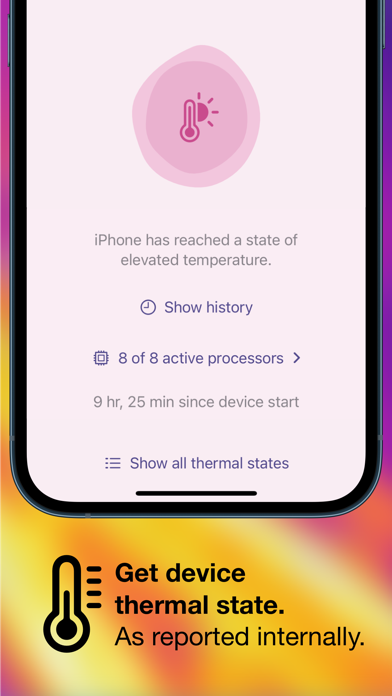
Thermals displays your device’s thermal state, as well as how many processors are active on your device and its uptime, as reported by iOS.
Thermals helps troubleshoot:
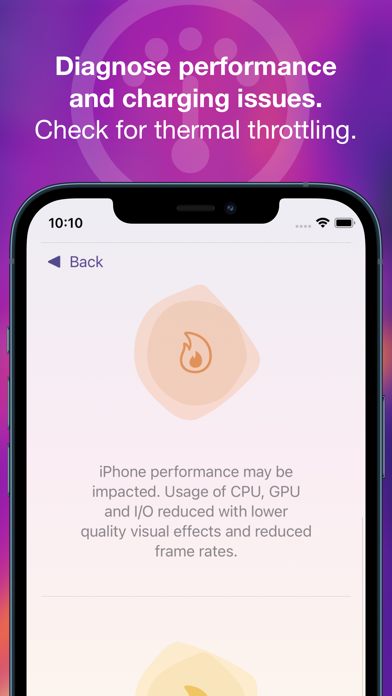
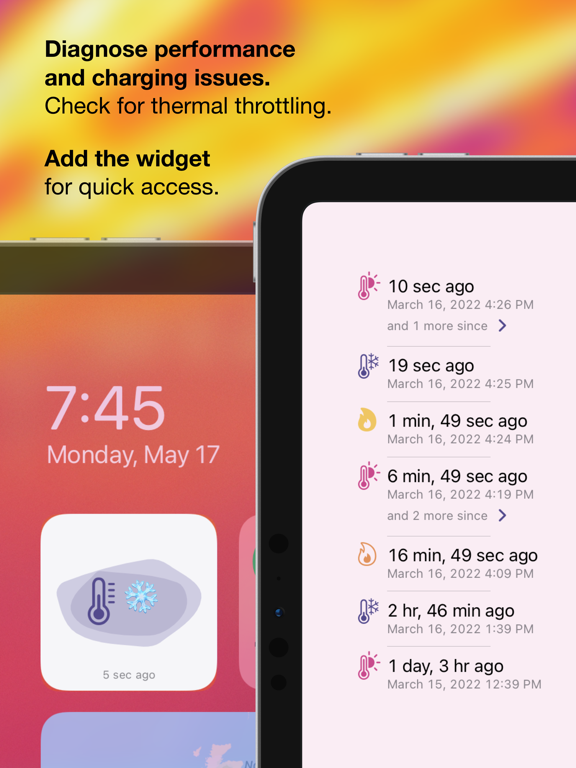
• Poor performance — iOS reduces processor speed and potentially disables processors temporarily when the device is hot.
• Slow charging — battery charging causes a lot of heat and iOS can limit charging speed to reduce the additional heat that might make a device too hot.
• Low maximum brightness — if your device screen stays dark despite being on full brightness, it could be limited by iOS due to heat.
• Manufacturing defects — if not all processors are active when the device is cool and not in low power mode.
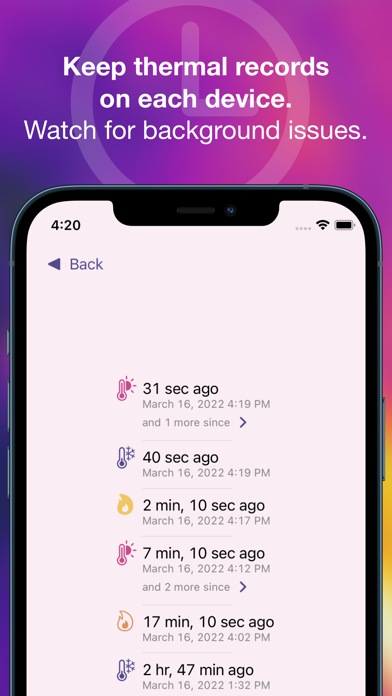
Your device's thermal state is monitored regularly in the background and recorded in the app (if Background App Refresh is enabled). Open the app or tap the widget to record a data point manually.
Export the raw data to file for corroboration with Screen Time, Xcode's Instruments, or other development tools.
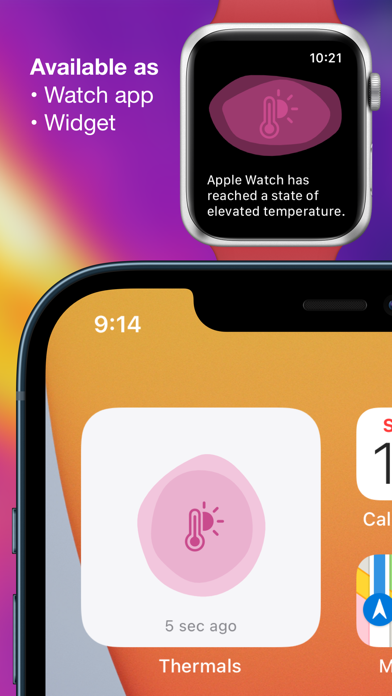
Also an independent Apple Watch app shows the thermal status, active processors and uptime, and thermal history of your watch.
Thermals App Comments & Reviews
Thermals Positive Reviews
Great PotentialApp is a great concept that needs more comprehensive in detail information; granted this might be limited to iOS restrictions, but I’m sure the could be so much more info available to provide the end user. Will keep it on my iPhone until something better comes out…Developer, take note..Version: 1.0
Exactly what I wanted!This is exactly what I wanted, easy to see the status of my phone without the stupid in-app purchases just to see the temperature as a widget. Love the minimalist design!.Version: 1.0
Suggested add these features- custom colors when thermal state changes - clear history - hardware monitoring real time I love it app so much so honestly so helpful my iPhone keep cool down..Version: 1.0
Amazing app!Helps me keep track of my iPhone and if it was overheating or something happened at any time, great freaking app! No ads, great service!.Version: 1.0
Love the concept, but additional details would be niceAdditional details when exporting the throttle history like smartphone temperature in C or F, battery percentage, CPU clock speed, etc..Version: 1.0
Excellent way to see system details hidden by apple!Great widgets, good graphics, and best of all, free!.Version: 1.0
GoodCould have more features, but it does what it says perfectly.Version: 1.0
BrilliantAs a developer, I appreciate an app that is so functional yet so small (less than 1 MB). We need more utilities like this. Also, the UI is great for someone who doesn’t understand what’s too hot or too cold..Version: 1.0.1
Absolutely GREATRecords everything. Lets me see what causes it and learn. 10/10 helpful. Thanks. Also ps the widget stops at 50mb data.Version: 1.0
Free International Money Transfer 💸Enjoy high maximum transfers into more than 20 currencies while saving up to 90% over local banks! The cheap, fast way to send money abroad. Free transfer up to 500 USD!Version: 1.0