Le Giang Nam
Resize Photos· Customer Service

- Resize Photos· Customer Service
- Resize Photos· App Comments & Reviews (2026)
- Resize Photos· iPhone Images
- Resize Photos· iPad Images
You can use this app to:
- Quickly resize and compress multiple photos at once to save your device storage.
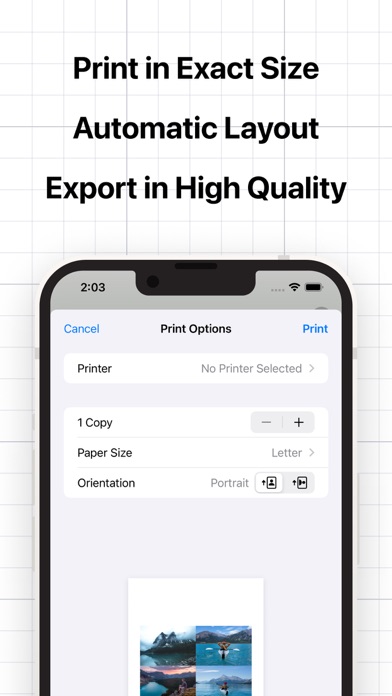
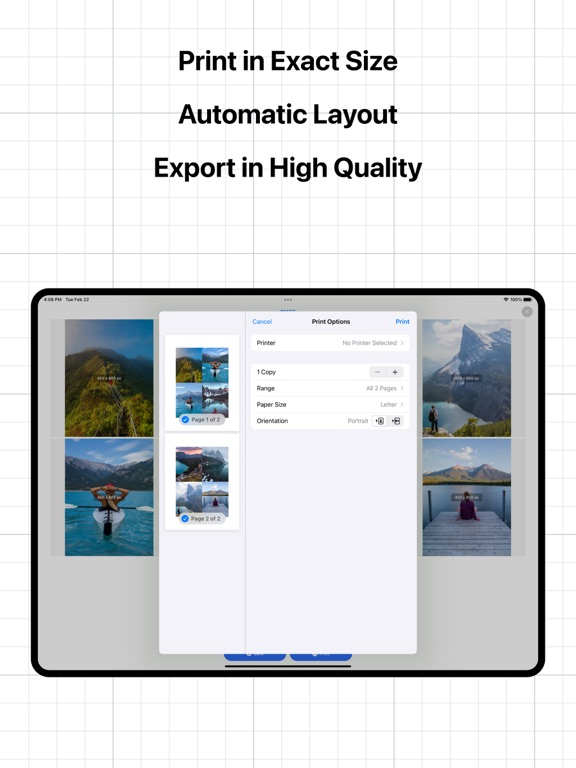
- Print multiple photos to actual size (inch, cm,...) and save paper.
- Quickly rotate or flip multiple photos at once.
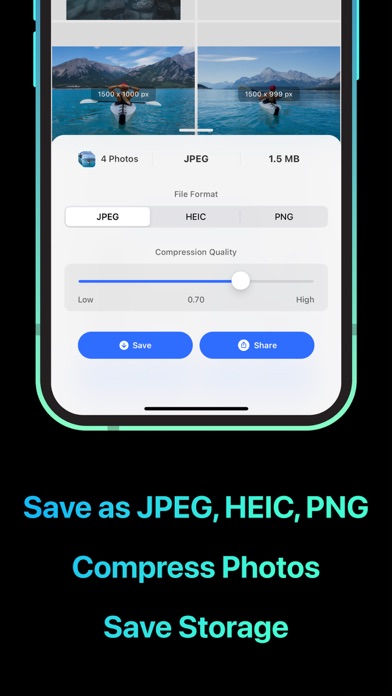
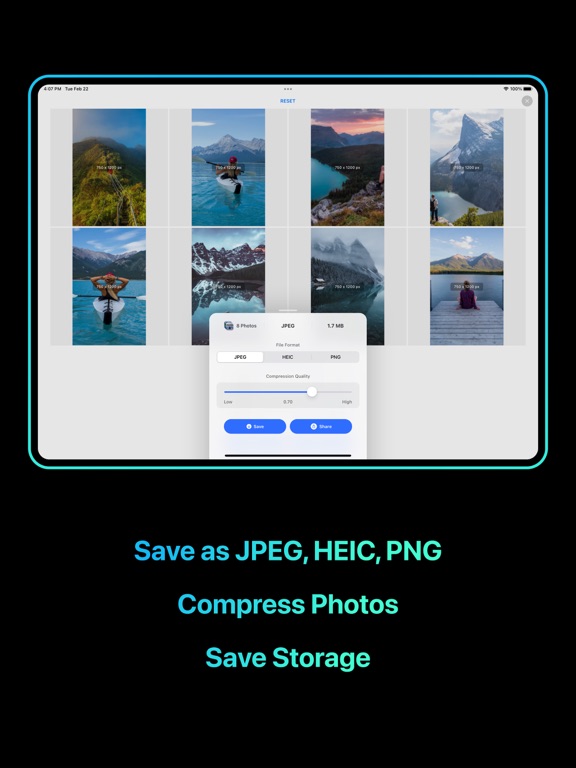
- Convert your photos to compatible formats (JPEG, PNG, HEIC) and share to any device.
Features:
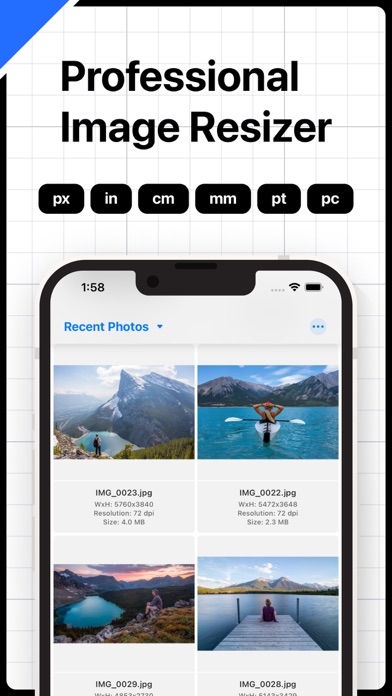
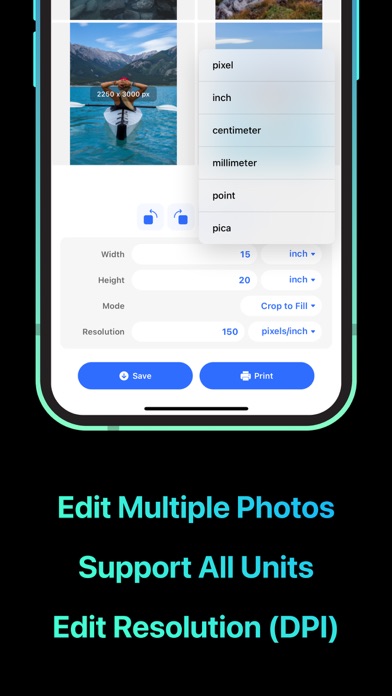
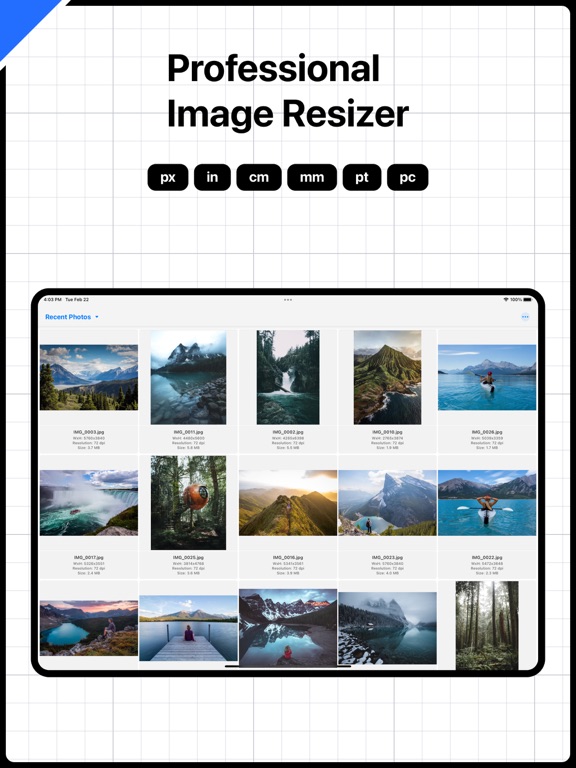
- Edit photo size in pixel, inch, cm, mm, pt, pc.
- Edit photo resolution in dpi.
- Support 3 modes: Preserve Aspect Ratio, Stretch, Crop to Fill.
- Rotate, flip and crop photos.
- Save and compress photos in different formats: JPEG, HEIC, PNG.
- Share photos with Airdrop, email, message or many other methods.
- Print photos to actual size.
- Edit multiple photos.
- Import and edit photos from Files.
- View all images with detailed information (size, resolution, dimension).
Terms of Service: https://rockybrain.com/terms/
Privacy Policy: http://rockybrain.com/policy/
Resize Photos· App Comments & Reviews
Resize Photos· Positive Reviews
This app is great!This app really is perfect, I would like to suggest a feature where we can save “templates” for settings we use repeatedly, the width, height, the mode & resolution. This way there’s no need to input everything again each time..Version: 1.4.9
Amazing app 10/10This is a great app for when you need to resize or change the quality of your photos. For people who want this but are afraid it isn't good, It's actually really good! Best $1 spent on a app like this! (Also the app is really cheap for such a good software.).Version: 1.2.2
Great App BUTThis is without a doubt, a great app… But the thing is without any mention in the description they charge you $.99 a week… And I even got double charged for one of the weeks….Version: 1.4.3
Excellent app for graphic designersThis app does the job really well!! It’s easy and fast, saved me a lot of time when I was trying to resize a bunch of pictures at 4x6 for printing..Version: 1.1
Great for enlarging!It seems pretty good in upscaling, at least for the first photo I experimented with. Got via Apps Gone Free today. I'll be using it often, I believe..Version: 1.4.6
PerfectBatch resize option works exactly as what I expect and this app does offer so MANY file type formats. A time saver and well worth the price!.Version: 1.2
Easy to useShow original file size n Can choose file size, pixels … that u want.Version: 1.3.0
Request feature additionHi Guys, please add a precise cropping function, but the size adjustment is not enough for daily use. I hope that clicking the picture can realize the full-screen viewing function..Version: 1.2.2
Good.No data collected, minimal footprint, does what it says it will do, very affordable. I may not have to use it much, but I don’t regret the purchase..Version: 1.3.0
Never written a review before but….This is brilliant ! It works exactly as it says it will… it’s so easy and it’s really quick !!! THANK YOU ❤️.Version: 1.4.3
A great app!Quick and easy to use! Just what I was looking for!.Version: 1.2.1
GreatNice app.Version: 1.3.2
ExcellentEXCELLENT WORK.Version: 1.1
实用App工作中经常需要打印手机相册照片,这个App非常适用,效果很好,容易上手!.Version: 1.3.2
Retains the detail of screenshots & reduce size!I notice when taking screenshots, they would become 7 MB in size! That’s just too big for a photo. With Image Size, I can retain similar image quality while keeping the same quality of image..Version: 1.2.1
Great little appDoes exactly what it supposed to. Input size and resolution, outputs print to those specs. The only reason I gave it 4 stars is that the program appears not to have a way to save either the previous settings or to save presets (e.g., I need to print numerous 7x8 inch images at a resolution of 600 dpi. I need to set that for each print - tedious!!)..Version: 1.3.1
Free International Money Transfer 💸Enjoy high maximum transfers into more than 20 currencies while saving up to 90% over local banks! The cheap, fast way to send money abroad. Free transfer up to 500 USD!Version: 1.4.9