And A Dinosaur
History Book - Browse & Search Customer Service

- History Book - Browse & Search Customer Service
- History Book - Browse & Search App Comments & Reviews (2026)
- History Book - Browse & Search iPhone Images
- History Book - Browse & Search iPad Images
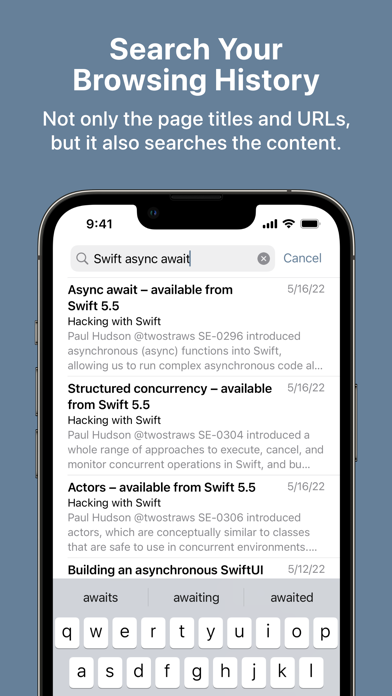
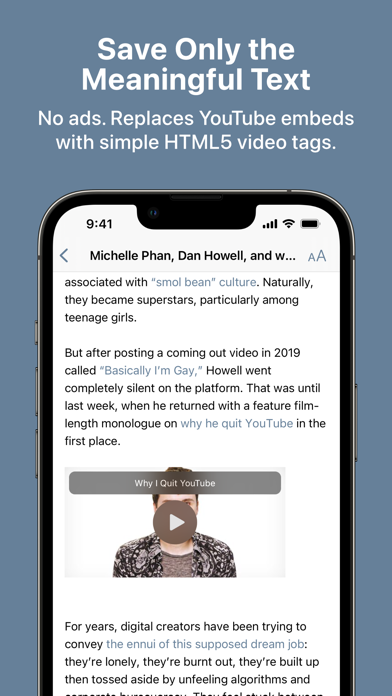
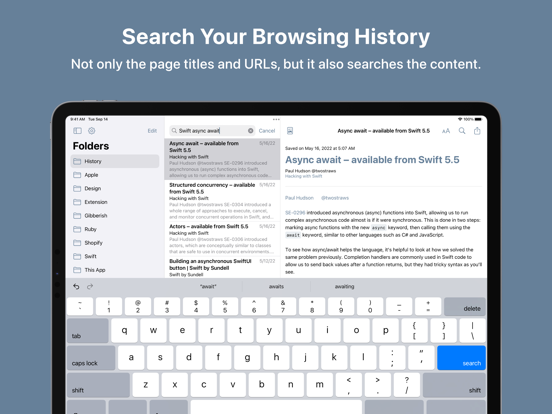
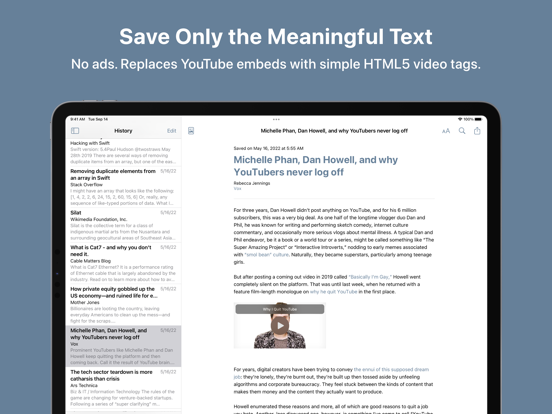
History Book automatically saves your browsing history for searching later.
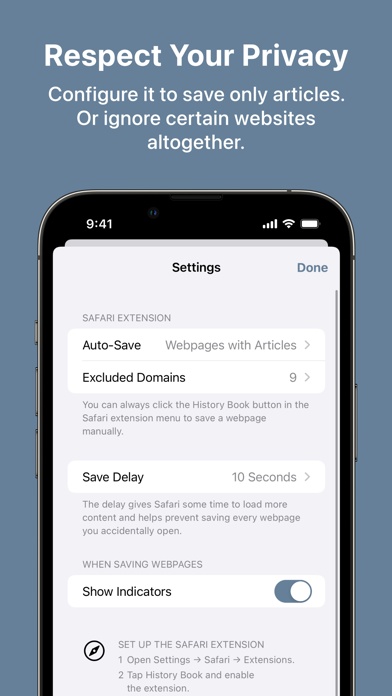
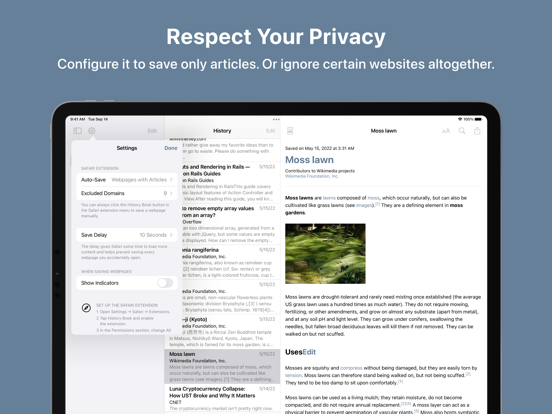
By default, it only auto-saves pages that contain an article, so you don’t have to worry about it saving your sensitive data.
If you want, you can configure it to auto-save every webpage. If you are feeling paranoid, you can disable auto-save entirely. You can also exclude websites that you never want to auto-save.
You can use it as a read-it-later app, but I mostly use it as a search app.
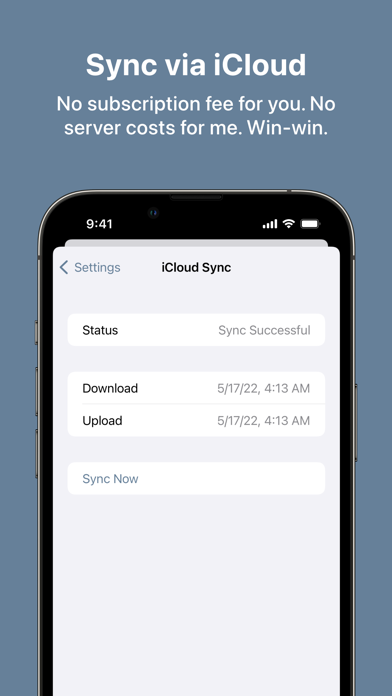
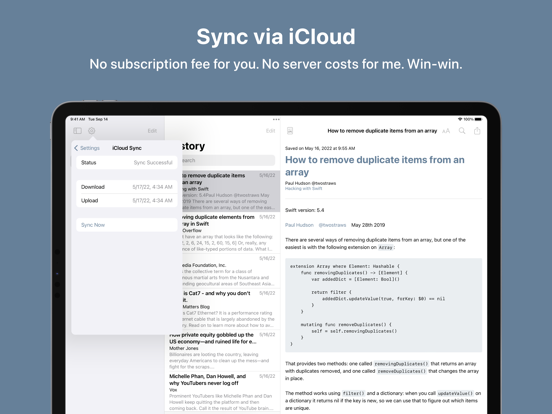
For privacy reasons, History Book stores your browsing history in iCloud. Apart from the iCloud sync, History Book does not collect, store, or transmit any personal information.
History Book has no in-app purchases, no ads, and no tracking. It’s a universal purchase, so you only have to buy it once to use it on iPhone, iPad, and Mac.
Caveat:
- The app uses readability.js to check whether a webpage is readable. It is likely to produce both false positives and false negatives.
- The app is written in SwiftUI, which means there are some not-quite-standard behaviors and UI bugs that I can’t fix.
- The app uses iCloud for syncing.
Note: The “can read and alter webpages” text in the permission section is just unfortunate wording. History Book needs access to the web page to save the content. It’s not doing anything creepy!
History Book - Browse & Search App Comments & Reviews
History Book - Browse & Search Positive Reviews
Free International Money Transfer 💸Enjoy high maximum transfers into more than 20 currencies while saving up to 90% over local banks! The cheap, fast way to send money abroad. Free transfer up to 500 USD!Version: 1.1.3