Yevhen Tretiakov
SocialFocus: Hide Distractions Customer Service

- SocialFocus: Hide Distractions Customer Service
- SocialFocus: Hide Distractions App Comments & Reviews (2026)
- SocialFocus: Hide Distractions iPhone Images
- SocialFocus: Hide Distractions iPad Images
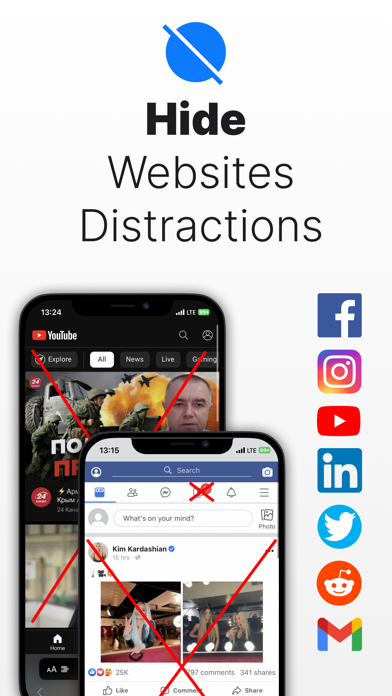
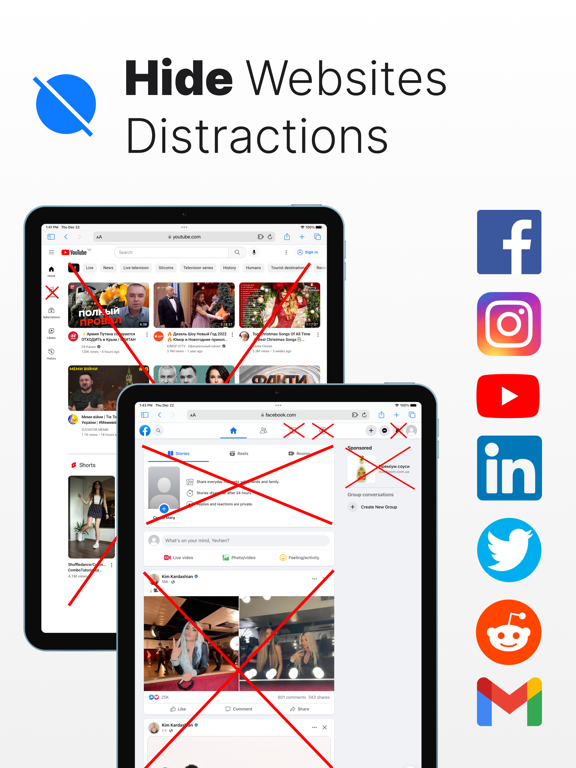
Hide distractions on websites such as YouTube, Facebook, Twitter, Instagram, Reddit, LinkedIn, Gmail and take back control of your attention!
While we acknowledge the distracting and engrossing nature of these sites, completely blocking them is not always feasible due to the valuable content they offer.
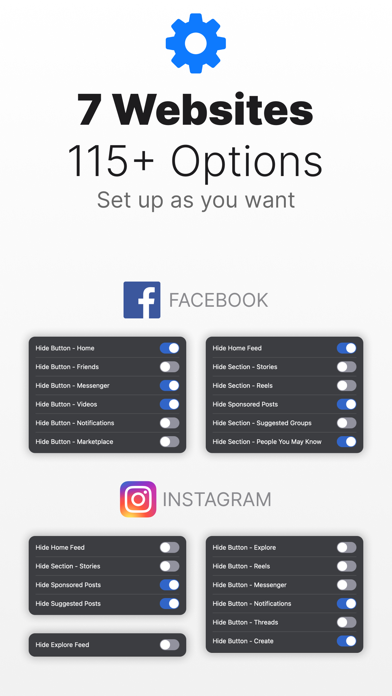
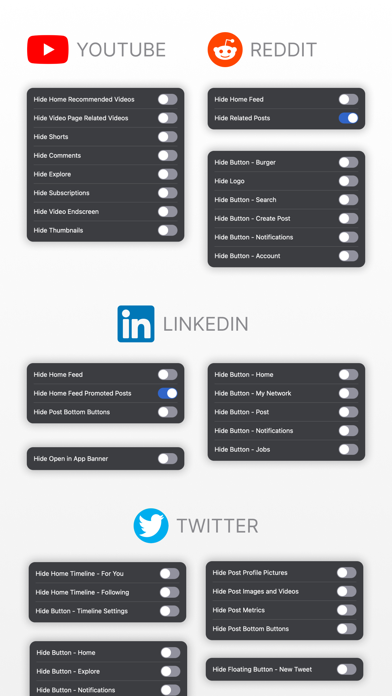
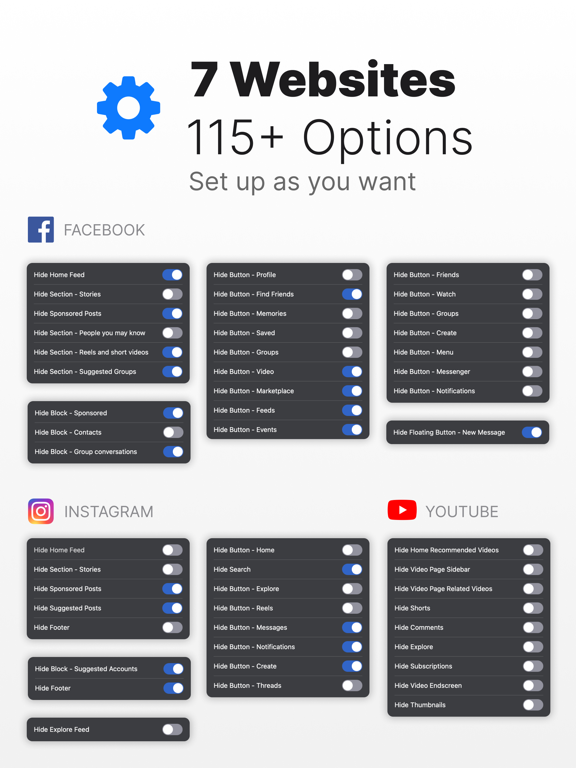
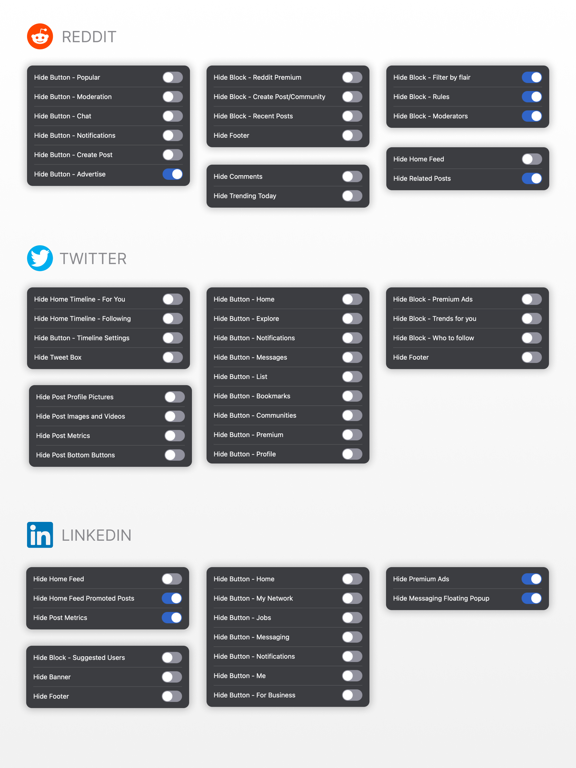
This Safari extension allows you to selectively hide attention-grabbing components on each site. For instance, on YouTube, you have the option to conceal recommended videos, shorts, comments, and more. Similarly, on Facebook and Instagram, you can hide the feed, reels, stories, and other elements. The same goes for each supported site.
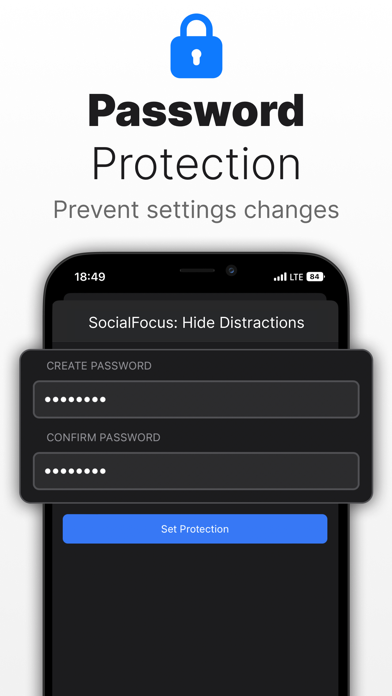
Furthermore, SocialFocus offers an array of supplementary features, including Startup Settings, Import / Export and more.
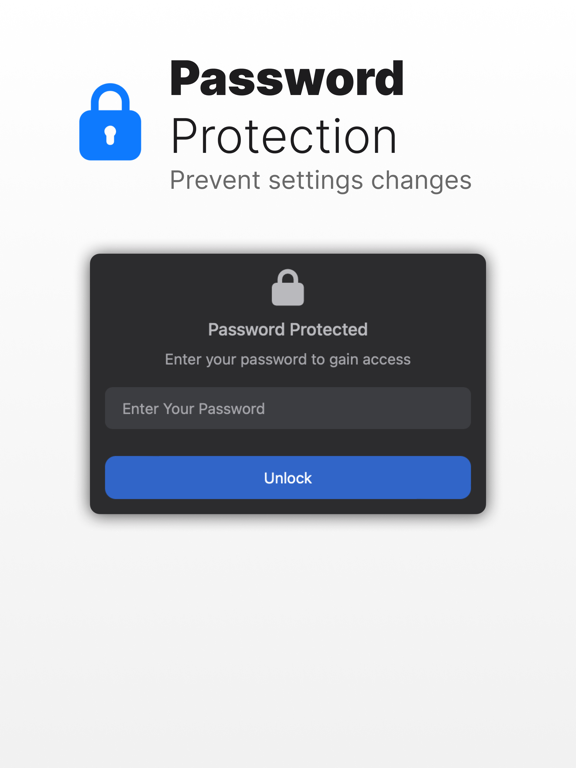
Users who want to support the development of the project can additionally subscribe to the PRO version. The PRO version will give access to some additional features that are not available in the standard version, such as hotkey configuration, settings synchronization and some others.
NOTE: This extension does NOT work with the apps, it works only for websites while using the Safari browser.
Terms Of Use: https://socialfocus.app/tos/
SocialFocus: Hide Distractions App Comments & Reviews
SocialFocus: Hide Distractions Positive Reviews
Free International Money Transfer 💸Enjoy high maximum transfers into more than 20 currencies while saving up to 90% over local banks! The cheap, fast way to send money abroad. Free transfer up to 500 USD!Version: 7.6