Jan-Niklas FREUNDT
Clipboard Plus | Copy Widget Customer Service

- Clipboard Plus | Copy Widget Customer Service
- Clipboard Plus | Copy Widget App Comments & Reviews (2026)
- Clipboard Plus | Copy Widget iPhone Images
- Clipboard Plus | Copy Widget iPad Images
Have you ever needed a fast and reliable way to store text, images, photos or web page addresses on your iPhone or iPad? Well, now there's an app for that.
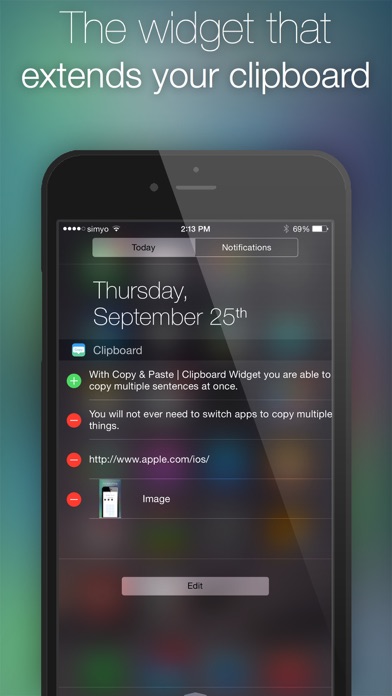
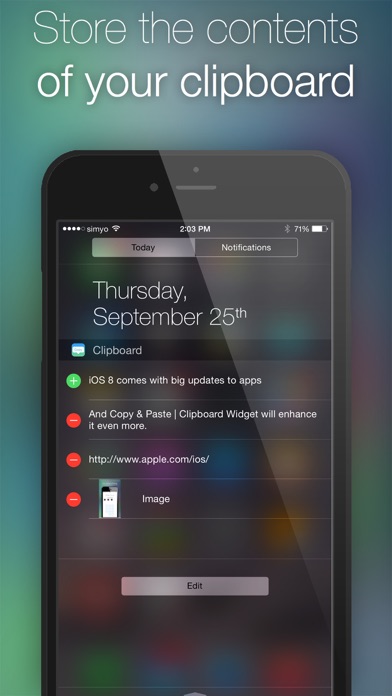
Copy & Paste | Clipboard Widget is the quickest and easiest way to store the contents of your clipboard. Just swipe down from the top of the screen and store text, photos and every other item in the clipboard with a single tap.
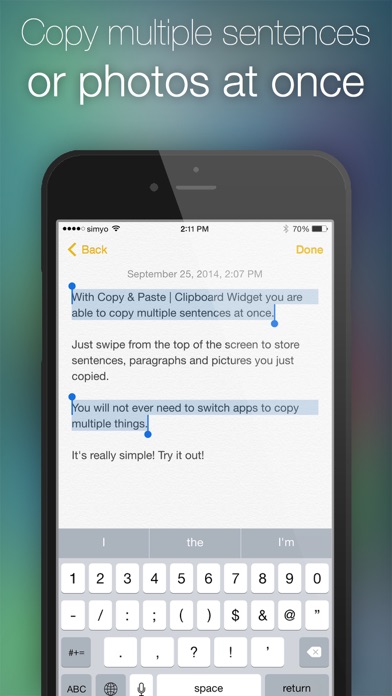
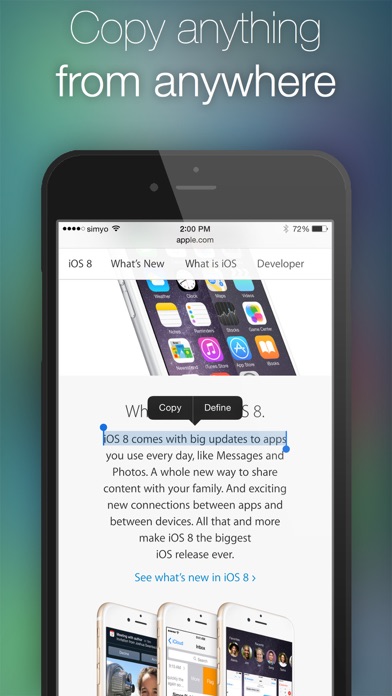
When you look something up, you do never ever again need to switch apps to copy multiple sentences, paragraphs or photos. When you see something interesting, just copy it for later use. There are so many use cases for Copy & Paste | Clipboard Widget. Try it out!
Features:
- Extends your clipboard
- Just swipe down from the top of the screen.
- Enhances productivity
- Stores text, rich text, images and web page addresses all at once for later use
- Works on your iPhone and your iPad.
- Beautiful, unobtrusive design
To sum it up: It’s the widget that should have been built into your iPhone/iPad. While it’s not built in, for a few coins you will appreciate this handy app.
Clipboard Plus | Copy Widget App Comments & Reviews
Clipboard Plus | Copy Widget Positive Reviews
FinallyLike many others, I have been waiting for years for Tapbots to update Pastebot. It was like waiting for Godot, and I've finally deleted it. This app is a Notification Center widget--clipboard history is a perfect use case. The widget is simple, easy to use, supports text and images, and just works--in any app..Version: 1.00
Can't multiple copies it wantsThe description for this app makes it appear that you can do multiple copies it once before pulling down the Notification Center widget. But that is not the case. You need to pull down/open the notification widget each time you want to save copied text..Version: 1.00
How to do multiple copies at once?My question is the same as the previous reviewer. I have not yet found a way how to select two things at once and copy them as per the screenshot provided..Version: 1.00
Feature RecommendationThis such a useful widget. I would love to see an update that allows users to custom name the links so they can be easily distinguished for future use.Version: 1.01
GreatResponsive developer. Awesome update. Thanks! Seems to work as advertised. Simple, clever, clean. Love it. Apple really should have made it standard..Version: 1.01
Use it every daySimple but effective. Should be an apple default..Version: 1.01
PerfectExactly what I was looking for.Version: 1.01
Love This AppThis app is great! Does exactly what it says!.Version: 1.01
Handy little tool!Took me a bit to figure out. There is a tutorial inside the app but here is the basic. First, you need to install the widget by clicking Edit and the widget name while you are in the pull down Notification Center. Second, in the pull down Notification Center what you see near the green plus sign is what's currently in your clipboard. By selecting anything down the list (red minus buttons, stuff you saved before) you are placing that into the clipboard instead. When you swipe up the Notification Center, use Paste command as you would normally do..Version: 1.01
Free International Money Transfer 💸Enjoy high maximum transfers into more than 20 currencies while saving up to 90% over local banks! The cheap, fast way to send money abroad. Free transfer up to 500 USD!Version: 1.10