Satnam Singh
White Balance Meter AI - KEV Customer Service

- White Balance Meter AI - KEV Customer Service
- White Balance Meter AI - KEV App Comments & Reviews (2026)
- White Balance Meter AI - KEV iPhone Images
- White Balance Meter AI - KEV iPad Images
KEV is the #1 White Balance app.
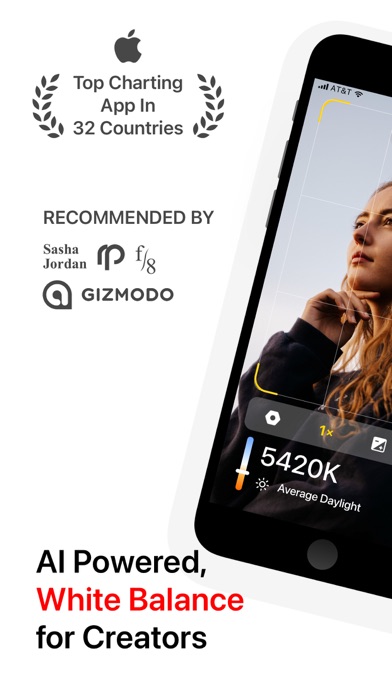
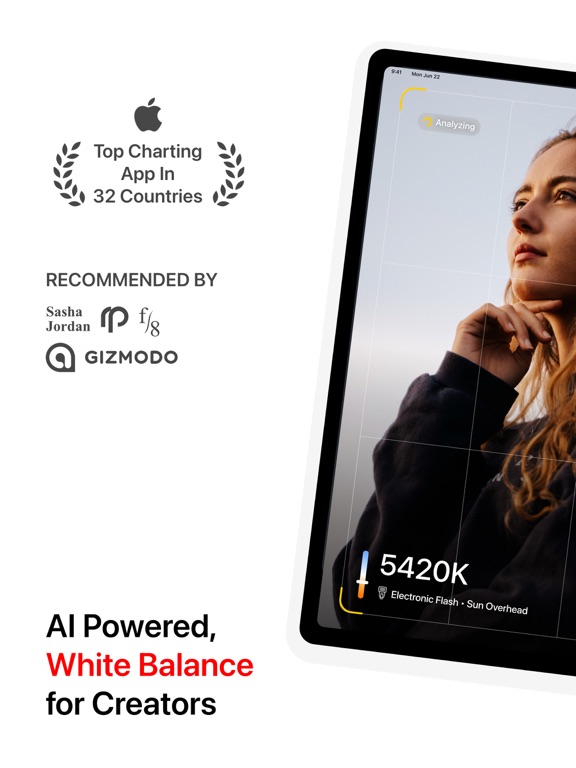
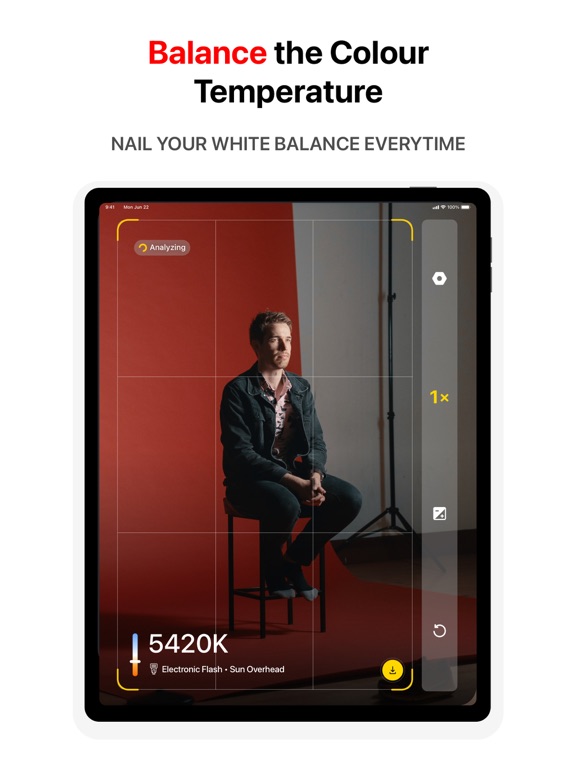
KEV app turns your iPhone or iPad into a professional and easy-to-use light meter. Using KEV app is as easy as pie, no sensor required, the in-built camera already got you covered.
Minimalist KEV uses AI to analyze live previews and provide accurate white balance data in Kelvin, making it a valuable tool for photographers and videographers.
Trying to get the perfect White Balance on your DSLR can be annoying. KEV helps you by letting you know what the White Balance should be. You can measure the colour temperature of a light source in Kelvin without having to spend hundreds of dollars on professional devices.
We calibrated KEV using Sekonic C-700R-U SpectroMaster Colour Meter, and we guarantee from fair to almost 100% accuracy. Just open the KEV app and point the camera on surface or scene.
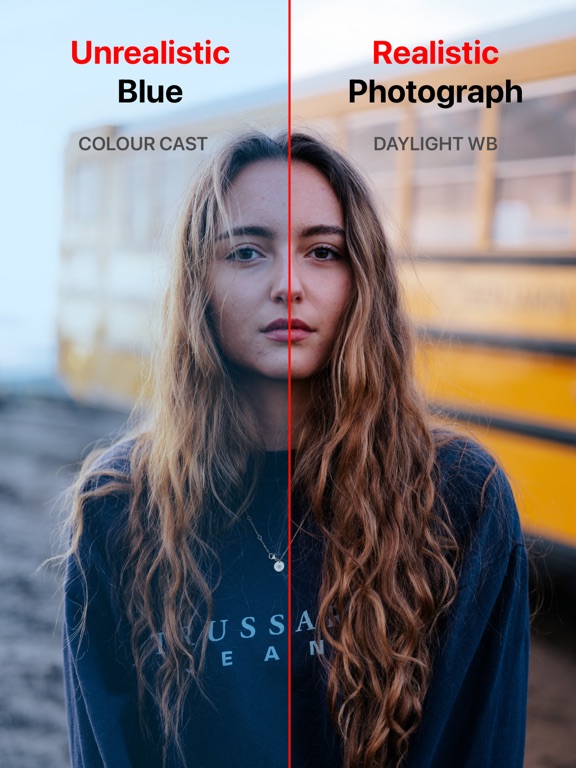
The white balance is a correction of color rendition to make the picture from the camera sensor as similar to the perception by human eyes as possible.
Functions and Capabilities:
• Gets you Color Temperature in Kelvin in real-time.
• Ability to compensate and calculate the white balance readings.
• Capture a snapshot with color temperature reading and location.
• Ability to manually focus on the scene and objects.
• Minimal yet integral point and shoot capability.
• A go-to spectrometer for photographers, videographers, cinematographers, gaffers, drones and action cameras.
• Save time in post-processing.
• Mount your iPhone using hot-shoe over the camera or on a tripod stand and get colour temperature data on the KEV Watch app.
• Zoom in to get colour temperature data of a close-range.
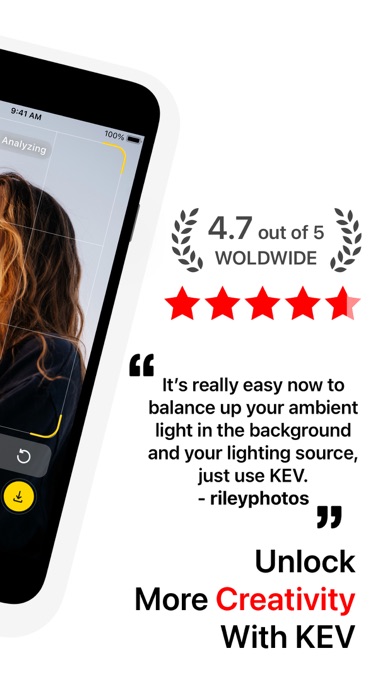
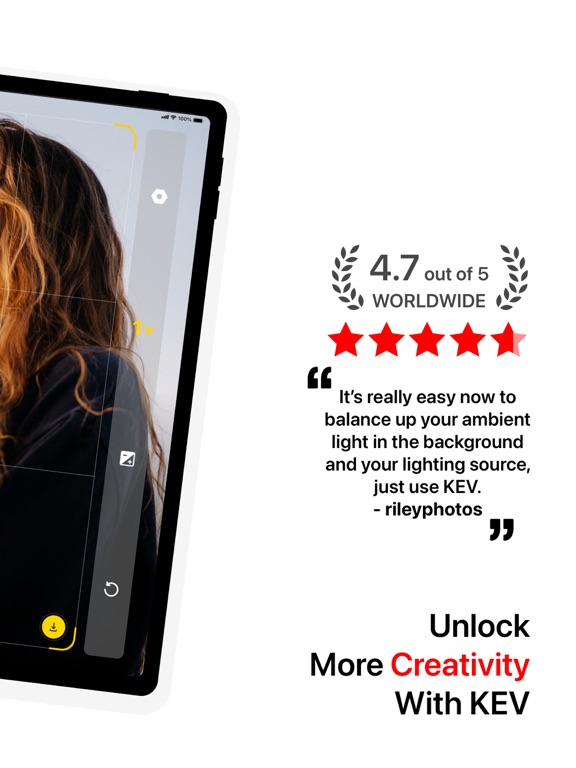
• Balance Color Temperature of the Ambient Light and Your Light Source.
Override the Auto-White Balance and choose settings yourself.
Check out these videos shared by KEV users:
Karl Weinreich - https://youtu.be/sT78ajMQ4Iw
rileyphotos - https://youtu.be/C4oihcY7Dh4
We care about your privacy:
https://kevapp.co/privacy/
If you'd like to contact, please send us an email at [email protected].
White Balance Meter AI - KEV App Comments & Reviews
White Balance Meter AI - KEV Positive Reviews
Updated review: 5 starsI had very little faith this would work. But I gave it a shot, pointed my camera at the white balance card, I was able to get the correct white balance every time. This app is definitely a life saver. I’m saving a lot of time in post processing. Very trustworthy, professional and accurate. I highly recommend this app. Thanks to the developer..Version: 5.6
Not accurate in wide rangesLong story short is not really accurate it wider ranges. If I come close to a source reflecting light it’s dead on but if I’m checking a scene, it’s off by like +2600 kelvins. Almost like the app is evaluative it on spot lol. Developer suggestion: you should update with a simple option for us to calibrate the readings by adding a +/- kelvin box we can add +/- numbers. So if your app is reading 5000, Ican have a calibration number of -1500 so it shows me EXACT. I found its off in wider ranges here about 2600 and I compensate the calculation for my cameras white balance and it’s dead on after that..Version: 1.0
Worth it, even for one photoI bought this for one particular problematic photo, in which I was shooting a multisource lighting condition, low light with a complex set of materials in the image Kev gave me a kelvin number, I dialed it into my image editor, and the resulting image was exactly what I wanted So nice 😊.Version: 6.4.1
Great appI’ve been wanting to have a white balance meter forever, so happy I found this app. Seems to be very accurate and it helps greatly to setup my white balance in mixed light sources. Thanks!.Version: 6.2
Works like a charmI work a lot with getting colours right. My ideal is natural colors of skin tones and everything else. Once I get the colours, I then decide to tweak them to warmer or colder. KEV has helped me achieve it, I don’t have to go to Lightroom to do it..Version: 4.6
Amazing appIf you’re a photography enthusiast, this app is a must-have. Super accurate and beautifully designed. To the developer: thank you - this is just what I was looking for..Version: 6.4
Essential Tool for Setting Video LightingI needed a tool to set my video light color temperature to match the ambient light. This gets me close enough to a good value where the video looks more natural..Version: 5.3
Point accuracy and reliable!The app does the job very well. Saving a lot of time in post processing. If you are a photographer or a videographer, you need this app. Recommended 👍👍.Version: 5.3
Beginner here!I purchased the app about a year ago but only recently begin testing it out. So far it seems relatively accurate based on my findings using the xrite color checker. I do however hope they add a green/magenta reading as well to fine tune this using LED with tint sliders..Version: 6.4.3
Useful cross checkTaking multiple measurements helps provide a range of reasonable white balance values and supports aesthetic judgement when processing RAW files.Version: 6.2
Best camera app that I’ve bought in years!As a cinematographer for over 20 years, I have been looking forever to replace my LightMeter with a digital one on my phone. I shoot Primarily in LOG and color balance is key to a beautiful image. This app has been amazing! I highly recommend it. Thank you thank you thank you! AJ Zero Gravity Productions.Version: 6.4
Absolutely works as stated and beyond. This is worth every Penny.Amazing. Astounding. Love! You’ve set the bar. Back in the day I took a month of DSLR classes master this skill. You broke it down and made it better with an iPhone no less. Thank you for all that you do. Keep the amazing coming. I’m a customer for life..Version: 6.2
Very odd resultsI don’t believe the data is trust worthy as I get completely different results in colour temperature between the front and back camera. Sometimes over a thousand kelvins..Version: 5.3
Great Explanation!Great explanation on how to use this app. Very accurate! Thank you for the app and the explanation!.Version: 6.1
Colors on pointThis app is definitely a life saver!.Version: 5.4
GreatThis is a great free app with full functions, thank you developers.Version: 6.3.2
Simple and does it’s job wellLove how simple, and helpful KEV is. Well done dev team..Version: 6.4.1
Great tool!!!!Great portable tool. A must have!! So glad I got this. Thanks..Version: 6.4.2
Good App.Really enjoying.Version: 6.2
Awesome!Works perfectly. Just tested in my kitchen, matched the white balance perfectly. Must have for photographers!.Version: 6.5
I’m a DOP and this is awesome!I’ve always wanted an app like this and it performs well. Loved app!.Version: 6.4
Very handy but sometimes slightly inaccurateDefinitely recommend this especially for the price. I can see this tool becoming more expensive in the future as it’s extremely useful for people in this line of work. Due to the nature of it, it can be slightly off at times but for an app that isn’t using any physical WB cards or anything of that nature it is extremely impressive..Version: 6.4
Game Changer!!I photograph interiors for real estate and vacation properties. I have always relied on AWB plus correction of RAW files in Lightroom. Last week I photographed a property with multiple shades of yellow on walls, a very yellow hardwood floor, big view windows with lots of daylight and direct sunlight and various types of artificial lighting sources. My standard white balance method produced horrendous results that were tome consuming to process and still awful. I downloaded the KEV app and reshot the property with custom K setting for each shot. The results are excellent! It’s so easy with the device mounted on hot shoe I’m going to use it for all shots in future. Thank you. The price is such a deal for the solution offered. I feel like I stole it. I would be happy to send some extra $$ as I think the app well deserves it..Version: 6.3.4
CloseI’m very happy to have KEV in my bag of photographic tools. It is very useful to me when I’m forced to use a camera with limited white balance controls. I use KEV in combination with a white balance card. It’s always interesting to see how different the readings can be reading off the scene compared with reading off if a white balance card. I can’t believe that if I take a reading with KEV in a room with blue walls the reading can possibly be right, while I know that taking a reading off of the white balance card gives good results every time. Taking a colour reading off of a scene that is not inherently neutral in colour balance cannot possible give accurate results. It simply reads the colour being reflected from the scene, which is not the same at all as measuring the colour of the light falling on the scene. You get bonus points for “Data not collected”. Thank you for that..Version: 6.4
Great!Yahoo!.Version: 5.6
GoodThank.Version: 5.3
Free International Money Transfer 💸Enjoy high maximum transfers into more than 20 currencies while saving up to 90% over local banks! The cheap, fast way to send money abroad. Free transfer up to 500 USD!Version: 7.0.1
What do you think White Balance Meter AI - KEV ios app? Can you share your thoughts and app experiences with other peoples?
Please wait! Facebook comments loading...