Cem Olcay
PatternBud - MIDI CC Sequencer Customer Service

- PatternBud - MIDI CC Sequencer Customer Service
- PatternBud - MIDI CC Sequencer App Comments & Reviews (2026)
- PatternBud - MIDI CC Sequencer iPhone Images
- PatternBud - MIDI CC Sequencer iPad Images
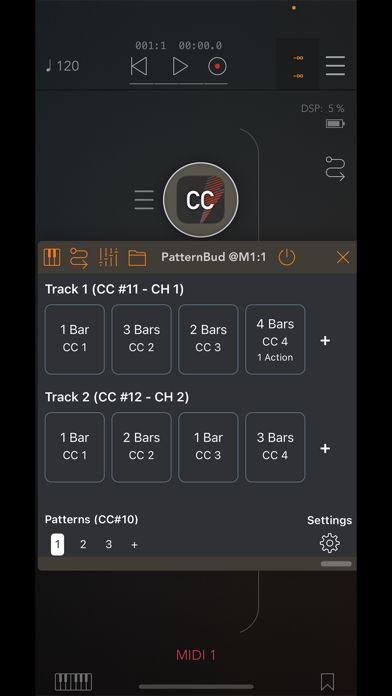
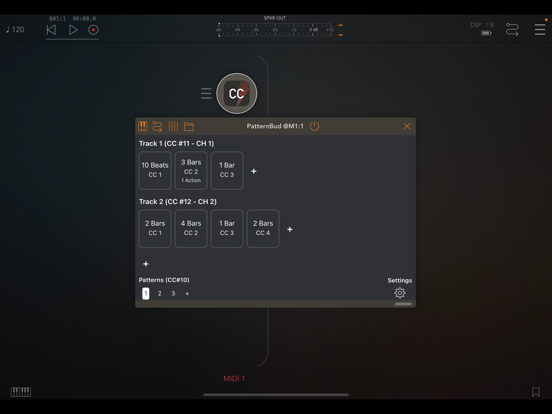
PatternBud is a MIDI CC and Program Change sequencer designed for controlling patterns across your music applications. Create sophisticated song arrangements by sequencing pattern changes in your synthesizers, drum machines, and sequencers based on musical timing such as bars, beats, or note values.
Key Features:
- Multi-track sequencer with unlimited tracks and steps per track
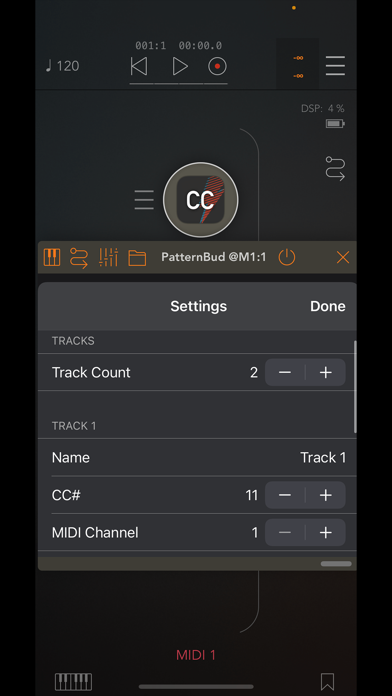
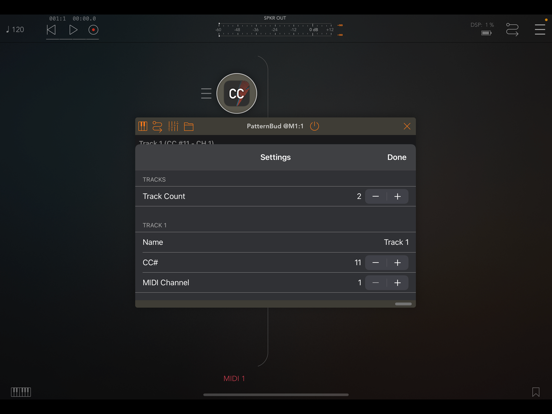
- Individual MIDI channel and CC number assignment per track
- MIDI CC and Program Change message support for each step
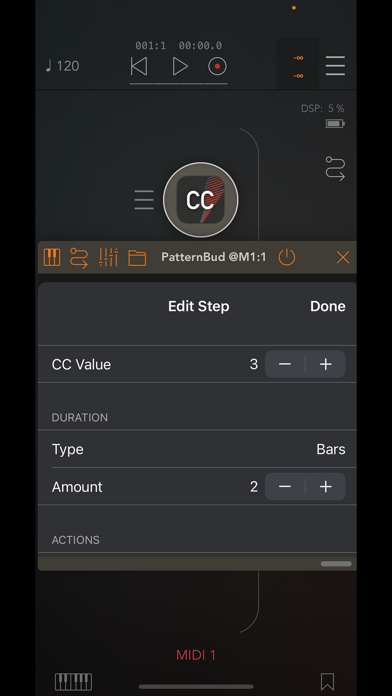
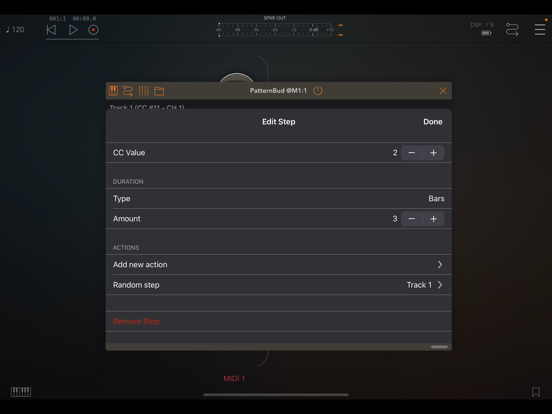
- Flexible step durations: bars, beats, note values, seconds, or minutes
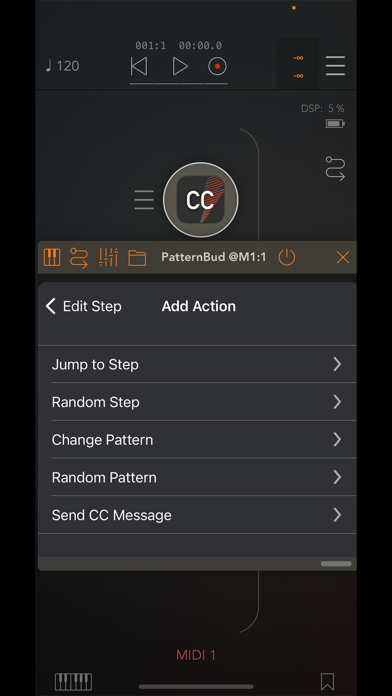
- Advanced action system for dynamic pattern control
- Random value generation with customizable min/max ranges
- Step-based actions including pattern jumps and random pattern selection
- Copy, paste, insert, and delete operations for efficient workflow
- Real-time step progress visualization with duration indicators
- Tempo synchronization with host applications
- Pattern switching via MIDI CC input
- Comprehensive MIDI input and output routing
- AudioKit-powered MIDI engine for precise timing
- AUv3 plugin format for seamless DAW integration
- Standalone app operation for hardware setups
- iCloud based preset manager
Advanced Action System:
- Jump to specific steps or patterns
- Trigger random steps within tracks
- Send custom MIDI notes, CC, or PC messages
- Execute actions at step start or end points
- Chain multiple actions per step
Perfect for controlling:
- Pattern-based synthesizers and drum machines
- Sequencer applications with multiple patterns
- Hardware devices via MIDI CC/PC messages
- Complex song arrangements and live performances
- Any audio app supporting MIDI CC or AU parameter control
PatternBud serves as the conductor for your electronic music setup, enabling you to create evolving compositions by orchestrating
pattern changes across your entire rig. The application produces no audio itself - it focuses purely on MIDI control and timing.
For AUv3 plugin usage, you'll need a compatible host application such as AUM, Cubase, apeMatrix, BeatMaker, or similar DAW
software.
PatternBud - MIDI CC Sequencer App Comments & Reviews
PatternBud - MIDI CC Sequencer Positive Reviews
Functional but a bit cumbersomeFirst off, this app is constantly crashing. I contacted the developer but haven’t heard back. That said, this is a focused and very useful little tool. I have not found anything like it. Unfortunately it is a little cumbersome to program. Would love to see reorder by drag and drop, drag to delete, copy/paste or duplicate track, etc..Version: 2.0
Free International Money Transfer 💸Enjoy high maximum transfers into more than 20 currencies while saving up to 90% over local banks! The cheap, fast way to send money abroad. Free transfer up to 500 USD!Version: 2.6
What do you think PatternBud - MIDI CC Sequencer ios app? Can you share your thoughts and app experiences with other peoples?
Please wait! Facebook comments loading...