DAVID CROOKS SOFTWARE DEVELOPMENT LIMITED
ISymmetry - Pattern Painting Customer Service

- ISymmetry - Pattern Painting Customer Service
- ISymmetry - Pattern Painting App Comments & Reviews (2026)
- ISymmetry - Pattern Painting iPhone Images
- ISymmetry - Pattern Painting iPad Images
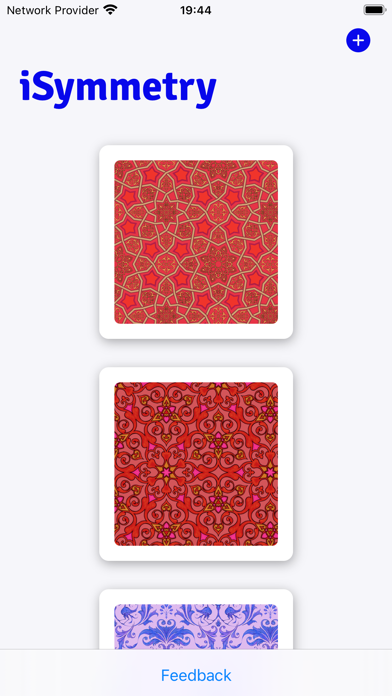
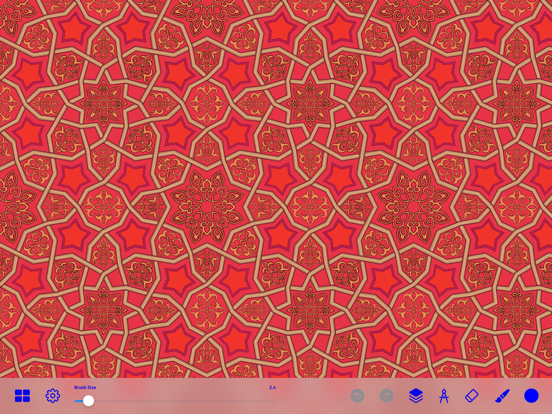
iSymmetry is a complete studio for seamless pattern creation. Every brush stroke is transformed into a kaleidoscopic design. Built for the iPad and Apple Pencil, iSymmetry gives artists and designers powerful tools to create beautiful patterns with ease.
iSymmetry is fun and intuitive and packed with powerful features:
SYMMETRIES
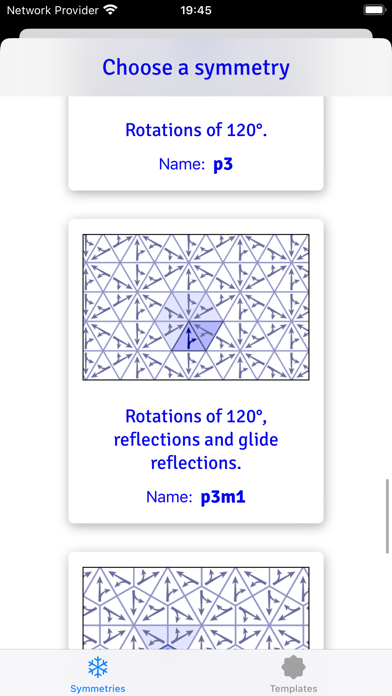
- 17 Kinds of Pattern (wallpaper groups)
- 23 Pattern templates
- Symmetry guide lines
BRUSHES
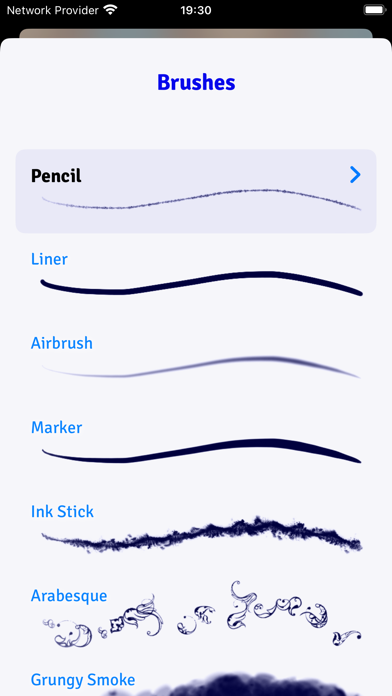
- 18 expressive brushes: Pencil, Liner, Airbrush, Marker, Ink Stick, Arabesque, Grungy Smoke, Oil, Ink Splatter, Squiggles, Rings, Charcoal, Pastel, Laser, Grungy Rings, Smoulder, Spectral Grain, Ink Splodge
- Full support for Apple Pencil
- Slider controls for scatter, hardness and pressure to give you even more creative control
PRECISION SHAPE TOOLS
- Line
- Star
- Polygon
- Triangle
- Circle
- Arc
Import Photos
- Kaleidoscopic photo import
LAYERS
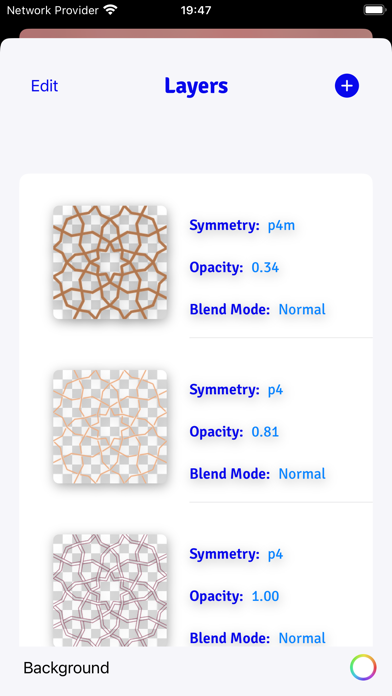
- Blend modes: normal, multiply, screen, overlay, soft-light
- Opacity
- Offsets
- Individual layer symmetry
- Merge, duplicate, delete and reorder layers
COLOR
- HSB and RGB color picker.
- Swatches
- Eyedropper
Share/Export
- export seamless pattern tile
- export patterns of custom size
- png/jpg
- Export as Procreate pattern brush
FILTERS
- Blur
- Hue
- Color Controls
- Tone Curve
- Vibrance
PATTERN TRANSFORMATIONS
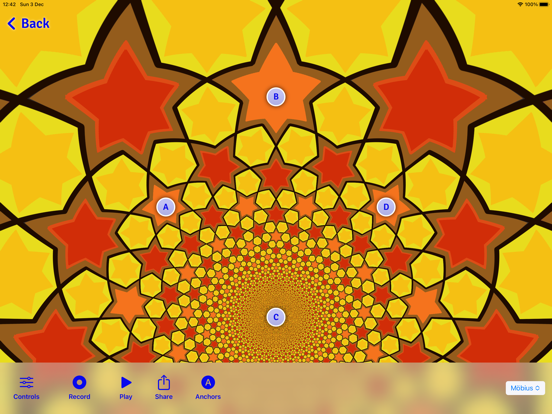
- Möbius transformations
- Spiral transformations
- Bipolar transformations
- Animate patterns transformations
- Record and share pattern animations
AUGMENTED REALITY
- View patterns on 3D objects in Augmented Reality
- Choose from Dress, Cushions, Shirt, Vase
ISymmetry - Pattern Painting App Comments & Reviews
ISymmetry - Pattern Painting Positive Reviews
One problemI love this app! The one problem I have repeatedly is that when I’m working on it and click the back button to undo something, it erases rows of my work. It will not ever return to what I had made and I have to start all over. This app is amazing, and if that one error we’re fixed this would be a 5 star rating..Version: 2.2
Where is in-app purchase?First, I would like to say that the app is a good concept. It does need a little work. There appears to be nothing on the app interface to upgrade or even describe an upgrade. The App Store description shows in-app purchases for upgrade and additional brushes. I would gladly consider purchasing if I knew what these were and also how to purchase. Please fix or revise your App Store product info. I will consider more stars if fixed..Version: 2.2
A goodieI like this app it’s been great helping me generate patterns, but it would be helpful if you could selectively edit lines,not just delete the last thing drawn, also the ability to export and import as an STL file would be epic!.Version: 2.2
Save Image doesn't workHi! Loving the ease of making instant patterns with this app! unfortunately the Save Image button doesn't work. i had to email myself the finished pattern. Would you please considered getting it fixed? Thank you!.Version: 2.1
Great app, so many optionsSuch a great app, with so many templates to make great patterns. It would be even better with more brushes and maybe stability added to brushes so it snaps to a shape if needed. Saving options are great, the layers is a fabulous feature. It has so much potential for more!.Version: 3.5
FantasyI love this app. Let’s your mind play with colors and design. Surprised not that many reviews. Thanks ..Version: 2.2
AddictiveI actually really love this app. But I don't like how you select the colors. I want to be able to select a specific color and be able to replicate the exact shade over several patterns. At least put in a color picker that allows you to put the dropper on the particular color you want in an image. Would be perfect if you could do this. For now, three stars..Version: 2.0
Can't undo!I absolutely love this app and used the old version a bunch. The update looks fantastic - but I can't undo at all. The undo button changes color when I tap it but nothing happens..Version: 2.0
Love it!I use this app all the time to make wallpapers. I change screens often to match one of the many phone cases I own and I can always come up with the perfect match..Version: 1.0
FascinatingIt looks like the developer is MIA. I would upgrade if I could. But his website is down. Shame, it's a whole new modality and very well done!.Version: 1.0
Fun to useThis app is great! So easy to use and loads of fun making your own crazy patterns. Try it!.Version: 1.0
Loved itI can't upgrade and I don't know why.Version: 1.0
Not able to save an imageWhen I tried to save an image it kick me out. Nice app. I like it but please find why it won't let me to save my work. Thanks.Version: 2.1
Nice app...I'd give it 5 stars if there was a way to specify the output resolution. Even if this feature was available as an in-app purchase..Version: 2.2
Wowser! Tessellations easypeasy.You draw one fish it makes a whole sheet of fish! WAY beyond merely symmetry. Cool brushes. You can make wallpaper! A lot of fun..Version: 2.2
Free International Money Transfer 💸Enjoy high maximum transfers into more than 20 currencies while saving up to 90% over local banks! The cheap, fast way to send money abroad. Free transfer up to 500 USD!Version: 4.0.3
What do you think ISymmetry - Pattern Painting ios app? Can you share your thoughts and app experiences with other peoples?
Please wait! Facebook comments loading...