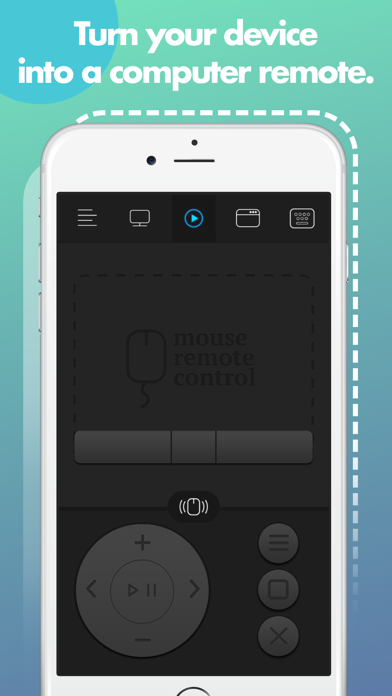
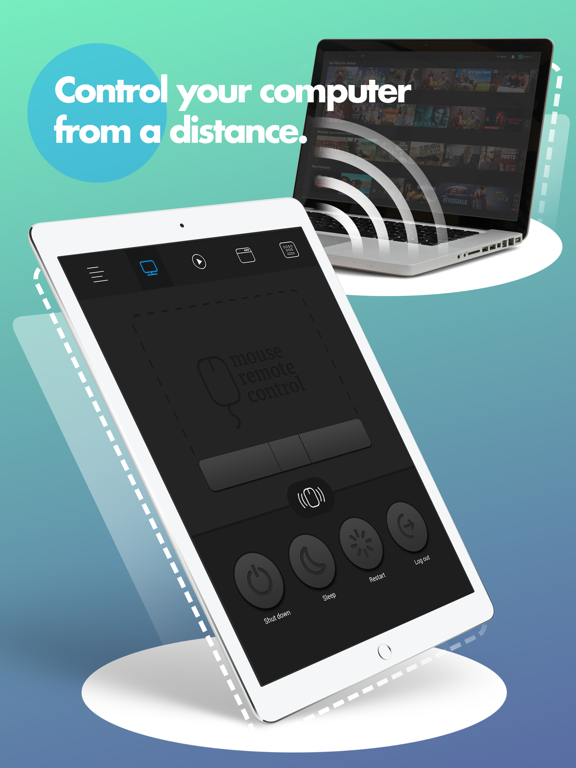
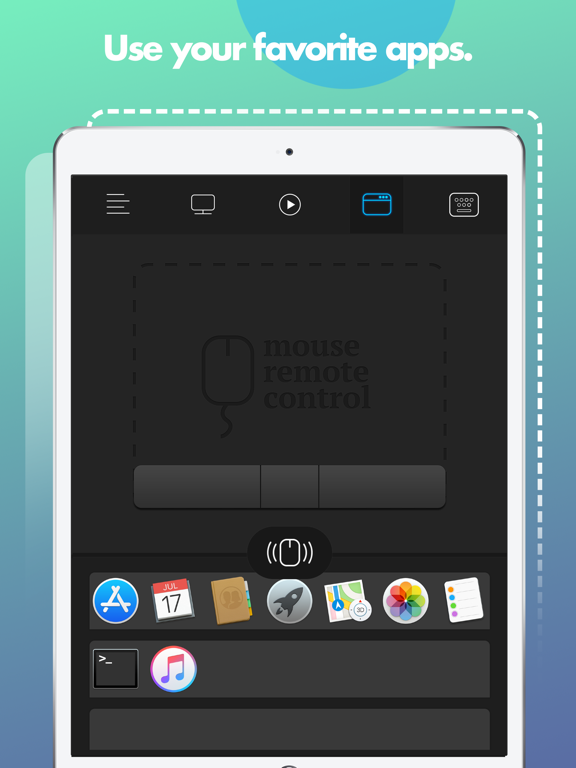
Turn your iPhone or iPad into a wireless remote control for your Mac.
Enjoy full control of your Mac while giving presentations, watching movies, listening to your favorite music and many more! Super fast, super easy, right from your mobile device!
* * * FEATURES * * *
• Fully Simulated Mouse
• Magic Remote
• Multi-Touch Gestures
• Functional Keyboard
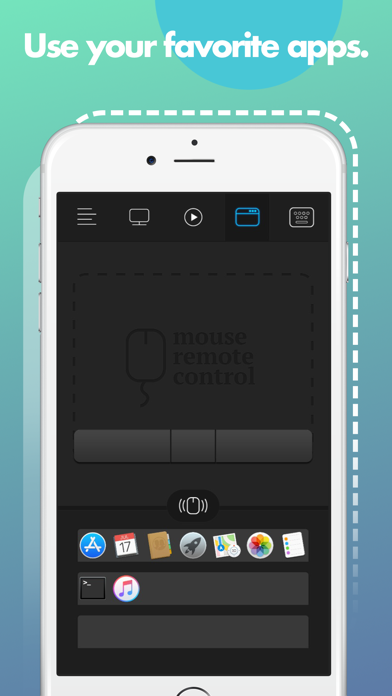
• Application Launcher & Switcher
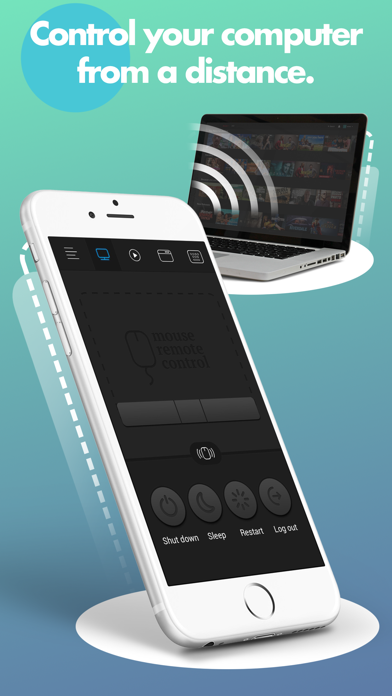
• Shut Down / Sleep / Restart / Log Off Remotely
• Password Protection
• Customizable Interface
• Works under Wi-Fi network
* * * BEFORE YOUR START * * *
1. Visit remotemouse.aexol.com and download & install an app for Mac client on your computer.
2. Open app client on your Mac, click "Pair devices" and set up a password which allows you to connect to your Mac with your iPhone & iPad
3. Make sure that your mobile device is connected to the same Wi-Fi as your computer
4. Open app on iPhone or iPad and press "Connect", provide a password and enjoy!
Remote for Mac Negative Reviews
BuggySometimes mouse gets stuck at the top bar... annoying illogical "ad will be shown in 3...2...1...." popup announcement.. multitouch gestures not working.. overall not very good app..Z382Version: 3.1
Not impressedA pop up ad everytime i run it? Just what I need when I’m trying to do final setup for a presentation. Go peddle your VoIP crap or whatever other junk you’re selling to someone else- glad I didn’t pay for this..Upstate NYVersion: 4.0
Remote for macRequires extra download that is not in apple store.Filuca1215Version: 3.1
Doesn’t workI couldn’t get this to work on my computer after installing through my phone then MacBook. Download was broken. So frustrated..MakergirlVersion: 4.0
False appsThis apps totally false. Full days spent for this apps installation but unfortunately server don’t shown anything positive. I bought it about $4.5. I need return my money..BadrulEloraVersion: 2.1
Doesn’t workThe App I downloaded into my Mac to sync with the mobile App doesn’t launch. I would love to have my money back please..Stan305BAVersion: 4.0
REMOTE MOUSE FOR MACIT WOULD NOT EVEN INSTALL ON MY iMac. All it would do is give me the circle with the slash on it ❗️ No install. If this app is OS specific or certain Mac models specific, it should be stated as such in the description..Dee Dee QueVersion: 2.0
Remote mouseDoesn’t work. Says doesn’t support iMac. Tried everything nothing.Chazb0704Version: 2.0
Total ripoffDoesn’t work, no instructions..Clem748375838375Version: 4.0
WutHow the heck is this app rated so highly if every single review is a 1-star?? I smell rating bots....FunkyBrewstrVersion: 3.1
Set up not intuitive.Gave up..Garrett D.Version: 2.0
Doesn’t work🙄🙄🙄🙄.RyqeegeeVersion: 4.0
Bad appIt’s not working well in the mac.Mshari AlzhranyVersion: 3.1
Doesn't work, no supportServer side app crashes. Can't be used at all. There is no way to contact developer. Don't waste your money!.OzJonesJrVersion: 1.0
Won’t InstallMy MacBook says the developer is unauthenticated and won’t let me install the app on my computer..Shaw.menVersion: 1.2
Didn't work for me.My mouse moved around sporadically, if I could see it at all, and my apps never showed up..FostybVersion: 1.2
Don't workDon't waste your time and mony the mac app crash when you try to contact your IOS.Yoyo_qatVersion: 1.0
Not worth 3.99Totally did not work..Adiatu87Version: 1.2
No sirveRegresar mi dinero.Ale_2010Version: 4.0
Sure, it sounds like it would be greatI downloaded the remote mouse app for my iPhone onto my iPhone, but then it says it wants you to download an app onto your Mac also, so I went to do that, but that app is not available in the Apple App Store, they want you to go to their own private website and download it, so I did that, however when I try to open the app after downloading and installing it, it says that it cannot open the app because it is either damaged or incomplete, so then I tried to send them an email on their website, and after writing the whole email and clicking send, it will not send, so now I have to re-write the email using my email program and send it to them and hope to get an answer. So maybe there will be a solution, but so far my advice to others would be to avoid what I am going through right now, and just do not download this app. Aexol, the company that makes this app, needs to get the app for Macs in the Apple store. Then we could trust the app more, and hopefully wouldn’t waste our time downloading and installing damaged software that doesn’t work..Common TatorVersion: 2.0
Mouse doesn't respond wellCan't get the mouse to react like my touchpad, nearly impossible to get the cursor where I want it..TallfarangVersion: 1.0
DOES NOT WORKI downloaded the app, both on my phone and iMac, and it DOES NOT WORK. Don’t waste your money. I want mine back. Scammers..OceanaDPIVersion: 4.0
Sorry....But I don’t think you’ve got the bugs worked out.
It’s connected to my Mac but keeps saying Connect to Mac..I can`t find oneVersion: 2.0
Payoneer 💰Payoneer is an online payment platform that lets you transfer money from any corner of the world! A best and must have payment service for every blogger, traveler, freelancer, affiliate marketer, consultant, virtual assistant, business person, online sellers, and receivers. Earn $25 for free by joining Payoneer. Sign Up Now!AdvertorialVersion: 4.0
 Aexol Studio