FrenchKiss Development
Mixlib - Playlist Converter Customer Service

- Mixlib - playlist converter Customer Service
- Mixlib - playlist converter App Comments & Reviews (2026)
- Mixlib - playlist converter iPhone Images
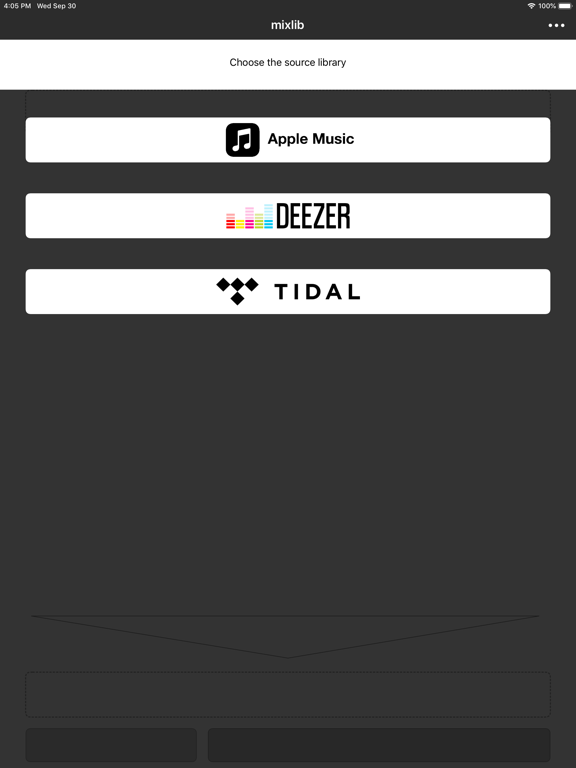
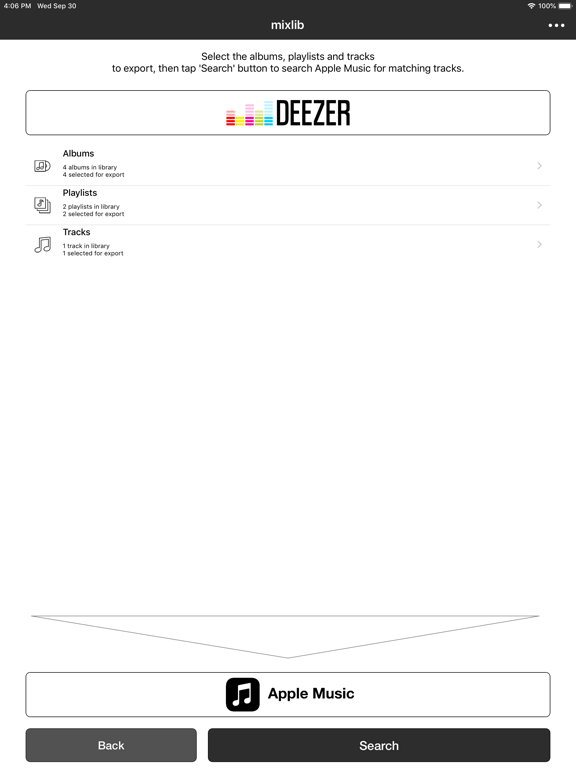
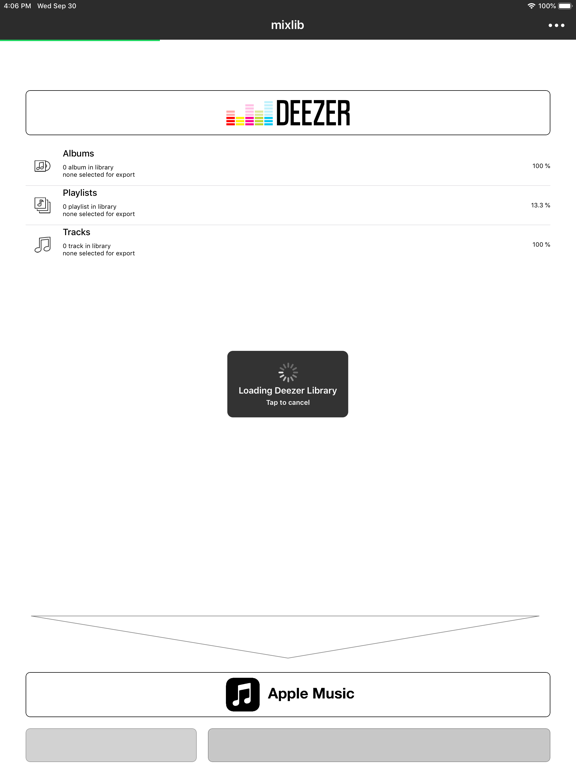
- Mixlib - playlist converter iPad Images
Mixlib can transfer playlists, favorites albums or favorites tracks between these streaming services:
-Apple Music
-Deezer
The Problem: Matching song between services.
It may seem obvious but it is not. That's why other services sometimes only transfer half the content of your playlists.
The Solution: mixlib tries its best to find good matching songs and albums. Using several methods, taking into account region restriction, etc.
Features:
-Step by step process
-Select which items to export.
-Review results before exporting.
-Side by side view of covert arts.
-Manual search for better matching results (useful for remixes)
Mixlib works best with stable network connections (Wifi, LTE).
The conversion process can take some time so please be patient. :)
Please, send us any remarks or complaints to [email protected].
Mixlib - playlist converter App Comments & Reviews
Mixlib - playlist converter Positive Reviews
Awesome service!This is a great app. It scans all of your music at once, instead of having to do each playlist individually like other services. (Which can take a long time). Customer service was great too. There was a feature I wasn't sure about, so I emailed them, and they responded back in a couple of days, and told showed me how to do what I needed..Version: 1.1
Awesome but limitedEven though you can only do a certain amount of music, you can just redownload the app every time you need more.Version: 1.8.0
PleaseIt's a good app but y'all should make the unlock be free and change it to where if someone download it than you should get money please make the unlock free.Version: 1.5.8
Great appI love this app so much its the only one that actually did what i wanted it to.Version: 1.5.3
Bigrigger1Dope App 👍👍🏽👍.Version: 1.5
Awesome appDoes what it says and super easy to use. Moved from Spotify to Apple Music. It does have some limitations however that can be fixed with the in app purchase which removes those limitations. Only thing that I could possibly ask for is Google Music to added. Still a solid app and performs for what you pay for..Version: 1.5.3
Does what it's supposed to.I had to move from TIDAL to Apple Music. Long story short, there were no TIDAL to Apple Music services so I had to move from TIDAL to Spotify and then Spotify to Apple Music. Stamp is the most popular app that does this, but it's $15 on desktop and $10 on iOS. I found this app, saw that it was only $0.99, and decided to give it a shot. It was worth it. It isn't pretty, it isn't remarkably intuitive, but it moves a crap ton of music from Spotify to Apple Music really easily. Whole library took about an hour, but it worked flawlessly. Definitely worth $0.99. And who cares if Stamp is faster and prettier... Not worth $10 for an app you'll likely only use once..Version: 1.1
Got the Job DoneThis app converted several very large Spotify playlists that I wanted into Apple Music. I found a few public playlists that existed only in Spotify format. This app chugged through them and converted them fine. My only complaint is that the startup time takes a long time with large playlists. I wish the app would load and allow you to make changes or troubleshoot (I had a problem with the In-app purchase that the developer worked hard to get resolved.) without scanning the library each time..Version: 1.5.2
Free International Money Transfer 💸Enjoy high maximum transfers into more than 20 currencies while saving up to 90% over local banks! The cheap, fast way to send money abroad. Free transfer up to 500 USD!Version: 1.11.0
What do you think Mixlib - playlist converter ios app? Can you share your thoughts and app experiences with other peoples?
Please wait! Facebook comments loading...