Sindre Sorhus
Lungo Customer Service

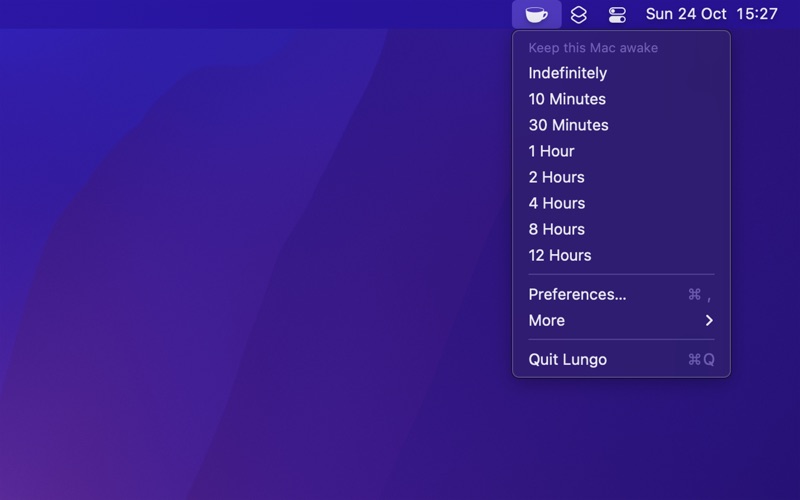
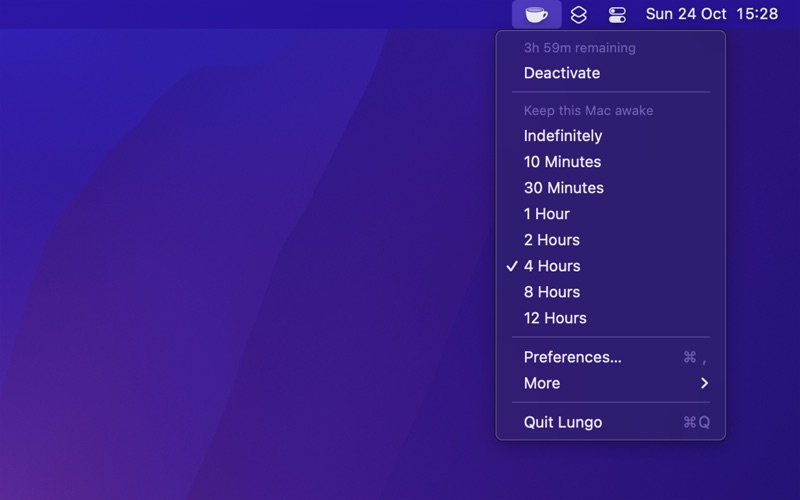
Lungo prevents your computer from falling asleep and your screen from dimming.
This can be useful when:
- Doing a presentation at work.
- Watching YouTube videos in non-fullscreen mode.
- Cooking and having the recipe open on your computer.
- Reading a long article without scrolling.
- Using the screen to view live stats.
- Monitoring progress on a long-running task.
Features:
- Right-click the menu bar icon to quickly activate.
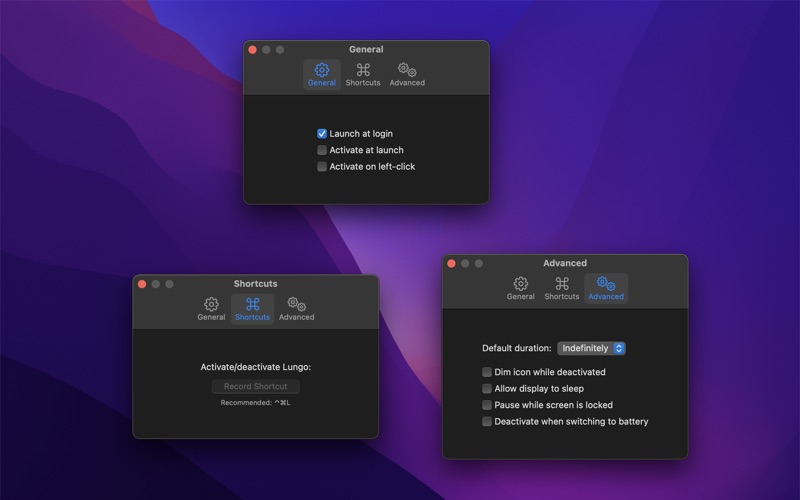
- Choose to activate with left-click instead in the settings.
- Choose to activate at launch in the settings.
- Allow the display to sleep in the settings.
- Set the default duration in the settings, which is used when Lungo is activated by clicking the menu bar icon.
- Custom keyboard shortcut to activate/deactivate Lungo.
- Deactivate automatically when disconnecting the power adapter (opt-in).
- Shortcuts support.
- Control Lungo from scripts or the terminal. (See the website for more info)
Important: Lungo will not prevent your computer from sleeping if you close the lid. This is a Mac App Store limitation. Lungo is also not able to prevent a scheduled sleep, enabled in the battery system settings.
Support: Click the “Send Feedback” button in the app.
Lungo App Comments & Reviews
Free International Money Transfer 💸Enjoy high maximum transfers into more than 20 currencies while saving up to 90% over local banks! The cheap, fast way to send money abroad. Free transfer up to 500 USD!Version: 2.8.1
Payoneer 💰Payoneer is an online payment platform that lets you transfer money from any corner of the world! A best and must have payment service for every blogger, traveler, freelancer, affiliate marketer, consultant, virtual assistant, business person, online sellers, and receivers. Earn $25 for free by joining Payoneer. Sign Up Now!Version: 2.8.1