GENOVA Softworks
Light Suite - RAW Photo Editor Customer Service

- Light Suite - RAW Photo Editor Customer Service
- Light Suite - RAW Photo Editor App Comments & Reviews (2026)
- Light Suite - RAW Photo Editor iPhone Images
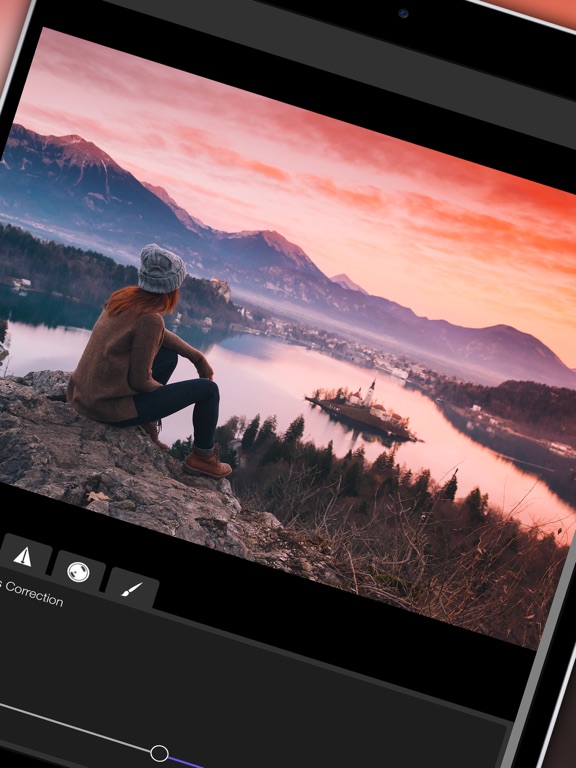
- Light Suite - RAW Photo Editor iPad Images
Main Features:
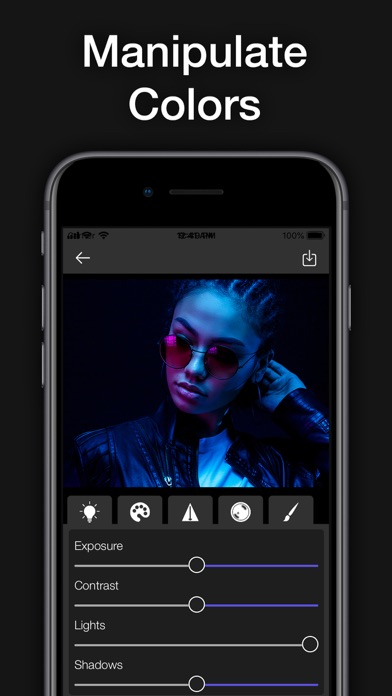
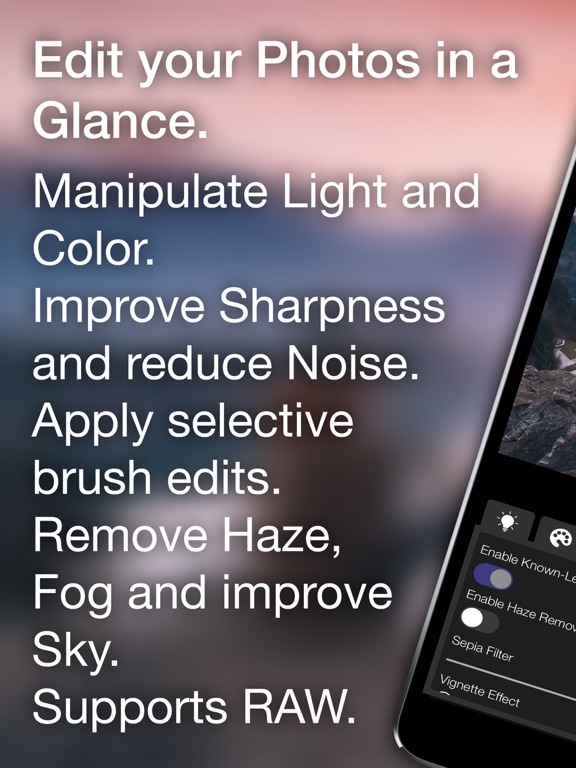
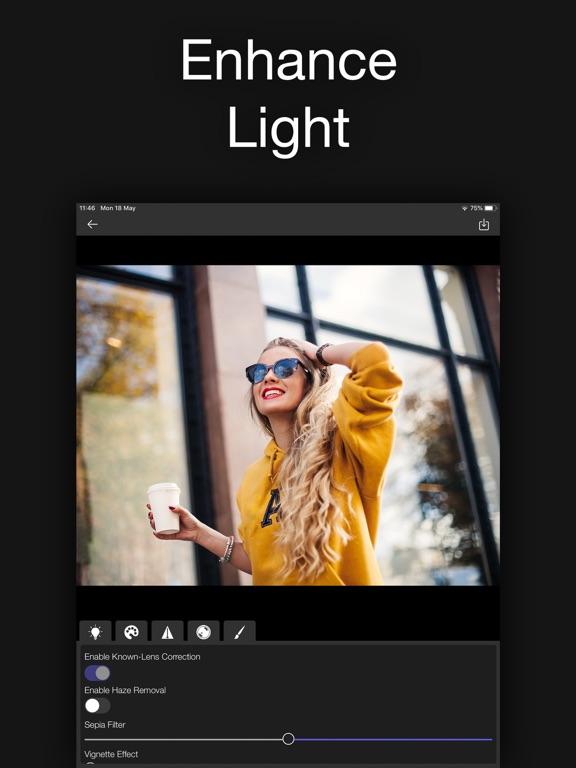
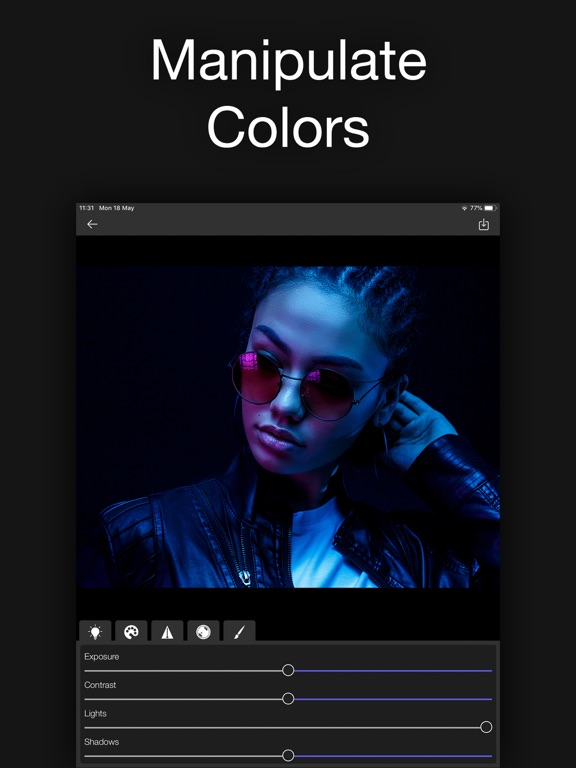
• Edit Light: Exposure, Contrast, Highlights, Shadows, Whites and Blacks;
• Color Edits: Saturation, Vibrance, Hue and Temperature;
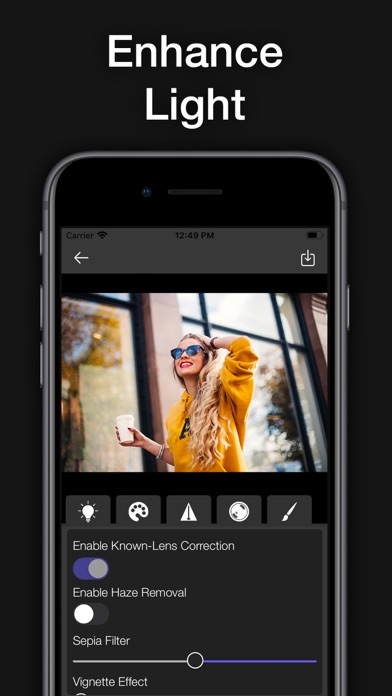
• Intelligent Haze and Fog removal Filter;
• RAW file support (such as Nikon NEF, Canon CR2, Sony ARW, iOS DNG, etc. file formats);
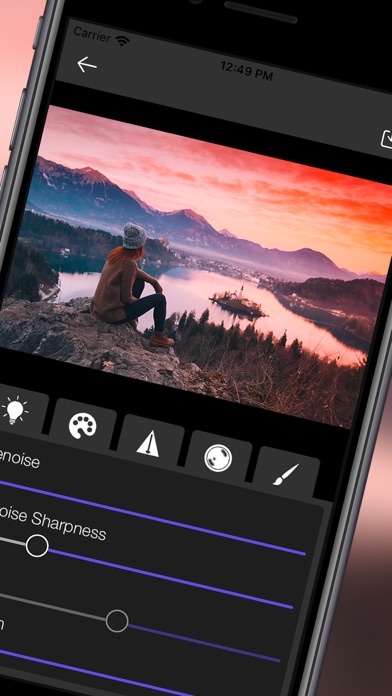
• Denoise Filter;
• Sharpen your photos with the Sharpen filter;
• Vignette Filter;
• Sepia Filter;
• Selective Brush Edit: You can edit the whole photo or you can also draw on the areas where you want to apply the edits and filters.
• Apple Pencil support;
An in-app subscription is required to unlock all the app features.
By using the app you agree the Terms of Use and the Privacy Policy available at: www.genovasoftworks.com/terms.php.
Light Suite - RAW Photo Editor App Comments & Reviews
Light Suite - RAW Photo Editor Positive Reviews
Works GreatWorked great for me…. first try! And I mostly, I don’t know what I’m doing! I like it..Version: 1.0.12
Nice Raw Editor!This looks to be a very good Raw editor with some nice features. However, there are a few improvements that would make it fantastic. I was able to edit a Fujifilm RAF file with no problem, but when I tried to load a Pentax PEF file (not a pixel-shift image) the app crashed every time. I use a number of Raw formats and will test each of them to see which ones work. There are no undo, reset or history options that I could find. Fortunately, it appears to be non-destructive so you can back out of the photo to start over. But that can be frustrating if you’ve made a number of edits and only want to go back a few steps. Ideally, having both an Undo/Redo (for the latest edits) and Reset (to start over without having to back out and locate the photo again) options would be very helpful. Being able to edit from the Files app is great, but there’s only a generic icon visible until you’ve opened a photo once, asking it difficult to know what photo you want to edit unless you know the file name. Not a dealbreaker, but a bit inconvenient. One other thing that would be great would be to have an option for TIF output rather than just JPG. Overall, this is a great start and I plan to thoroughly test the app..Version: 1.0.4
Works wellI especially like the brush mask..Version: 1.0.12
Free International Money Transfer 💸Enjoy high maximum transfers into more than 20 currencies while saving up to 90% over local banks! The cheap, fast way to send money abroad. Free transfer up to 500 USD!Version: 1.0.12