Raffaele Di Marzo
QR Code Wallet Customer Service

- QR Code Wallet Customer Service
- QR Code Wallet App Comments & Reviews (2026)
- QR Code Wallet iPhone Images
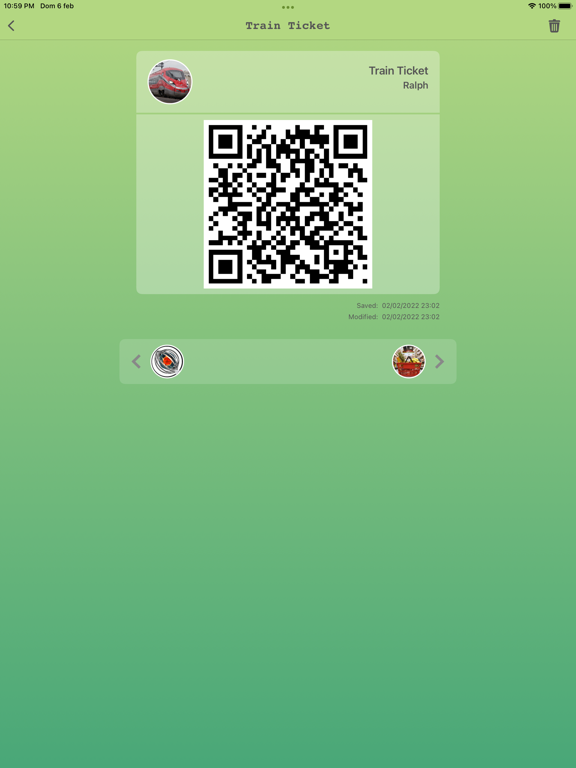
- QR Code Wallet iPad Images
With QR Wallet you can save all your QR codes in one app.
Manage the codes of your whole family quickly and easily to access trains, subways, airports, open websites, certificate, apps and social networks in complete peace of mind.
To ensure your security we do not save any type of data on our servers, the data is stored only on the device using 128-bit AES encryption (the same used by banks), in this way only you will be able to access your data.
Functions:
• You can enter your name, username, type, photo and QR code.
• Support Split View for iPad, you can use one ore two apps when read your code.
• Support for rotation on the iPad.
• Custom themes
• Privacy Policy: https://www.eraff.it/legal/privacy-EN.pdf
• Terms of use: https://www.eraff.it/legal/terms-of-service-EN.pdf
QR Code Wallet App Comments & Reviews
QR Code Wallet Positive Reviews
IncompleteI know it is a first version but it should have an option to edit entries, also after saving you can’t see the saved URL, you should be able to access the url by touching the QR or link.Version: 1.1
FidelityWhy would my documents be here?.Version: 1.3
Free International Money Transfer 💸Enjoy high maximum transfers into more than 20 currencies while saving up to 90% over local banks! The cheap, fast way to send money abroad. Free transfer up to 500 USD!Version: 1.3