Miinu Limited
My Sketch - Pencil Sketches Customer Service

- My Sketch - Pencil Sketches Customer Service
- My Sketch - Pencil Sketches App Comments & Reviews (2026)
- My Sketch - Pencil Sketches iPhone Images
- My Sketch - Pencil Sketches iPad Images
My Sketch - The best sketch maker with 11 million users is *FREE* for limited time! Get it today!
Achievements
=========================================
Featured by Apple for New and Noteworthy
Achieved Top 5 paid iPad Photography
Achieved Top 10 paid iPhone Photography
Top 10 Photography in more than 15 Countries
Features
=========================================================
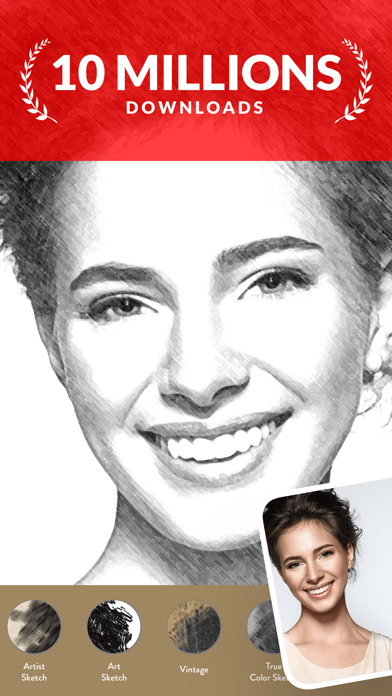
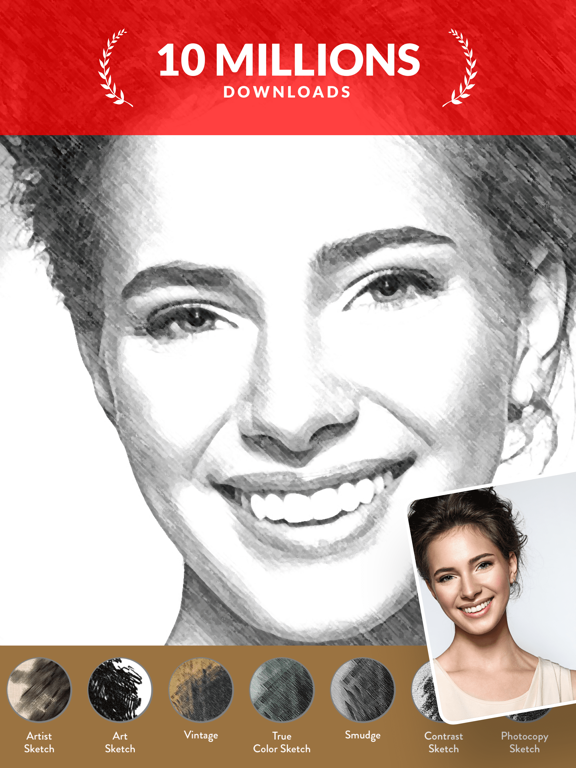
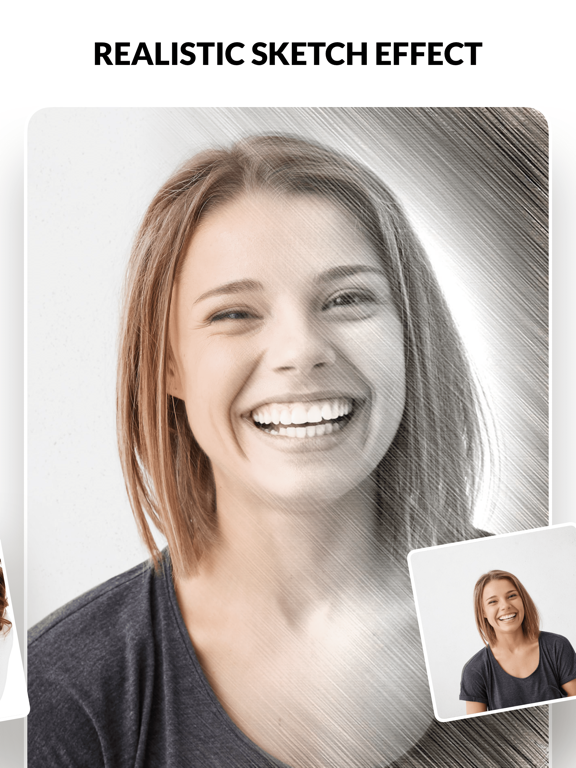
Turn your photos to Beautiful Realistic Sketch
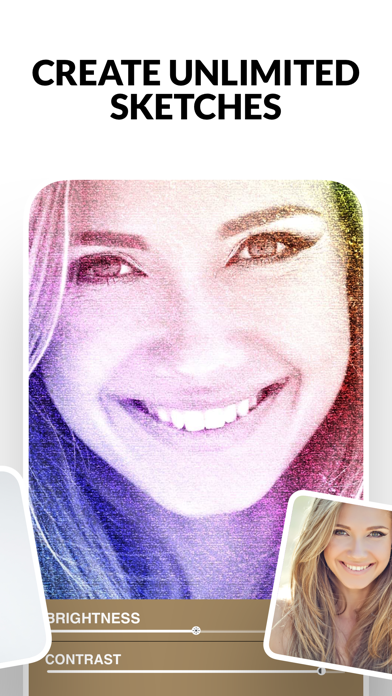
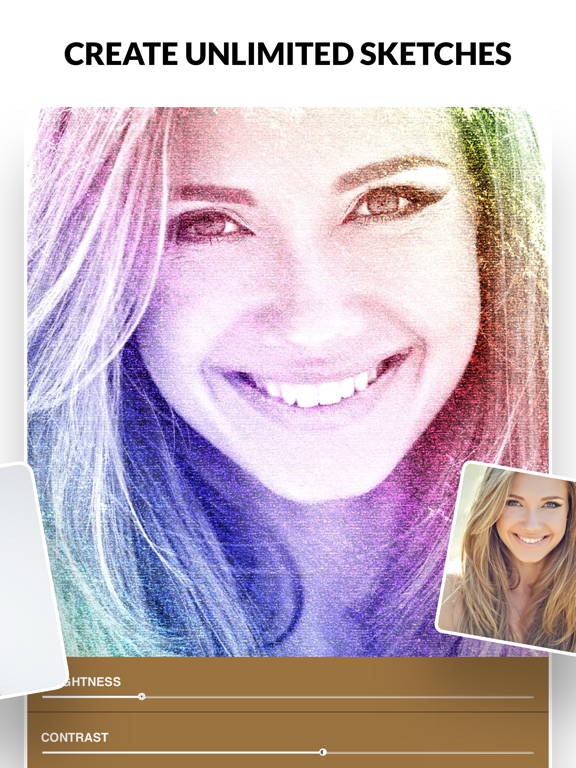
Create unlimited sketches
High Resolution
Photos can be taken directly from Camera or Photo Album
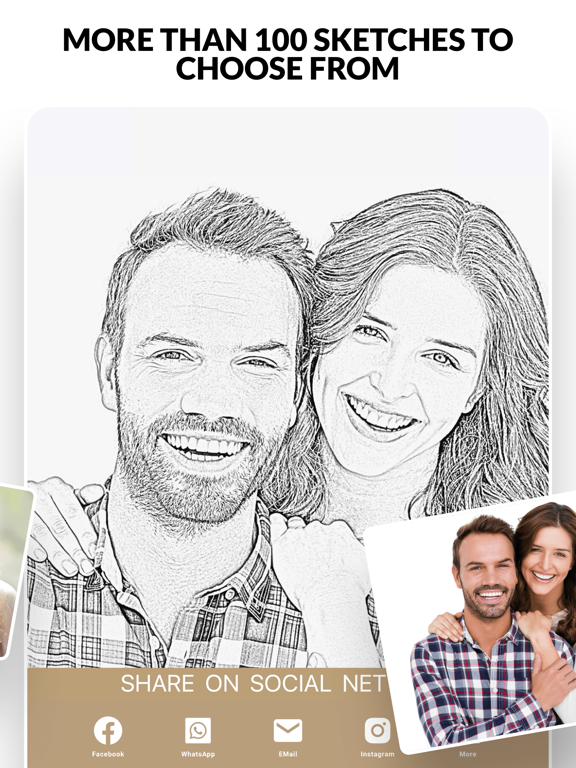
Choose 20 different type of Sketches
Adjustment of Brightness and Contrast to achieve the best Sketch Results
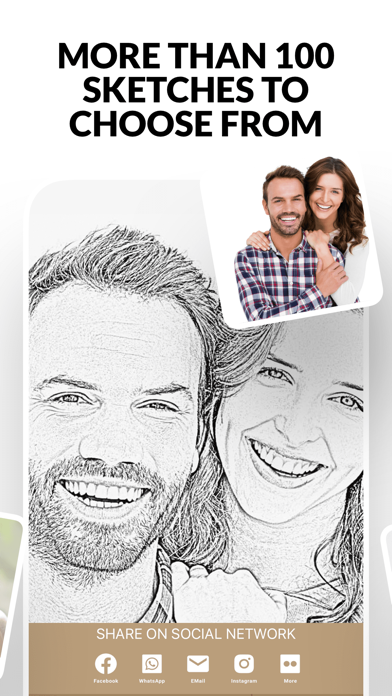
Sharing via Facebook,Twitter, Tumblr,Flickr and E-mail
Why are we different from the other Sketch Application?
=========================================================
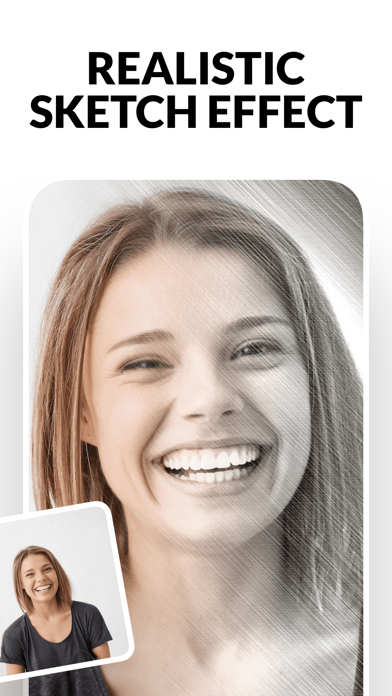
We use complex algorithm to achieve REALISTIC and NEAR PERFECTION Sketch
Our Sketch can be saved into High Resolution and suitable for printing
Our Sketch retain the original quality of the Photo without destroying or distorting it.
Customer's Reviews
=========================================
THE best sketch maker in appstore
This app is amazing
Worth every penny!!
Great app, a must to have !
Best Regards,
My Sketch Team
My Sketch - Pencil Sketches App Comments & Reviews
My Sketch - Pencil Sketches Positive Reviews
Best editing appThis is the first time I have left a review for an app that was not offering me an inducement. I have an odd hobby...I collect photo (and video) editing apps. Currently, I have over 90 that I actively use. My Sketch is THE zest of the bunch. There are many fine ones, but this is the first to be a work of art in and of itself. It makes you happy to work with it. This is one fantastic app. You will not be disappointed..Version: 6.2
Good app for drawing effectsI really like this app. It uses a lot of different effects to create hand drawn effects of your pictures. The only reason I rated it 4 instead of five is because I had a super hard time figuring out how to just save it to my photos album! It wants you to share on social media - but I finally got it to save to photos! If the developers make it easier to just save the image - I would give it a 5 star rating. If you draw and understand the different techniques that they offer for your effects of your photos, you will enjoy this apps sophistication of drawing skill. The only other tho g that bothered me is that I crop my images carefully and want to include All of my image in the effect- this app ends the effect and leaves part of your image faded out- or missing in the artistic drawing effect. Some of its filter effect do give you the entire image, but you really need to try them to find them..Version: 6.2
How do you save to Camera RollI agree with the other reviewer. This is a great app and I particularly like that is one of the few drawing apps that allow you to process a photo in a format other than a square — but I cannot figure out how to save to my Camera Roll. I’m always having to email the images to myself so that I can then save them to the Camera Roll. I gather that there is a way to do it directly but I haven’t been able to figure it out. Please make it more clear within the app and, in the meantime would you post instructions as part of your listing on iTunes. Your users are tearing their hair out over this issue!.Version: 6.2
Not bad but..I wanted to download a drawing app to maybe help me draw bc i find it easier to draw a drawing rather than drawing from a picture but anyways after searching for many apps i find this one the best for me but i feel like u could make it better there are a lot of filters and most of them just look like u put the pic in greyscale and idk put a few lines on it or smth BUT not all of them i do think this app is good and a whole lot better than some of the other apps i tried, i’m just saying it could be better 🙂🙂.Version: 6.7
Fairly tolerableSearch for "pencil sketch" on the App Store and you will get a ton of terrible apps that all use the exact same filters. This is not one of them. This one has a pleasant, non-obnoxious interface. No bugs. No nagging to rate it or buy upgrades. It has some pretty ok filters. If I want an edge detection-based filter I think I'll use this app. It doesn't have any real sketch filters that use strokes. It instead has a scan of a piece of paper with scribbles on it and composites your photo over it in black and white. Kind of a joke if you want a pencil sketch but it's an ok look if that's what you want..Version: 6.2
Great appI like this app, but there is a problem accessing the adjustment sliders at the bottom of the screen. On my iPhone X s max, I see only a slider to adjust brightness. However, on my iPad (6 th gen) I can see that “contrast” is below the brightness control, but the word “contrast” is cut off by a white space on the screen which also covers the slider control for contrast. I wonder if there other adjustments I cannot access..Version: 6.2
Fun satisfying program.I down loaded a different sketch type program before this one and was really irritated. It was full of annoying pop ups including one app that took over my phone once before. This app is fun and gets great responses from friends every time I share a new sketch. No pop ups. Short review cause I want get back to my photos ..Version: 6.2
Nice app that needs an updateI think I’ve had this app for a long while. But I hadn’t used it In quite sometime. But my creative juices comes and go. Out of the blue I wanted to sketch a few things and this app was right there. My first attempt was quite good so I kept using the app for a few things with solid results. Downside? My iPhone 6 had been problematic for a while and I hadn’t updated from iOS 10 to iOS 11 yet. I finally got the update and unfortunately there was some UI Issues after the update. I can still sketch photos but certain features are inaccessible due to a part of the screen being covered up on my iPhone. Looks like the developer is still around so hopefully they read this and get the app updated..Version: 6.2
Needs updating!I have had this app for years. I absolutely love it for creating sketches from photos. Unfortunately, the developer has not updated this incredible app for newer phones (iPhone X and iPhone XS XS/Max) with different dimensions. Features are not showing on the screen such as the contrast sliders and MOST IMPORTANTLY, the ability to save a sketch! I am forced to “share” the sketch and email it to myself. This app would undoubtedly be a FIVE STAR app if the developer would update it for the newer, larger phones..Version: 6.2
The Only Knock...Really, the only knock for me is that when I open it in my iPad, the very bottom of the workspace is cut in half by a white boarder so I can see that there is a contrast slider, but can’t use it. It was by happenstance that I hit some icon on the bottom right and it was the “save” button. Other than that, (and if you can tell me how to access it) the contrast slider is the only thing that I am slightly disappointed in this app. Pretty cool!.Version: 6.2
Great app! Been using it for yearsTime to give credit to and show appreciation for this wonderful app! Easy to use and always delivers when it comes to the processed image. There are not a ton of image choices which to me is great since what they offer is already a great selection. Hats off to the developer!.Version: 6.9
ImpressiveMy Sketch is a great tool for making your profile picture stand out. It does an admirable job converting photos into sketches - better than any of the other free apps I've tried. And it doesn't try to sell you add-ons. That said, I can think of 3 ways to improve it. 1. Give us square as an alternative to rectangle. This is the age of Instagram and profile photos on Facebook. 2. Let the user choose between a sketch with a border and a full image sketch. 3. Add a third slider to adjust the hue of the sketch. Or possibly a pop-up range of color choices. My Sketch is very impressive as is, and these options would make it even better. Especially square images. 5 stars because it does a great job and it's absolutely free..Version: 6.2
II like this appI have never reviewed an app before but this one is fun, easy and impressive. I am not very talented at computer things, however, the pictures I've created from the sketch program look like I am quite talented. It is a free program that I'm using and it's a lot of fun. I tell people to send me their photos and I will show them at this program can do..Version: 6.2
Excellent little AppThis handles your photos in a clear and concise way. It is easy to adjust the settings and is very user friendly. Like this one better than the other "more popular" app that asked for a five star rating even before I tried it out. This one had more useful filters, at least for my goals..Version: 6.2
Does more than I expected!I expected perhaps 5-6 different sketch types for a photo and this provides over 32. (Some of the choices have 2 options). Some are spectacularly beautiful or have unexpected possibilities. My only little niggle is that it won't let you do a whole photo, but usually just a large portion of it..Version: 6.2
Amazingly performantI have this app for ever and love it!! I’m very grateful the developer just updated it without asking for a fee or even a subscription like it’s the unjustified trending now. I would have paid without hesitation for the update but would have dropped it for a subscription! Thanks a lot to the developer. God bless you.Version: 6.5
We Love This AppI am so pleased with how easy this app is to operate and how beautifully our pictures are transformed. I made lovely Christmas cards in a few minutes for all the children in my classroom. It is such an easy and fun process that my eight year old loves to work with it. Highly recommended- thanks for you fine product!!!.Version: 6.2
VividThe way it copies a photo you can see the exact same detail as in the photo copied. The sketch is just as vivid as the picture. Get creative with a photo that you want before you have sketched to make awesome pictures. An easy 5 🌟 rating..Version: 6.9
Unique & different ways to look @ picsThis app is easy to use & makes your pics look different & interesting to look @. I would recommend this app to anyone who wants something different in their pics or when scrap booking, gives more options to creativity when applying pics in books..Version: 6.2
I like it but..Lots of great sketch effects in a simple to use app. My images are pretty large in length and it requires to crop them all the time. Why can’t I just add the effect to the whole image? All of my images end up cutting in half. Please add this update to still have the crop feature, but not require crop..Version: 6.9
Really Good App.90% intuitive on IOS (IpadPro). Best and easiest app I’ve found to produce sketches from my pics. Downside- can’t see all the buttons, including the Save button. Also doesn’t always share correctly; doesn’t provide an error message when sharing fails. STILL, I’ve deleted the other sketch apps. I’ll only use this one..Version: 6.2
Great appI had to do a drawing project for school and i used this app to make my drawing. My teacher thought it was so good she said i had a special talent for drawing and artistic abilities, when I am a terrible drawer and i just used this app to turn a picture into something that looked like a drawing.Version: 6.2
Great AppFun, easy to use app. When using the app on my iPad, I was unable to access the contrast slider control at the bottom of the screen. I could see part of the control, but it was mostly hidden. This wasn't an issue on my iPhone however..Version: 6.2
Super Easy to Use!I literally downloaded this app and saved my first picture as a pencil sketch in less than 2 minutes! This is much easier to use than other apps I have tried..Version: 6.2
Very Nice App, Watch-out for the Ads!I randomly picked three of these picture-to-sketch apps and this one is the best of the three in terms of function. When it comes to the advertisements, the ads land right on the mental line that says "these ads are annoying AF.".Version: 6.2
Simple, BeautifulThis is a simple program that turns photos into lovely sketches. There is no user input expect choosing a filter and, although you can make landscape photos, the program itself only works in portrait mode. That limitation is the only thing I find annoying about this app..Version: 6.2
My SketchI have to say the app is excellent, with some choices being way better than others. As an artist I have to say I feel as though I am 'cheating' to use this on my photos instead of drawing from them, but still, it is pretty cool!.Version: 6.2
My SketchI do like this Sketch app but I do wonder when I get done Sketching my photos and turn them into Art why can’t I just saved my art photos to my library without sharing on Social Network?.Version: 6.2
A fun interface to create a starting point for other appsI use this app to generate basic sketches that I use as a starting point for other apps, particularly those that enable me to use layers. No nagging add-on advertising. You get the whole program..Version: 6.2
Please update!Love this app so much but it really needs to be updated. The controls are not visible and there is no way to move them into frame. Brightness is fine but contrast underneath it is barely visible and not functional. Also save options are partially hidden. Come on please give us an update!.Version: 6.2
OkThis doesn't seem to do much converting your photos to "sketches". It's more making them the appropriate color and putting a border around them. (I.E. crosshatch, fine line, rainbow) plus some other frames. I like that it's not out of date & can definitely see some fun uses for it. I'll likely keep it for the foreseeable future, maybe for portrait-style photos..Version: 6.2
Fantastic, would have happily paid for itI don’t write reviews, but I must say I was skeptical of this app, but after using it I very soon realized it was a very nice interface, and with minimal ads and the low low price of free, you can’t beat it..Version: 6.6
Excellent resultsThis app works well and is a lot of fun. It really helps if you experiment with different versions of the original photo (exposure, contrast, etc.) and the adjustments within the app. I also found that converting most photos to black and white before using My Sketch also helps..Version: 6.2
REALLY good!This app does a great job at initially creating a line drawing. I wish there were more options for fine tuning shadows and balance but this is a quick and easy way to get a great basis to export for further editing. Highly recommend!.Version: 6.2
Great appNeeds one or two things to place it completely on top...the ability to rotate or skew the image. And the ability to resize the image. Both to be utilized prior to adding the desired “sketch” design. But I still love this app. Please keep up the great work!.Version: 6.6
I love My SketchI have enjoyed using the app every time! I have created some beautiful pictures. People have actually thought it was me who was drawing them. I tell them that it's not, it's an app on my phone. Thank you for such a wonderful app. Pam.Version: 6.2
My Sketch - Pencil Drawing SketchesI love this app! I make sketches of family and friends from photos and the sketches really capture them and everyone loves having a sketch of themselves and other friends. This is a fun, easy to use app and I highly recommend it..Version: 6.2
Love this appLove this app...have used many times for grandkids Sports pictures. Best of all, my grandkids love them too. Now I could add text, it shows on the photo where yet will Go, but I don’t pull up keyboard to type something. What am I doing Wrong?.Version: 6.2
AmazingFrom time to time, I use this app to create Artwork easily and share it with my loved ones. The selection of options available is just fantastic!!! Thank you My Sketch!!!.Version: 6.9
Performs very wellI Like It. I am an artist working mostly in pencil. The results are very good and the adjustment features are also very good. It is not a replacement for my talent as I can draw with modifications. But it does make for good preview of what I would like to draw. Thanks.Version: 6.2
Simple and easySimple easy app. Nothing over the top but fun and easy to use. As always there is always something that can be improved. But hey for what you are paying for the app, nothing, it is great..Version: 6.2
Bottom Screen MissingLove this app but for the last couple of months I’ve noticed that you can’t see the bottom bit of the screen to make adjustments to contrast and other functions. Please fix this. Otherwise, great app..Version: 6.2
Loved until...I was impressed with the images’ sketches as I was trying the different ones out but when I wanted to adjust it all I could use was “Brightness”. The rest of the adjustments (how many ops were there) couldn’t be utilized due to a solid white bar on the bottom of the app screen. VERY disappointing..Version: 6.2
Very good appAmazing Awesom.Version: 6.7
Great for travelEasy with a lot of filters.Version: 6.2
My SketchAwesome.Version: 6.9
Love itLove it, but wish I could save it directly to my device.Version: 6.2
My Sketch appI thought I lose this app, its great and glad I found it again.Version: 6.9
I can be an artist!This app is awesome for taking a photo and turning it into a piece of artwork and very easy to use!.Version: 6.6
Nice quality output, but...It won't work in landscape on an ipad, and photos have to be cropped before scketches are made. Why not fix these two issues, then I'd give you five stars. Thanks!.Version: 6.6
DrawGreat App. Makes a good photo special..Version: 6.6
Awesome!So far after only using this a few times, I can say this is the best app to make photos into sketches. They look just like real pencil sketches. Thank you. It’s great!.Version: 6.6
Ok ! I likeRất thích.Version: 6.6
LovelyJknn.Version: 6.6
#1Vraiment tripant.Version: 6.5
GoodIt’s amazing.Version: 6.5
Add me to the listJust like everybody else I cannot see the bottom of my screen so the program is basically useless. It’s really too bad because it had great potential. They really should fix this problem!.Version: 6.2
OK appThis is an ok app but does need to be sizes so that iPad users can see he full screen. Right now it is a guess how to save an image. Could be really good but right now only 3 stars..Version: 6.2
Great appFirst time user. Really like the end result.Version: 6.2
Bottom of screenCannot see and use anything at the bottom of screen, about time you fix it. Thx..Version: 6.2
Functionality missingCannot see bottom of screen to adjust contrast or to save, etc...seems like a very nice software but needs to be updated.Version: 6.2
My SketchAwesome App...+++...thanks.Version: 6.2
Norm’s reviewPromising app , but we need to be able to resize this app to be used or useful on my (iPad air 2) as I do not have access to all functions. I have noticed a great deal of comments in reviews but no response form the developer, not a good sign!.Version: 6.2
My sketchVery fun app Bravo 👍👍.Version: 6.2
Wonderful resultsThis app delivers!.Version: 6.2
App@JanZim54 it's dying not dieing. Anyways, the app's the best filter-rer... thing- app! That's the word! 😀.Version: 6.2
Good AppI like this app but there is a bar across the bottom that doesn’t allow me to access contrast or some of the save and share features..Version: 6.2
Fun and friendlyGreat app effects looks authentic Thx.Version: 6.2
Great for sketchers!I'm an artistic sketcher and this app helps me with my drawings! :) the fact that I can pick any photo from anywhere and turn it into a sketch is awesome for me! And to other artists out there like me!.Version: 6.2
GoodThe end results are beautiful, but there is a glitch with ipad air 2 where I can’t see the bottom edge of the screen options (or scroll them up), they are hidden under a screen effect..Version: 6.2
Love it!Best sketch app ever!.Version: 6.2
Love itWorks great!.Version: 6.2
My SketchMerveilleux.Version: 6.2
Excellent Sketching App - Great Job!!This App is exactly why I need for sketching a photo. I am an urban sketcher. This App does an amazing sketch up from a photo. It gives me ideas for when I begin my own pen sketch...then turned into a water colour paint in..Version: 6.2
Fun app and results are amazingI finally found an app that I can actually say I like looking at my photos of myself . I am not photogenic, with this app my pics look ok.Version: 6.2
😀😀😀😀😀😀😀🎫Great way to get your family laughing.Version: 6.2
One of the bestThis is easily the best free app for making pictures into sketches..Version: 6.2
Great app!!!!So cool thanks.Version: 6.2
DrawingWorks great.Version: 6.2
Free International Money Transfer 💸Enjoy high maximum transfers into more than 20 currencies while saving up to 90% over local banks! The cheap, fast way to send money abroad. Free transfer up to 500 USD!Version: 6.9