Surge Networks Inc.
IPerf - Speed Test Tool Customer Service

- IPerf - Speed Test Tool Customer Service
- IPerf - Speed Test Tool App Comments & Reviews (2026)
- IPerf - Speed Test Tool iPhone Images
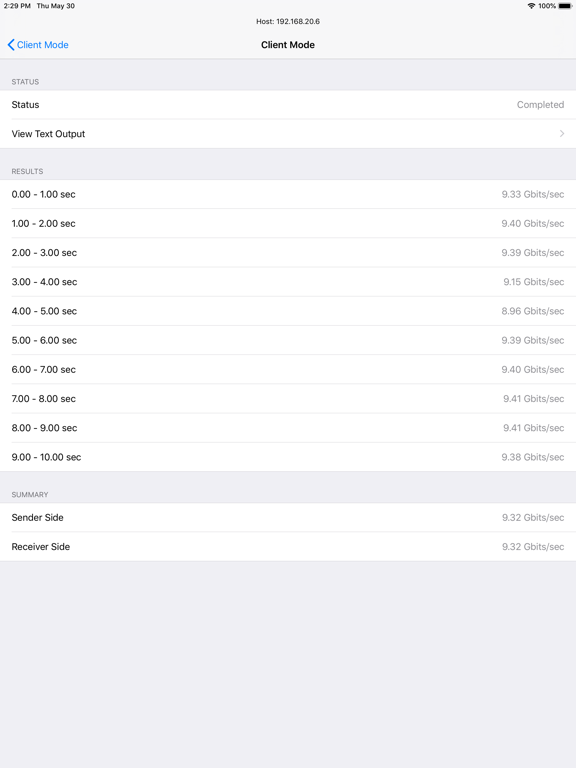
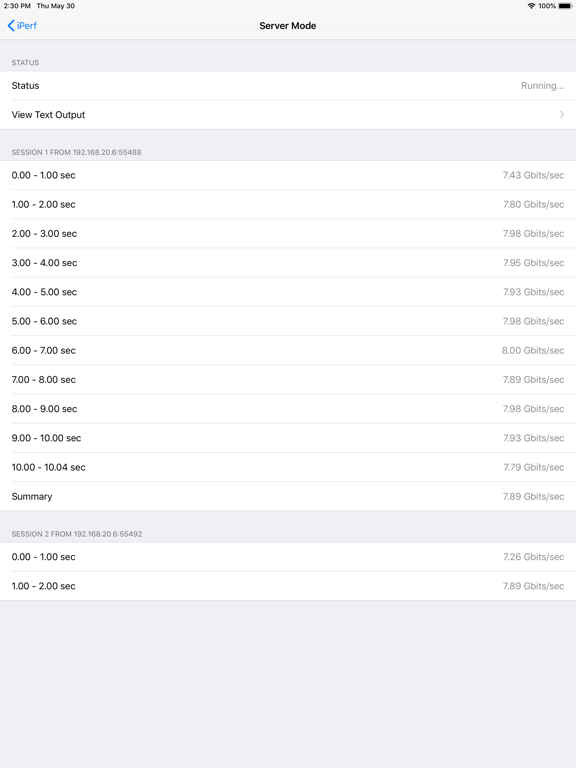
- IPerf - Speed Test Tool iPad Images
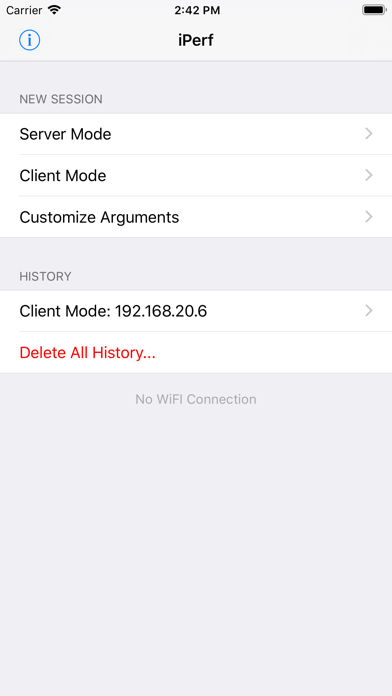
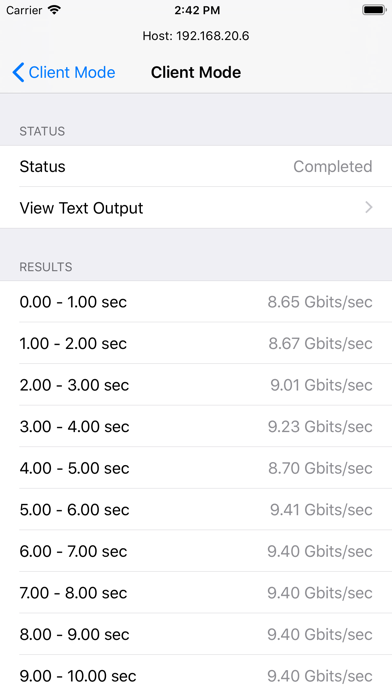
This app is an iOS port for iperf3, which is the most commonly used network testing and performance computation tool. Iperf is a tool to measure maximum TCP bandwidth, allowing the tuning of various parameters and UDP characteristics.
Features
- Compatible with iperf3 in other platforms
- Run as iperf3 client or server
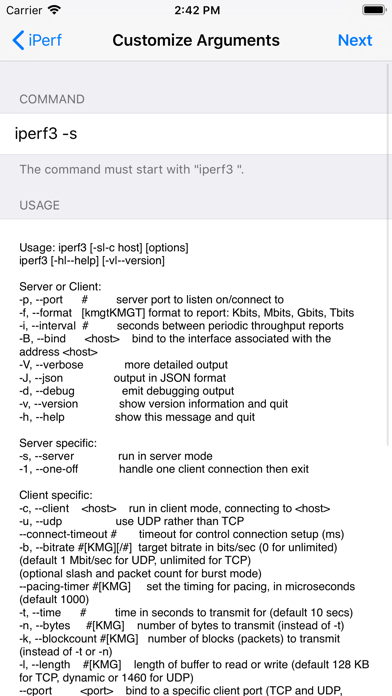
- Customize iperf3 arguments
- Display Wi-Fi interface link speed and SSID
IMPORTANT
This application is based on iperf 3.6, which is not compatible with the legacy iperf (version 1.x and 2.x). And it may have some minor issues with the other iperf3 versions.
IPerf - Speed Test Tool App Comments & Reviews
IPerf - Speed Test Tool Positive Reviews
New updateBut doesn’t give you the server IP address and you have to look it up another app. It is not like asking for service discovery..Version: 2.0.0
True command basedThis is superior to other iPerf 3 tools because this gives a granular control of iPerf command arguments I.e. for those who wants to do various/more precise testing. I also like the fact this tool allows iOS device to be server mode. One suggestion/feature request I have is to make a one option/UI change such that for those who likes to do just quick most basic upload or download test with # of parallel streams, have easy user selectable interface. This way the app covers the need of basic user and also advanced users..Version: 2.0.1
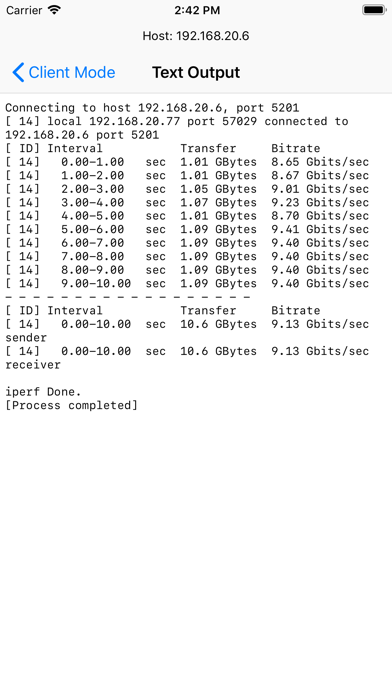
Full command line interfaceThis iperf app stands out as it has a full command line interface so you can get all iperf details. Most other apps I’ve seen only show summary info.Version: 2.0.2
Please upgrade to latest iperfPlease upgrade to iperf 3.11 and add more option features..Version: 2.0.3
Works wellGreat iPerf3 app to test throughput. You have the ability to add custom arguments, but it appears to only be for server side settings on your iOS device. I'd like to be able to add -r for client side on my iOS device to test server upload and client download..Version: 1.0.4
Works perfectlyI installed the iperf3 on centos 7 vm. From there I use it to regularly test from within my home wifi lan, between my lab servers/IT gear etc. it’s been a very useful tool to use from my phone I’m on the latest iOS version, which is currently 12.1.4. The app has worked perfectly from day one. No bugs or issues to complain or report. Also nice that you can add custom commands to it too..Version: 1.0.7
Handy toolVery handy tool to test your network condition. To those who can't get the app running, it works with IPERF3 only. BTW. If you click on the info icon at the top left corner, you will find a brief statement regarding the IPERF version issue..Version: 1.0.3
AdequateRuns fine against servers and clients. Tested against Linux and macOS iperf3 servers and clients..Version: 1.0.4
Works great.Pulling 171MB/s with Ubiquiti Edgerouter X as the server and a UniFi AP AC for wireless. I also tested the server function and that works too, although at a slower rate considering iPhone hardware. Good app for testing network speed..Version: 1.0.3
Works goodWorks good.Version: 1.0.6
Works perfect for meI installed iperf3 on Ubuntu 18.04, started it as a server, and this connected as a client immediately. Gave me very useful insight!.Version: 1.0.7
Great toolWorks very well and supports custom clients options. Also works ok Apple TV!.Version: 2.0.2
Super handy port of the unix iperf utilThis works great for me. I run iperf3 in server mode on a Linux box and connect and check transfer rates using this app..Version: 1.0.4
Free International Money Transfer 💸Enjoy high maximum transfers into more than 20 currencies while saving up to 90% over local banks! The cheap, fast way to send money abroad. Free transfer up to 500 USD!Version: 2.1.0