Impala Studios
Scanner' Customer Service

- Scanner' Customer Service
- Scanner' App Comments & Reviews (2026)
- Scanner' iPhone Images
- Scanner' iPad Images
Organize your paperwork, photos, recipes and everything important to you. Scan & Save, it's your portable scanner....Anytime, Anywhere!
• Scan documents, receipts, photos, or everything important to you
• Share your scans with whomever you want
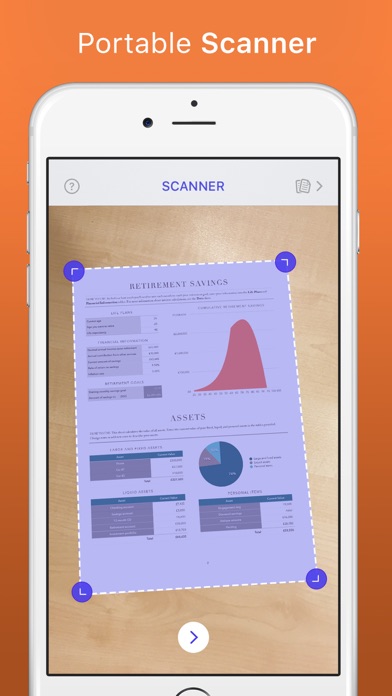
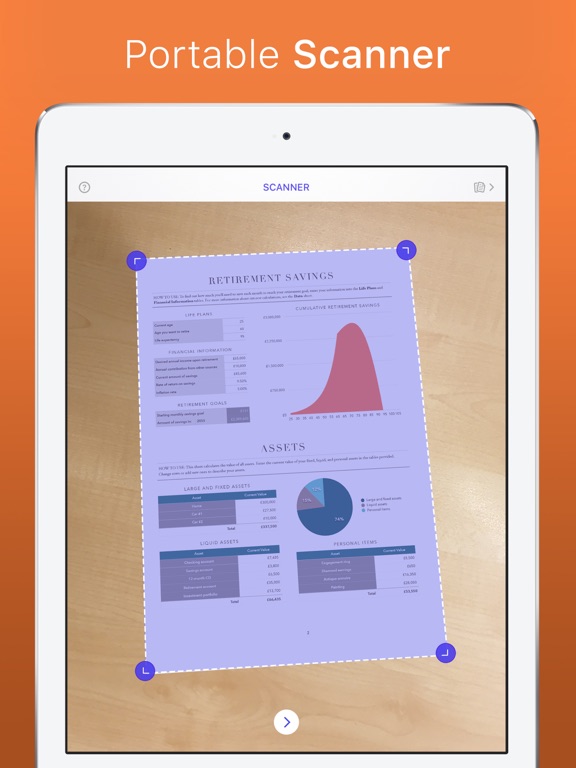
The scanner is able to correct perspective and automatically detect and crop the borders of your document. Don’t agree with the detected borders? Move them easily any direction you want and you will see that your document will be rotated to a perfectly straight image.
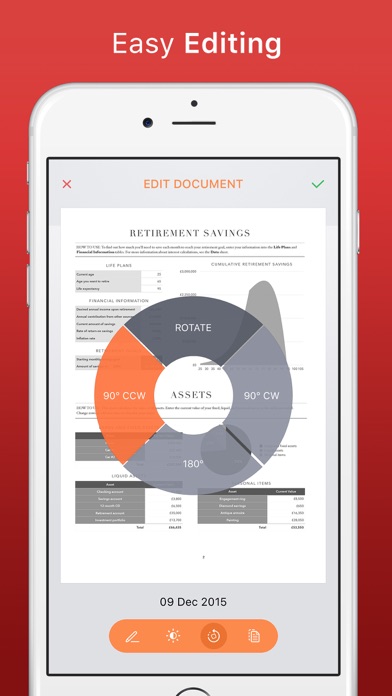
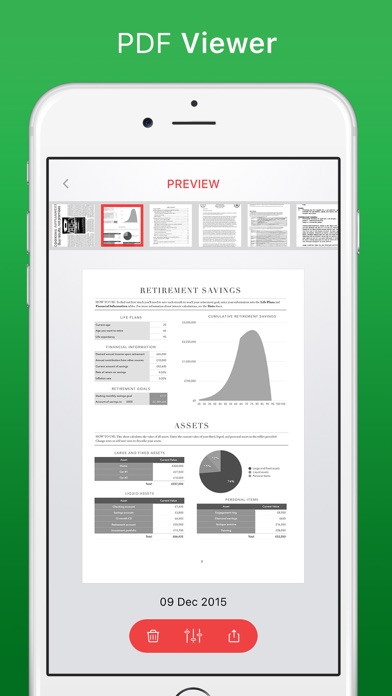
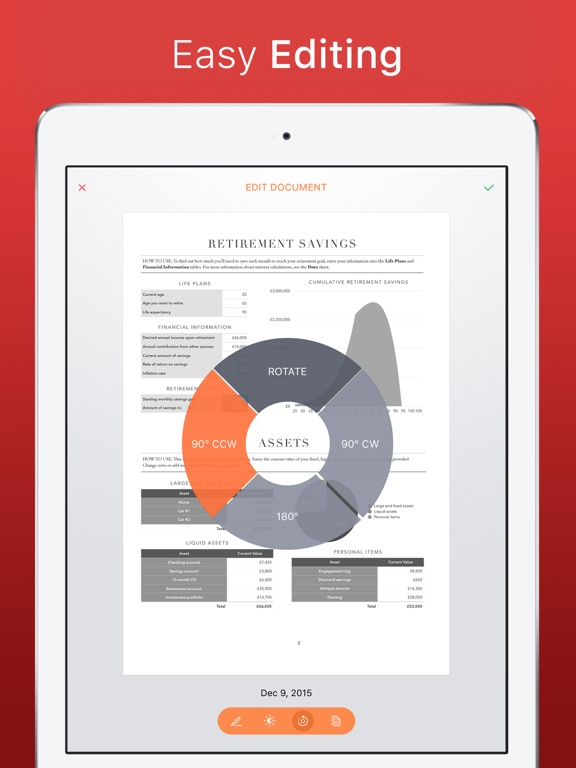
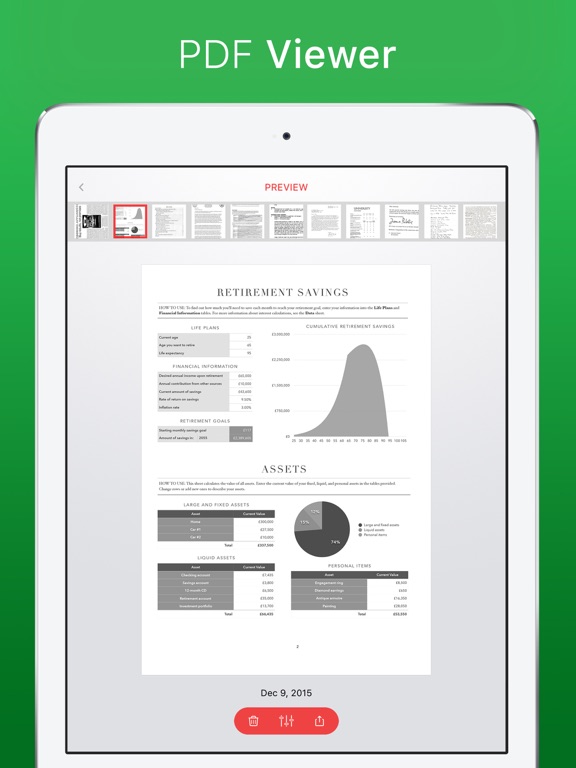
In the preview you can edit the file name, contrast & brightness, rotate the page and choose any A paper size you would like to save it as. Share your scan by email, social media or any other way you desire. Print your scan directly from the preview mode, or save it in the gallery as a PDF.
Smart Scan brings you all the features you need:
• Automated scanning for borders
• Scans as soon as it finds the document borders
• You can manually adjust the borders right after scanning
• Edit the document in the preview: change file name, adjust contrast & brightness, rotate, and choose from different page sizes
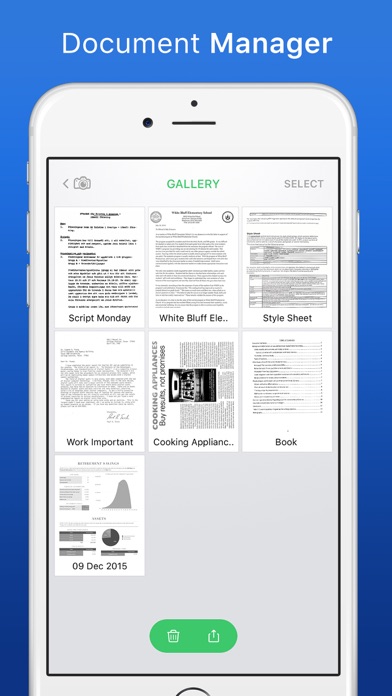
• Saves your scan in a convenient gallery, in which you can select, share, delete and edit older files
• Share your scan with just one tap!
As always, we appreciate your feedback.
Please email us at [email protected] with any suggestions or questions.
If you are happy with this update, please let us know by rating and reviewing us in the App Store!
Smart Scanner is the future of organizing your paperwork!
Scanner' App Comments & Reviews
Scanner' Positive Reviews
For B&W documentsThis app works nicely for text docs you wish to copy. You need to start with your document on a clean surface that has contrast to the page you wish to scan in order to have the edges found by the scanner. Once the app picks it up, it will freeze the picture and create a box around your page. You can then adjust the perimeter to match the document more precisely or crop as needed. Once you are happy press the arrow and your PDF will be created and saved in a gallery. From there you can post it, send it, print it etc. depending on the apps you have on your phone or iPad. My reason for three instead of 4 or 5 stars is this app converts all scans to B&W and there are tutorials or help buttons in the app. Fix those two things and this is a useful app..Version: 1.0
Unable to scan multi-page documentsI really like this app because it scans nicely, even though it converts everything to B&W. However, a really big issue I have is that I can’t get it to scan documents of multiple pages and save them as 1 document. The last thing I want to do is have multiple attachments for each individual page. Am I missing something here..Version: 1.0.9
Good scannerWorks really well no problems at all.. Just pop up advertising ..but other than that it comes in handy when you need it out in the streets or errands....Version: 1.0.10
Great AppHave used a couple of times and it was work really well..Version: 1.0.7
Free International Money Transfer 💸Enjoy high maximum transfers into more than 20 currencies while saving up to 90% over local banks! The cheap, fast way to send money abroad. Free transfer up to 500 USD!Version: 1.2.3
What do you think Scanner' ios app? Can you share your thoughts and app experiences with other peoples?
Please wait! Facebook comments loading...