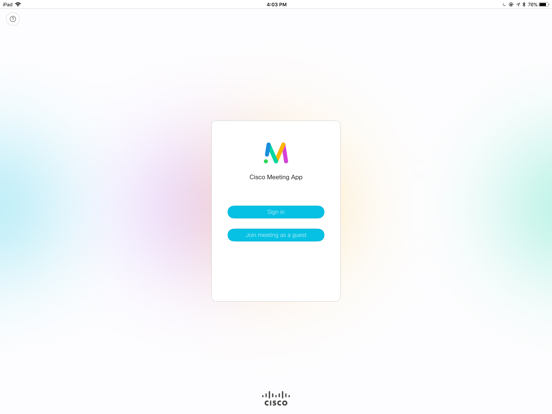
Check the release notes on our website for changelogs and important information about this app: http://www.cisco.com/c/en/us/support/conferencing/cisco-meeting-app/products-release-notes-list.html
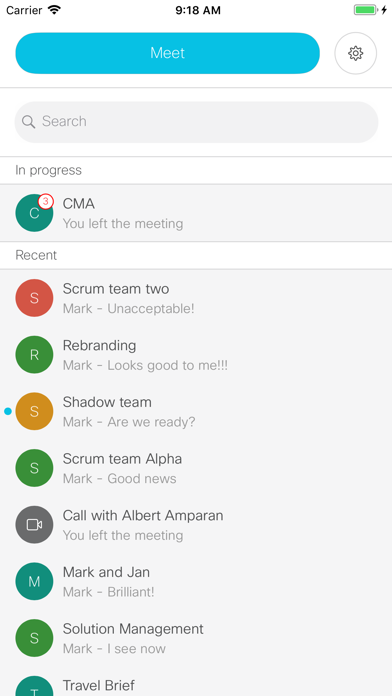
Meet over audio, video and web from your iPad and iPhone whenever ideas spark. Join the conversation in a space from wherever you are and with whomever you like.
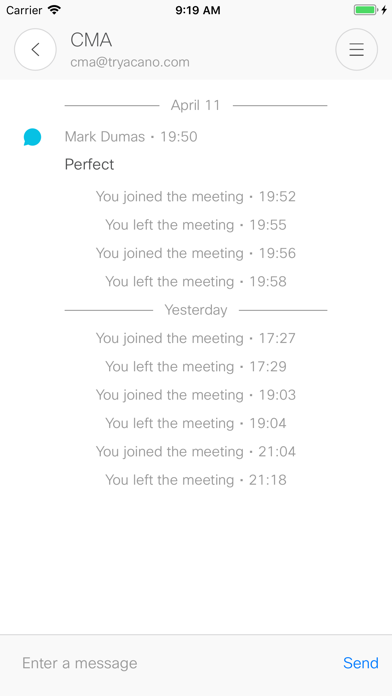
Spaces are virtual meeting rooms only radically better. Meet your project team in a space and see your notes and agenda from last time you visited. Check in anytime, the space is always available.
Enter Your space
If your company has Cisco Meeting Server, access your space by downloading the client and logging in. Choose the space you want to join and simply press the green button.
Invite Anyone
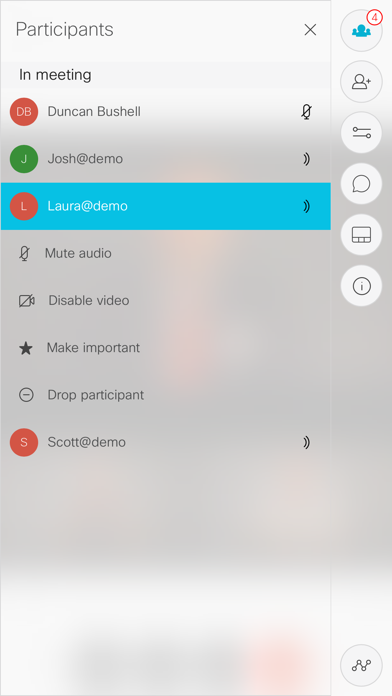
Once you have entered a space, you can invite others with a directory search. To invite someone outside of your organization, email the weblink found at space Info. The invited can securely join a video call using their browser.
Features
•Use the Cisco Meeting App on both the iPad and iPhone.
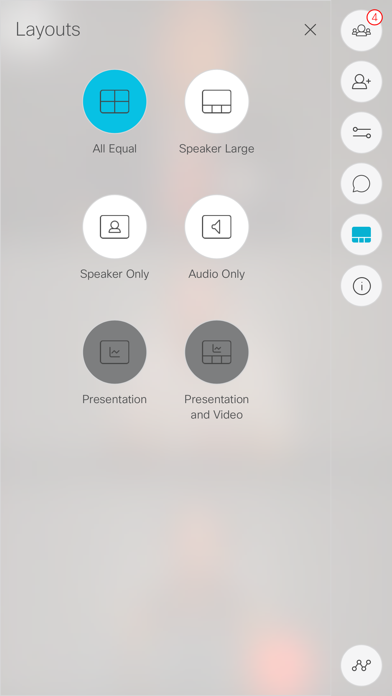
•Join a call using video, audio or by sharing content over web
•Move seamlessly between devices while on a call, or use them at the same time. For example use your phone for voice privacy and your iPad for video.
•Send chat messages during a call, leave notes in the space
•Calls can be ad hoc or scheduled
Cisco Meeting Negative Reviews
Not good enoughThis app could fill a very useful purpose, but sadly, it is too flawed to serve as a real business tool. The major flaw which I can’t get past is that when I’m in the middle of a conference call, if my phone screen locks, which it does automatically due to corporate policies, the app disconnects me from the call. This is obviously not ideal when I am the one hosting the call. I have to reconnect quickly and then try to remember to keep my screen active since the phone won’t lock.
Also, there needs to be a way for me to identify the people who call regularly to my conference line. Instead, you can only see their phone numbers. It would be very simple for Cisco to allow us to save each participant with a nickname so that we can easily see who is connected and who is speaking..ToddDaytonaVersion: 1.9.19
The same meeting run on Skype works fineThis app is complete garbage as it currently stands. Unfortunately sometimes our meeting use Cisco VMRs and they don’t simulcast the presentation via Skype so I have to use this app in the car. It constantly drops calls so I have to have Skype running at the same time for audio, and it has no problems. How Cisco can sell this tech to companies is pure hubris..ProfernityVersion: 1.11.10
Not remotely usefulIt is shocking that a company as huge as Cisco (with all of the resources and R&D) can have a meeting platform as dated and useless as Cisco meeting. I’ve never been able to get a meeting working in this app. It hangs or crashes every time.
The UI is clunky and poorly designed, too. They should just remove this from the App Store. Why keep it around harming the reputation of your company?
For those wondering, you can load meetings using Safari. The web version of the app is also terrible but at least it functions.
On the positive side they have a cute icon..MikeyPDVersion: 1.11.18
TerribleThis app kept crashing in the middle of the meeting. Tried multiple times, each with the same result. Then it crashed my iPad and rebooted the iPad. I ditched the app and went to a browser on my laptop. Could be so much more but it is terrible and useless. This is a new iPad, less than 6 months old..DPientaVersion: 1.9.19
AwfulTerrible app. Did not accept my sign-in credentials for a work meeting; had to uninstall and reinstall and then it worked.
Audio was cutting out like crazy - not just for me but for other participants.
We will use an alternative platform from now on.ZoirushaVersion: 1.11.18
GarbageI have to agreed it is garbage. When you press join a meeting n type in everything can’t let you join. Just straight garbage..SHREGGA69Version: 1.11.18
Joins call then leavesJoins call video doesn’t load and then it boots from the call. Junk app..Brian540Version: 1.11.16
Won’t even log inJust sits, stuck on the login page....Sargent51Version: 1.9.19
Doesn’t workJust sits on the login screen.ClrmrVersion: 1.11.18
Still crashes after first runSorry guys. Still broken!.BrotherDustVersion: 1.9.14
Payoneer 💰Payoneer is an online payment platform that lets you transfer money from any corner of the world! A best and must have payment service for every blogger, traveler, freelancer, affiliate marketer, consultant, virtual assistant, business person, online sellers, and receivers. Earn $25 for free by joining Payoneer. Sign Up Now!AdvertorialVersion: 1.11.18
 Cisco
Cisco