Amad Marwat
DocuScan - PDF & OCR Scanner Customer Service

- DocuScan - PDF & OCR Scanner Customer Service
- DocuScan - PDF & OCR Scanner App Comments & Reviews (2026)
- DocuScan - PDF & OCR Scanner iPhone Images
- DocuScan - PDF & OCR Scanner iPad Images
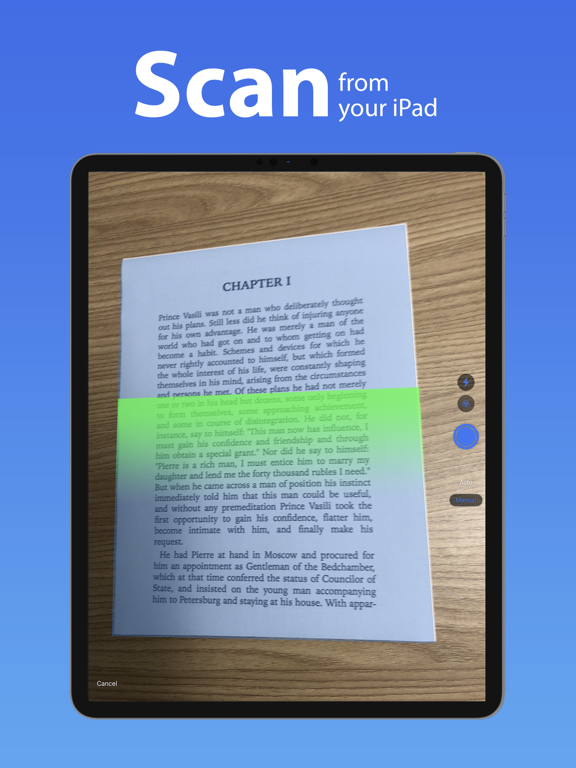
DocuScan for iOS converts your device into a portable document scanner.
Here are some of the key features of this app.
Smart Scanning:
• Batch scanning
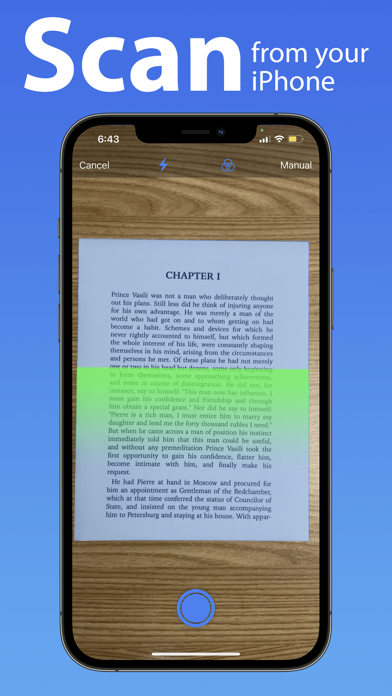
• Document Border detection
• Filters (black & white, whiteboard, photo)
• Crop and correct orientation.
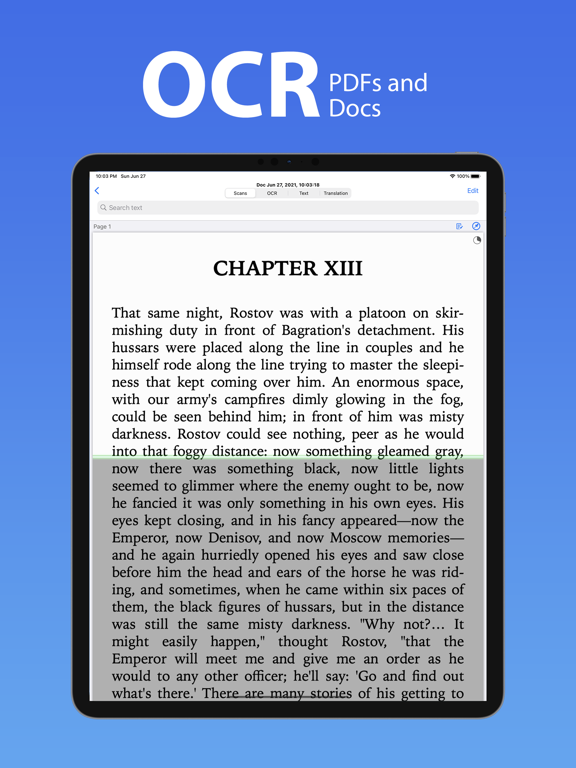
OCR (Text Recognition):
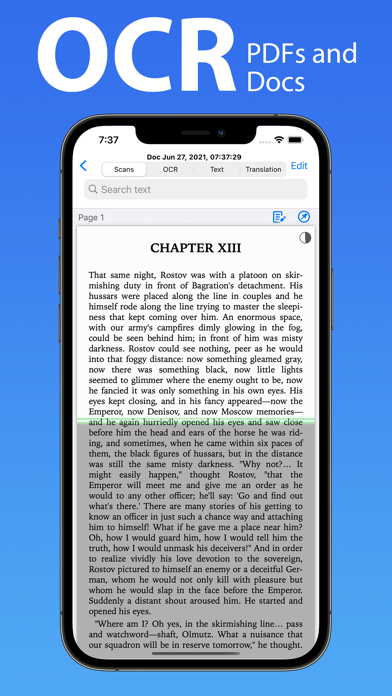
• Support for 125+ languages
• On device OCR.
• Text extraction
• Searchable PDF creation
• Business card scanning & contact creation
• Detect clickable links in documents like phone numbers, addresses etc.
Translation:
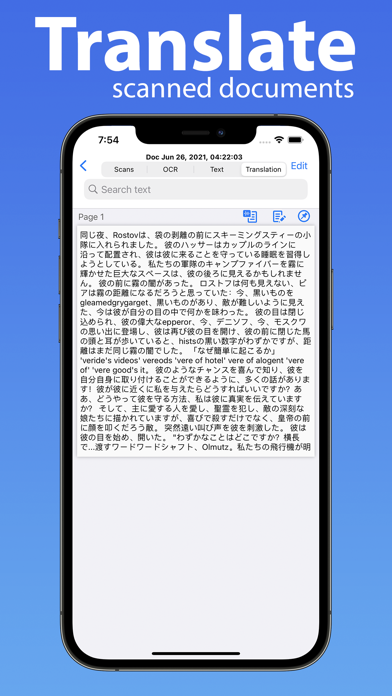
• Support for 55+ languages
• On device translation
• Translation whole document in one go
Text to Speech:
• Support for 40+ languages
• Convert your documents to audio books
• Listen to them in background
PDF Creation & Editing:
• Password encryption
• Document merging & splitting
• Multiple page PDF creation
• Photos and PDF import
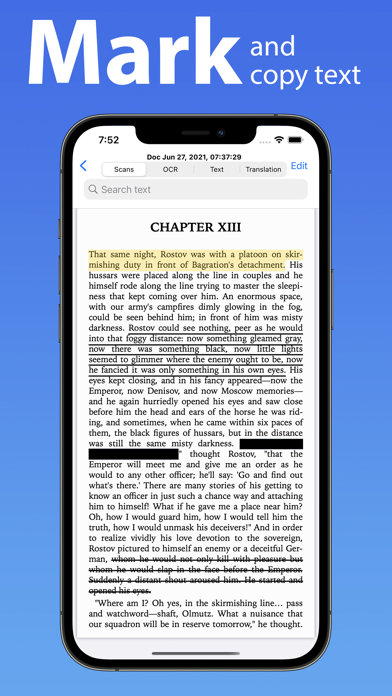
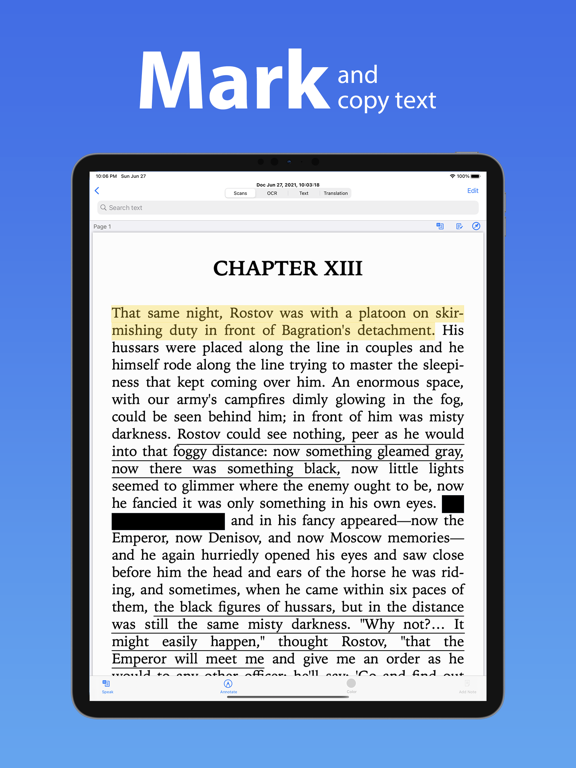
• Annotations like highlight, underline, strikethrough etc. with comments.
• Text redactions
• Sticky Notes.
Document Organization:
• Folder support
• Metadata and search text in all your documents.
Export:
• Export in PDF, JPG, Excel, RTF and TXT file formats.
• Email
• Other apps
• Save to photos library
• HTTP transfer
• WebDav Transfer
Security & Privacy:
• On-device document processing
• Face ID locking
• You can subscribe for unlimited access to all features within the app
• Subscriptions are billed monthly or annually at the rate selected depending on the subscription plan.
Following are the payment models for premium subscriptions:
• Monthly Subscription: 1 week free trial then $4.99 per month
• Yearly Subscription: 1 week free trial then 39.99 per year
• Payment will be charged to iTunes Account at confirmation of purchase.
• Account will be charged for renewal within 24-hours prior to the end of the current subscription period.
• Subscriptions may be managed by the user and auto-renewal may be turned off by going to the user's Account Settings after purchase.
• Any unused portion of a free trial period will be forfeited when the user purchases a subscription to that publication.
Privacy Policy: https://www.epicscanner.com/policies/Privacy/
Terms of Use: https://www.epicscanner.com/policies/TermsOfUse/
GOT QUESTIONS? CAN'T FIGURE OUT HOW TO DO SOMETHING?
Please email us at [email protected] and we’ll help you figure it out.
Disclaimer: This is a third party app not associated with Google. All trademarks are property of their respective owners.
DocuScan - PDF & OCR Scanner App Comments & Reviews
DocuScan - PDF & OCR Scanner Positive Reviews
Amazing app and definitely worth it!Amazing app for storing and filling important documents receipts and contracts! I have been using this since I started my business and have had no issues yet! Everything I need is always with me and I don’t have to worry about keeping it in files at home..Version: 1.0.6
The best ap ever!Convenient.Version: 1.1.9
Great app, great features! Shuts down sometimesAll said I think the title..Version: 1.1.5
RNice app for scanning paper work.Version: 1.0.3
Very goodIts so perfect.Version: 1.0.2
Free International Money Transfer 💸Enjoy high maximum transfers into more than 20 currencies while saving up to 90% over local banks! The cheap, fast way to send money abroad. Free transfer up to 500 USD!Version: 1.1.9
What do you think DocuScan - PDF & OCR Scanner ios app? Can you share your thoughts and app experiences with other peoples?
Please wait! Facebook comments loading...