ComcSoft Corporation
Power PDF - PDF Manager Customer Service

- Power PDF - PDF Manager Customer Service
- Power PDF - PDF Manager App Comments & Reviews (2026)
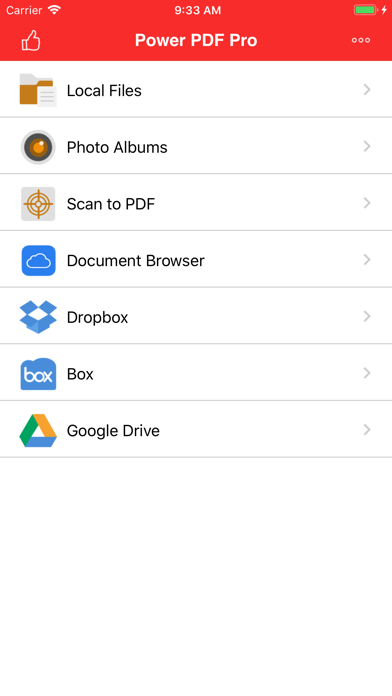
- Power PDF - PDF Manager iPhone Images
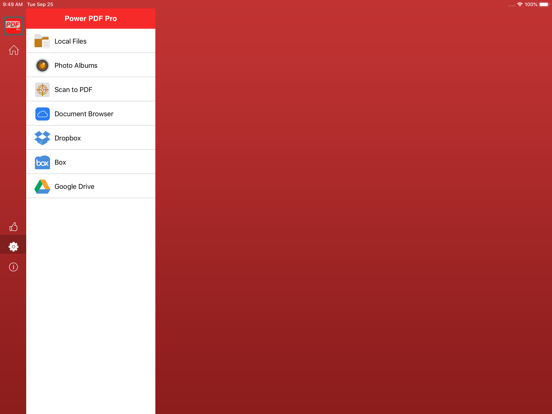
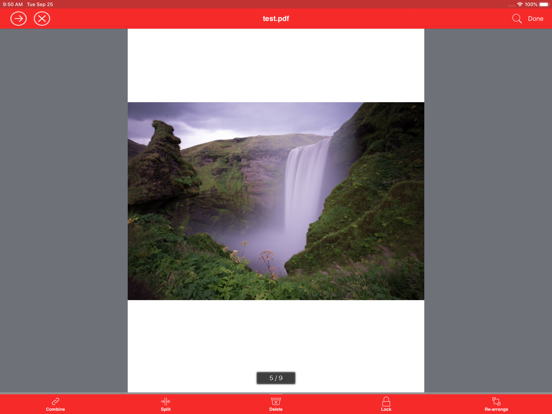
- Power PDF - PDF Manager iPad Images
Power PDF is a powerful tool to create, secure and view PDF documents on iPad/iPhone.
Power PDF lets you create PDF documents on your iPhone/iPad with ease. It supports:
- Create PDF documents from many file types, including: DOC, XLS, PPT, TXT, RTF, XML, HTML and all text files.
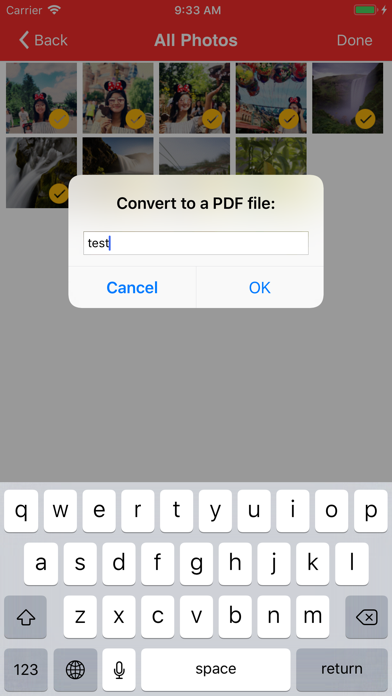
- Convert photos to a PDF document.
- Scan to a PDF document using your Camera.
Power PDF lets you modify PDF documents on your iPhone/iPad with ease. It supports:
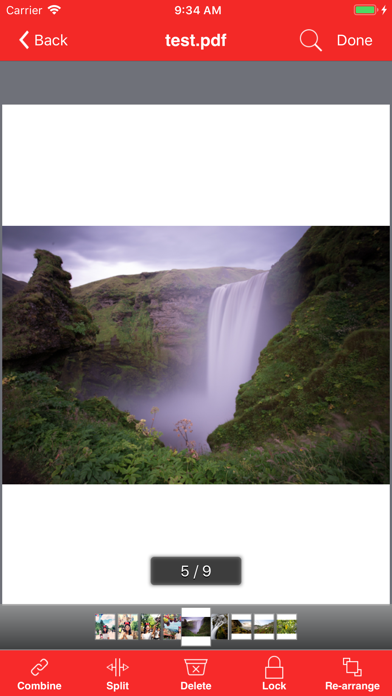
- Combine PDF documents.
- Split a PDF document into two or more documents.
- Delete pages in a PDF document.
- Re-arrange pages in a PDF document.
- Add password protection to a PDF document.
Power PDF lets you view PDF documents with ease. It supports:
- View PDF documents in thumbnail or full screen modes.
- Extract text from a PDF document.
- Add bookmarks on a PDF document.
- Search within a PDF document.
- Fast Navigate within a PDF document.
- Zooms in/Zooms out on a PDF document.
- Annotate in a PDF document.
Power PDF also has a File Manager, which supports the following features:
- Import files from your Camera Roll, Email or another App through “Open In”.
- Manage Files including: rename, delete, move, create folder and sort.
- Search file name in Local Files and Camera Roll.
- Open many document types, including: DOC, EXCEL, PPT, TXT, image files, and audio files.
With its simple interfaces, Power PDF provides the easiest way to manage PDF documents on iPhone and iPad.
If you have more questions, please visit: http://www.comcsoft.com/Portfolio/our_apps/PowerPDF/PowerPDF_overview.php.
Power PDF - PDF Manager App Comments & Reviews
Power PDF - PDF Manager Positive Reviews
Maybe bc I haven’t updated…For me it does MORE than it’s supposed to on the free version: rearrange pages in pdf, transfer files to/from anywhere I want (device storage, iCloud, & Google Drive tested); import pics in batches, make one or more into pdf, add/remove/edit order of pics in that pdf, & export created pdf anywhere I want. I’ve had it installed but never got around to using for a long time- maybe even a year or more. Now I’m clearing out old unused apps, and it’s been sitting on my to be updated list for a long time also. From so many neg reviews, I tried it with every expectation of deleting immediately. Instead, I’m thrilled with how much it does. Not gonna risk updating just in case. It is a bit clunky in the UI dept, but if you have a little patience, read the in-app FAQ, and know how to use Share menus to select/move files, you’ll figure it out like I did. If you’re impatient, dull-witted, or otherwise require an easier, smoother UI without having to figure stuff out, then resign yourself to paying for a subscription to full version Acrobat..Version: 9.70
Easy to use but very powerfulI love the way this program handles all types of documents so easily.Version: 9.91
Love it!! Worth the download!Does everything I need for free! Combine jpgs and turn them into PDFs. Share them via email, text, etc. Thanks so much!!.Version: 8.03
IT Pro ReviewWorked like a charm to merge a time sensitive PDF document while I was traveling.Version: 6.50
Omg so good!Better than everything else ive used.Version: 9.20
Does what it promisesIt works without in app purchase trickery.Version: 9.02
Awesome!Great App!.Version: 6.50
Best app I ever use!The app can edit your PDF file if you could use your brain. You could extract the text from powderpdf and paste it on an app the write txt file. Make your correction and convert to PDF file. I am very happy with this app!.Version: 1.1
Great PDF ToolThis is what I have been looking for. I need to combine, split, and delete pages in PDFs. Even in the free version it saves the new PDF without an ad in the beginning of the PDF. It states if you buy the upgrade you will be able to use the features unlimitedly. So far I have not run into a limit in the free version, other than some features not being available. Hope this is not a 30 day trial. One thing that it does not seem to be able to do, or I may have missed it, is to easily rearrange or rotate a single page. Maybe need to upgrade for that. One really cool feature is that it will let you email out multiple PDFs as an attachment to an email. Reviewed by, NiteBone.Version: 1.0
GoodI downloaded this because I wanted a picture viewer that showed the name of the file I was viewing. It does that but with one problem- when scrolling through the pictures, the file name at the top remains the name of the first file I clicked on. To see the name of any particular file I have to go back to the album and click on it..Version: 1.33
Flash will not workI have the free version and the $4.99 Pro version and in neither version will the flash illuminate when scanning. Using your camera to "scan" a document requires positioning close to the page resulting in a shadow from overhead lighting. The in-app flash and iOS flash are both deactivated. Please fix this bug..Version: 4.01
Best in class.This is an incredibly easy to use converter. I have to convert anything from PNG to XLS in a given day and have yet to be disappointed. Well done and worth the $..Version: 1.1
So far so goodWas able to split my PDF files without a problem. Seems to be working well so far!.Version: 4.01
Very UsefulLove this thing- the PDF splitting feature has been super easy and a life saver several times over.Version: 5.0
Combine PDFs into oneI use this app to combine a bunch of separate PDFs into one pdf (eBook) Works perfectly. A lot of ads, but in my opinion, that is fair if you don't upgrade..Version: 4.01
Good appNice app. Easy to use. It has a lot options. You can convert pic or document to PDF. You can also share it..Version: 4.01
Great AppThis is an extra PDF APP I now have three yet never know which one will be available to make a PDF..Version: 4.01
Love itThis is a great utility to keep your PDF files in one place on the go. Highly recommended..Version: 1.30
IcloudYou can not upload files to icloud which is very essential for users. Only can view files in icloud!!!.Version: 1.40
Power PDF crashes after updateI would give it a 5 star if it didn't crash all the time after the latest update..Version: 3.03
Great pdf utility!I like it. Password protection is very nice feature to add security to my pdf files..Version: 1.30
Master PDFVery useful program dealing with pdf files, recommended..Version: 1.2
NicePretty cool app, though i personally don't have much use for it..Version: 1.0
Great appThe best app I would to recommend Thanks.Version: 4.01
Not BadIts not a bad PDF reader, I think that the edit feature could be more useful with more options..Version: 1.0
WorksIt's got ads, but works just fine..Version: 5.0
Exactly what we all neededExactly what we all needed.Version: 4.01
Great appI really like this app and use it a lot!.Version: 3.0
NiceThis is a great product. Easy to use and free for the most part..Version: 1.40
OkayThis is an okay app if you do need a PDF reader. Everything works just fine..Version: 1.0
ZiffyA ziffy app that is a good PDF editor and reader. Good for the basic PDF file but can be better in other places..Version: 1.0
Very nice and easy to useGood luck.Version: 1.30
ThanksVery useful.Version: 1.1
Great AppPerfect for creating and sending PDF files from mobile device!.Version: 1.30
Excellent software!I began with the trial which, to my surprise, was fully functional and included only a small unobtrusive banner ad at the bottom. I needed to convert som .rtf docs to PDF to use with an e-reader. I also have some sheet music which needs to be scanned and converted. This app takes the misery out of what was set to be an all day task. Worth every penny!.Version: 1.21
Free International Money Transfer 💸Enjoy high maximum transfers into more than 20 currencies while saving up to 90% over local banks! The cheap, fast way to send money abroad. Free transfer up to 500 USD!Version: 11.01
What do you think Power PDF - PDF Manager ios app? Can you share your thoughts and app experiences with other peoples?
Please wait! Facebook comments loading...