ComcSoft Corporation
Power PDF Pro Customer Service

- Power PDF Pro Customer Service
- Power PDF Pro App Comments & Reviews (2026)
- Power PDF Pro iPhone Images
- Power PDF Pro iPad Images
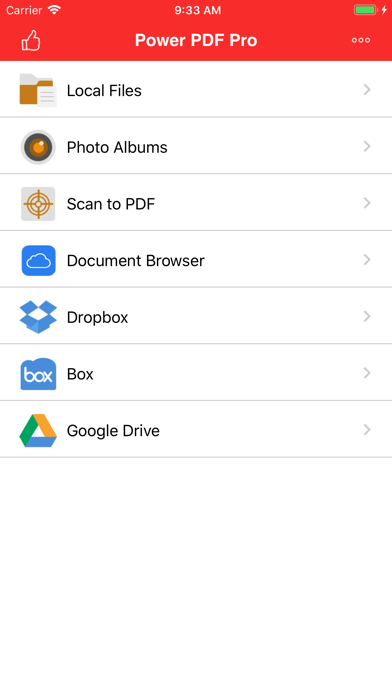
Power PDF Pro is the Pro Version of Power PDF, a powerful tool to create, modify and view PDF documents on iPad/iPhone. Besides all the features available on Power PDF, the Pro Version has more features, which are essential to business and professional users, including Dropbox, Box and Google Drive access.
Power PDF Pro lets you create PDF documents on your iPhone/iPad with ease. It supports:
- Create PDF documents from many file types, including: DOC, XLS, PPT, TXT, RTF, XML, HTML and all text files.
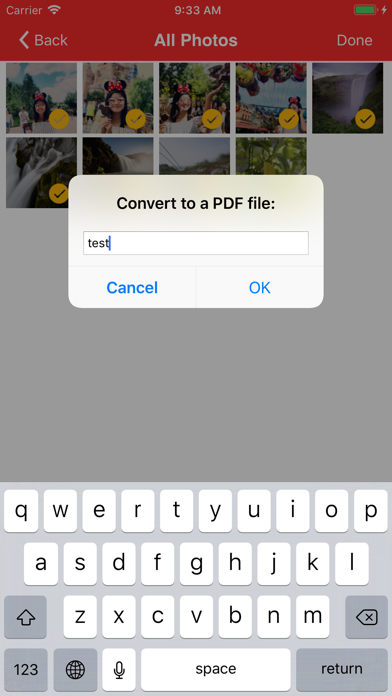
- Convert photos to a PDF document.
- Scan to a PDF document using your Camera.
Power PDF Pro lets you modify PDF documents on your iPhone/iPad with ease. It supports:
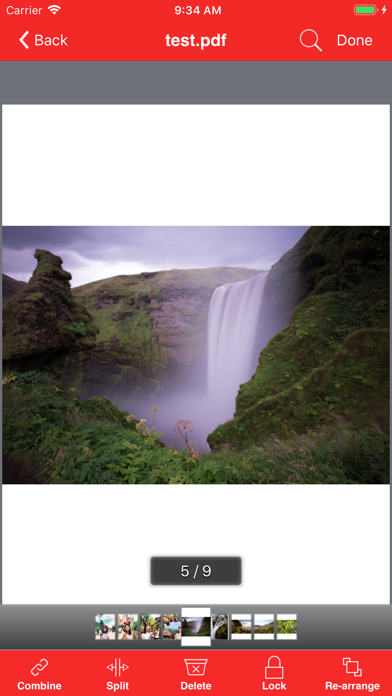
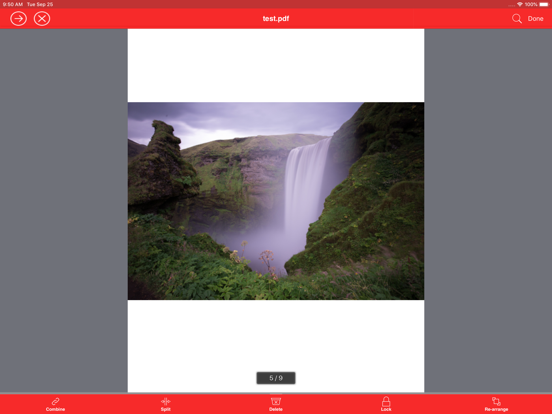
- Combine PDF documents.
- Split a PDF document into two or more documents.
- Delete pages in a PDF document.
- Re-arrange pages in a PDF document.
- Add password protection to a PDF document.
Power PDF Pro lets you view PDF documents with ease. It supports:
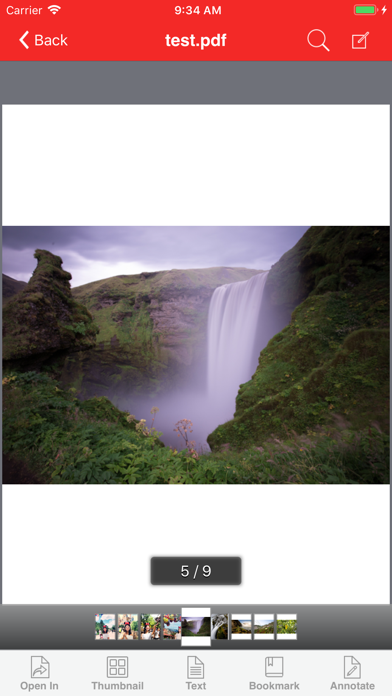
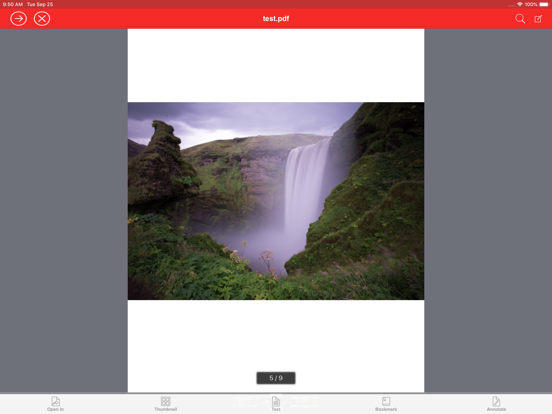
- View PDF documents in thumbnail or full screen modes.
- Extract text from a PDF document.
- Add bookmarks on a PDF document.
- Search within a PDF document.
- Fast Navigate within a PDF document.
- Zooms in/Zooms out on a PDF document.
- Annotate in a PDF document.
Power PDF Pro also has a File Manager, which supports the following features:
- Import files from your Camera Roll, Email or another App.
- Manage Files including: rename, delete, move, create folder and sort.
- Search file name in Local Files and Camera Roll.
- Open many document types, including: DOC, EXCEL, PPT, TXT, image files, and audio files.
- Download from/upload to Dropbox, Box and GoogleDrive.
With its simple interfaces, Power PDF Pro provides the easiest way to manage PDF documents on iPhone and iPad.
Power PDF Pro App Comments & Reviews
Power PDF Pro Positive Reviews
Sorting: Finally fixedYEAR-OLD ISSUE FIXED LAST WEEK! Last year I reported a "sorting" issue that forced me to move 10+ individual pages one at a time after combining several multi-page documents. A real hassle. The issue is finally fixed, and I again sort files at the time of creation (think of it as you now being able to move groups of pages at a time). I, once again, love using this app! I've used this app now for about 2 yrs, and will continue to use as the easiest PDF creator out there. Hopefully they don't remove the feature again because I don't want to have to wait a full year for the fix to be released..Version: 6.50
Pleasantly surprisedVery pleased with ability to combine multiple PDF files, delete unwanted pages, and password protect PDF files. A few features are missing however: - Ability to sort descending in addition to ascending - Ability to change/remove the password from a password protected PDF.Version: 9.11
Great productLove the app but would love to have the option scanning document and saving them to the app.Version: 9.60
My Main PDF AppI use it daily to print to pdf and store the documents on my phone. It has connection to some cloud storage but not icloud. Hope the developers will include connection to iCloud storage soon..Version: 9.70
Many 'non compatible' file typesEither this thing lacks support for certain file types, or this has a steep learning curve that I haven't yet mastered. PDFs saved with iBooks do not regularly open... And I was trying to rotate my device to portrait mode, but the app and image didn't rotate with it. More to follow later....Version: 6.50
Robust but needs improvementPictures of documents are coming blurry no matter how much light I direct or even use a flash. Unacceptable. especially when working with fine font documents..Version: 9.62
Highly indispensable. Love it.Wonderful. Just what I needed. Thank you..Version: 8.60
EXCELLENCEI truly love this app.. Simply AWESOME.Version: 9.43
EngineerThanks for this efforts.Version: 9.43
Great app, especially for modifying PDFsThis app is very good for modifying a PDF document. It can delete pages, scan revised pages and insert them at the appropriate point. It can even rearrange pages if you made an error in the page order when you created the document..Version: 1.40
BEST PDF VIEWER/EDITER IN THE APP STOREPerfect for those of us who need to edit, rearrange pages, combine PDF's and basically anything else you'd need to do with your paperwork! I'm in Real Estate and it's my go-to PDF Reader! I can rearrange my contracts, add or remove pages and it's very quick & easy! Buy it... You won't be disappointed!.Version: 1.40
NiceI am using it shortly and think that it's really simple and efficient - scan, photography your docs and upload them or send. Straight and simple..Version: 1.30
Very very usefulI started using it for business and it has proved more useful than I expected. I use it all the time now..Version: 6.0
¿Power... ¿Pro... Um......Had it for years , needs a facelift ... Overall , it has been a handy app on many occasions and never regretted the purchase..Version: 4.01
Combining is key for meI love the fact that you can take snapshots, turn them into PDFs, and then at some point at your discretion combined them into a single PDF; that's a key time-saving feature for me..Version: 4.01
The best PDF tool in the App Store!I've used a ton of PDF tool and this is by far the best! It is stable, full-featured, intuitive, fast and powerful! Highly recommend!.Version: 1.21
FantasticThank you for making easy everything in Document-Pro-Create-Edit-Rich-Text-Documents-Generate-PDF.Version: 6.0
Just what I neededI needed something to password protect pdf files before I emailed them....this does that and so much more!.Version: 1.21
MrMarcusAwesome App!.Version: 5.0
Very nice but could be betterIt needs a cropping tool! Also please add Onedrive to supported cloud services. ⭐️⭐️⭐️⭐️.Version: 1.30
Works for meConverts pretty fast and the output quality is acceptable..Version: 1.30
Simply the BestI use this app more than any other for my work and this has been the case for a couple of years now. It has never had an issue with any documents I send it and it worked when others have let me down. I really love this app. It was totally worth anything I paid for it. I can’t say enough about..Version: 8.03
Helps getting rid of paperIt is a good app. Works well..Version: 9.11
PDF proUnbelievable,really good.Version: 8.60
PowerPdf ProExcellent program to use!.Version: 3.0
SplitThanks for the update as I said in my previous review, Works very well, have a couple of good PDF apps but none of them at the time could split a PDF into separate pages or groups of pages, really needed this feature today re arranged a 14 page PDF and then split the pages up into groups, just amazing how well this works,oh and another great feature I love is the ability to delete a page from a PDF just a top notch app, and after a couple of years I'm still finding it very useful. Thanks..Version: 2.0
Free International Money Transfer 💸Enjoy high maximum transfers into more than 20 currencies while saving up to 90% over local banks! The cheap, fast way to send money abroad. Free transfer up to 500 USD!Version: 11.01
What do you think Power PDF Pro ios app? Can you share your thoughts and app experiences with other peoples?
Please wait! Facebook comments loading...