Qrayon, LLC
AirSketch Pro Customer Service

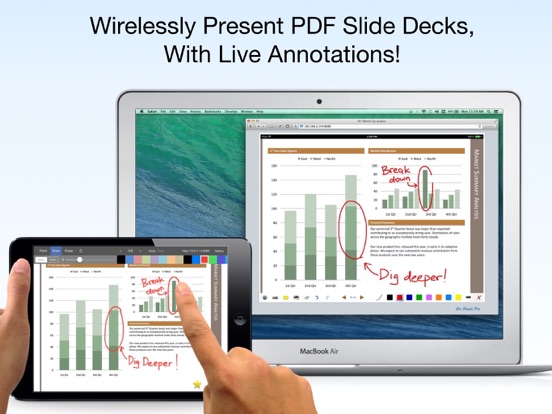
Turn your iPad into a wireless whiteboard! Annotate PDF slides and images live in 3 easy steps:
STEP 1: Launch AirSketch Pro.
STEP 2: Enter the indicated URL in the web browser.
STEP 3: Everything you present and write is projected to the browser, in real-time.
LIVE ANNOTATIONS
Project PDF documents (such as exported PowerPoint or Keynote decks) and photos to a computer on the same local network, then annotate them in real time, all from your iPad.
NO SUBSCRIPTIONS, PLUG-INS, OR DONGLES NEEDED
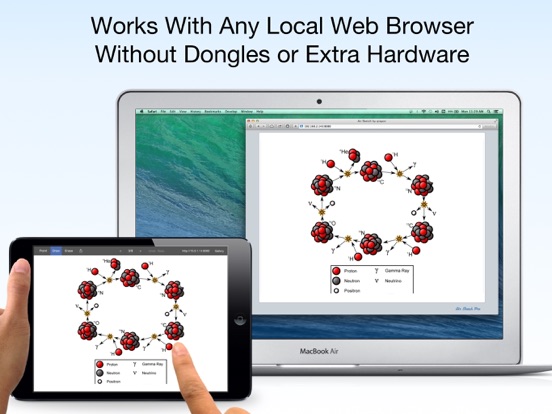
Just fire up AirSketch Pro on the iPad and open the specified URL from any HTML-5 compatible browser on the local network. Your images and drawings show up natively in the browser. There's no additional client software to install, or services to subscribe to.
FREE YOURSELF FROM THE PODIUM
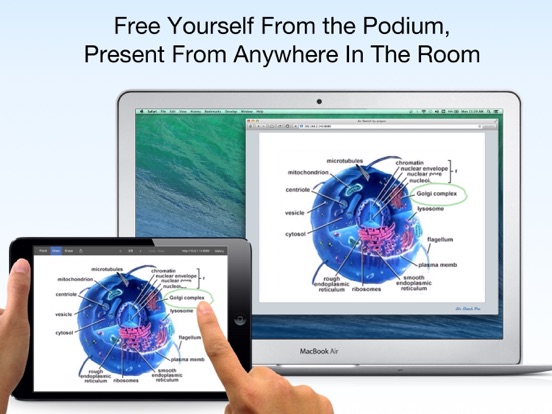
Connect your laptop to a projector to present and draw from your iPad as you walk around the room. Pass your iPad around to allow others to contribute.
Incorporate the iPad into your desktop-based workflow: Record videos of your live AirSketch drawings, or share them live with remote colleagues via any online meeting or desktop sharing software running on the computer (such as iChat or WebEx).
AirSketch is great for presentations in the boardroom, classroom, or on the go.
FEATURES:
+ Fast and fluid sketching on the iPad using your finger or 3rd party stylus.
+ Real-time sketching to your browser: Strokes show up as you draw, network speeds permitting.
+ Open PDF documents from Mail or other Apps in AirSketch to wirelessly annotate and project them (note: The iOS "open in..." menu is scrollable). Email the full annotated versions afterwards.
+ Set the background image from any picture in your photo library.
+ Virtual pointer, pen, and hilighter in multiple colors.
+ A fully customizable color palette (tap on the selected color to edit it).
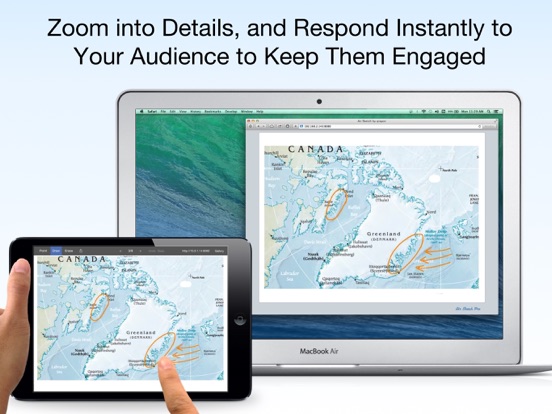
+ Fluidly zoom and pan using 2 fingers to edit your sketches in minute detail. Projection tracks zoom on iPad.
+ Instantly save and restore snapshots of your sketches using the camera tool.
+ Email your sketches and annotated slides as PDF or images.
+ Multi-level undo and redo.
EXTRA PRO FEATURES
The original AirSketch is being used in thousands of classrooms and businesses around the world, and our customers love it. Many have described it as a real game-changer for how they interact with their audiences. After almost 5 years in the field, it's time for something even better.
AirSketch Pro (this App) is a completely rebuilt and updated version of AirSketch, with an advanced ink engine, file gallery, and the top requested features, including:
+ New high-quality ink and 2x image resolution
+ Page manager: Insert, move and delete pages
+ Multi-project Gallery with color-coded categories
+ Zoom-Sync: Projection follows zoom on iPad for a larger effective workspace
+ Zoom lock toggle
+ Virtual laser pointer
+ Adjustable pen width
+ High quality PDF and JPEG export
WORKS ON STANDARD WEB BROWSERS
AirSketch supports any HTML5-capable browser, including the newest versions of Safari, Firefox, Chrome, and even another iPad, iPhone, or iPod Touch!
No public WiFi? No problem. You can even use AirSketch peer-to-peer with a computer via an ad-hoc network when a WiFi hotspot is unavailable (see our blog for the quick how-to).
WE BUILD APPS FOR PEOPLE WHO CHANGE THE WORLD
We have designed and built a whole suite of Apps that help you create and communicate. Check them out on our website.
If you like Air Sketch, you will also want to grab a copy of Vittle, which turns your iPad into a Recordable Whiteboard. Check out our developer page for the link.
Also, be sure to follow us at twitter.com/qrayon to get the latest news, and updates.
Keep on creating!
-- The AirSketch Pro team at Qrayon.
AirSketch Pro App Comments & Reviews
AirSketch Pro Positive Reviews
Perfect for teachingThis app is great for doing what it says it does. That is, it does not claim to mirror your iPad to a computer; it allows you to annotate PDF documents and then the iPad acts as web server. The page the app is serving can be seen on any browser connected to the same local network as the iPad. And for online or physical teaching, you can ‘share screen’ of the browser window. The fact that the app does NOT mirror the iPad raw is great because you can freeze what is being served - e.g. to prepare a new page for viewing or to change the size of the display on the iPad without changing the size of what is being displayed on the browser. If you want to share the raw iPad itself, you can use Reflector an app by Squirrels. This allows a computer to act as an Apple airplay device. (But it did not work on our main university network; it works fine at home and satellite campus.) Or, you are supposed to be able to just hook up a USB cable and set up a ‘new movie’ session in QuickTime Player. For me, this method works on some computers, but not others..Version: 2.9
This is a godsendMany fellow educators are going to be struggling to suddenly integrate online teaching during the CoVid shutdowns. The fact AirSketch only casts to the local network may seem like a letdown, but it’s not. Open a window on your desktop to the URL for your AirSketch. From Google Meet, you can share that window, which allows you to basically use a whiteboard like a chalkboard!.Version: 2.9
Great appI am very please with AirSketch Pro. It is a very intuitive app and let's me share work with my coworkers. I would like to have two additional features in a future update: 1. To be able to rotate the board to write as in a notebook 2. Allow connections of several people that can remotely draw and or comment in a single board..Version: 2.2
Love, love, love this appI am college faculty and this app has revolutionized my presentations. I have also hooked several of my colleagues into using it as well. I have yet to see a downside with it..Version: 2.4
Good idea, can’t recommendThe app does what it says. Normally, that’s all that I need to recommend an app. Unfortunately, I can’t use it in some business settings - like board meetings - because the Qrayon branding is distracting. It would be great to have the option to eliminate it. Worse, I contacted support about it and never heard back … which is unforgivable for a paid app..Version: 3.0
Almost perfect...Wish it could record directly from iPad. Also wish you could add pictures; not just as background. Wish you could select content to resize and translate all over slide. Almost an All-in-One for me and teachers..Version: 2.2
One of my most used appsAs a teacher, I use AirSketch Pro daily in presenting information and involving student participation..Version: 3.2
Biology InstructorThe AirSketch Pro is exactly what I've been waiting for to be able to utilize my iPad in the classroom and lab. Not only am I able to label images in front of the class, but I can zoom in on the images as I label them giving the students a more detailed picture. The new update has a much-needed wrist guard. Now I can rest my wrist on the tablet as I write!.Version: 1.3
Very Stable, Just Needs 1 Thing to be Killer...Found this to be a very stable app, and responsive when viewing it through my iPhone with the app on my iPad Pro. Works nicely with the Apple Pencil. Did not notice the lag others mentioned. Wish it had 1 thing: The ability to type on my whiteboards. Sometimes that's easier with an external keyboard than writing. The interface could also be a bit more intuitive. Overall it's pricey, but it seems to work for my needs. Looking forward to future updates!.Version: 1.4
Line function needs further developmentJust installed latest version with new smart lines feature. Great concept, but still needs work. Only able to handle rectangles, circles, and lines. Needs to be able to do arcs and connected line segments to be valuable. Know I could do these with Draw option, but don't want to switch back and forth..Version: 2.0
Free International Money Transfer 💸Enjoy high maximum transfers into more than 20 currencies while saving up to 90% over local banks! The cheap, fast way to send money abroad. Free transfer up to 500 USD!Version: 3.2