Power Mobile Life LLC
Eufy Clean (EufyHome) Customer Service

- Eufy Clean (EufyHome) Customer Service
- Eufy Clean (EufyHome) App Comments & Reviews (2026)
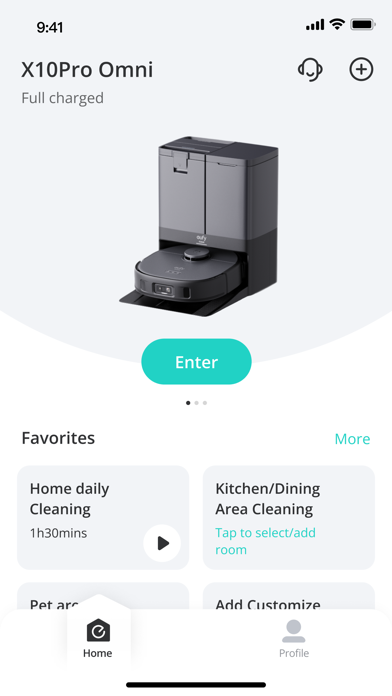
- Eufy Clean (EufyHome) iPhone Images
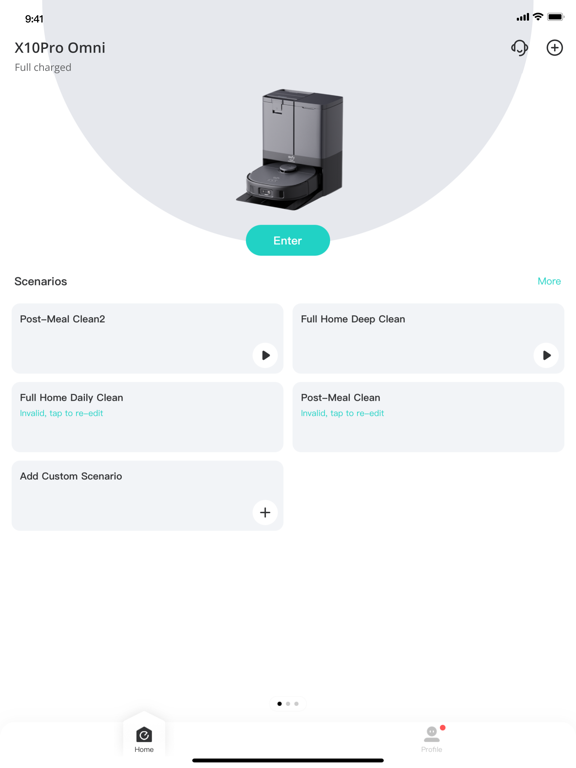
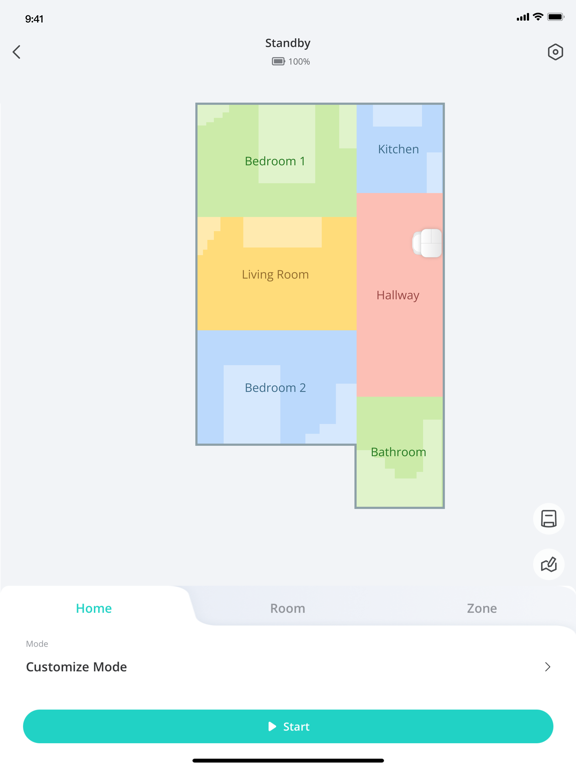
- Eufy Clean (EufyHome) iPad Images
eufy Clean - Live Well. Live Smart. Control your eufy smart home devices from anywhere.
You can also share eufy smart home devices with family members, so everyone can set their own personal preferences for each device.
How to use eufy Clean:
-Note: For new products released after 2026 (such as C28, S2, etc.), please use the eufy app.
- Registering your account: After downloading the app, create and register an account with your Email address. (Or directly log in with your EufyLife account)
- Adding devices: Open the eufy Clean app and follow the intuitive setup procedure to pair new devices with your smartphone. If a device has already been setup by another family member, you can request control access to operate that device from that family member.
- Using devices: After successfully pairing the new device, it will show up in the device list. Simply tap the icon you wish to use and start enjoying the Eufy smart home experience.
Contact Us:
• Email: [email protected]
• Website: eufylife.com
• Facebook: @EufyOfficial
Eufy Clean (EufyHome) App Comments & Reviews
Eufy Clean (EufyHome) Positive Reviews
Free International Money Transfer 💸Enjoy high maximum transfers into more than 20 currencies while saving up to 90% over local banks! The cheap, fast way to send money abroad. Free transfer up to 500 USD!Version: 3.18.1