TP-Link Systems Inc.
TP-Link FileBank Customer Service

- TP-Link FileBank Customer Service
- TP-Link FileBank App Comments & Reviews (2026)
- TP-Link FileBank iPhone Images
- TP-Link FileBank iPad Images
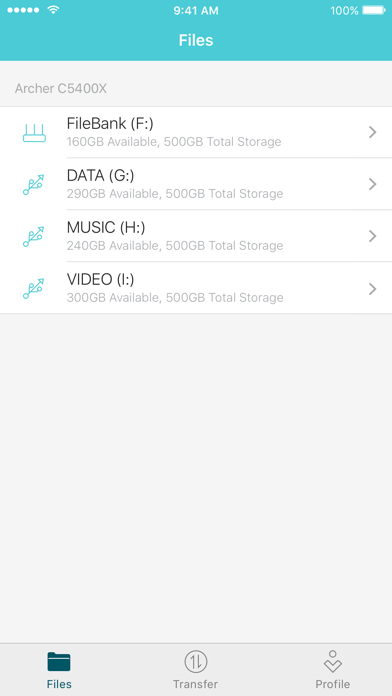
TP-Link FileBank allows you to access the internal storage and external USB disks of your TP-Link router (Archer C5400X) from anywhere, as long as you can access the internet. More private and secure than a cloud service, and just as convenient.
Simply log in to your TP-Link router (Archer C5400X) with your TP-Link ID, plug in external USB disks if you like, then you can enjoy private, secure, remote management of your pictures, videos, and other files with TP-Link FileBank.
TP-Link FileBank supports the following features:
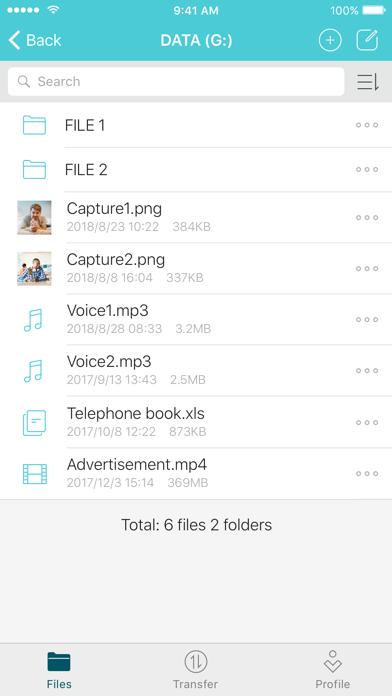
- Store, view, rename, move, delete, and search for files and folders
- Download files to local, upload files to storage disks
- View the storage details and format disks
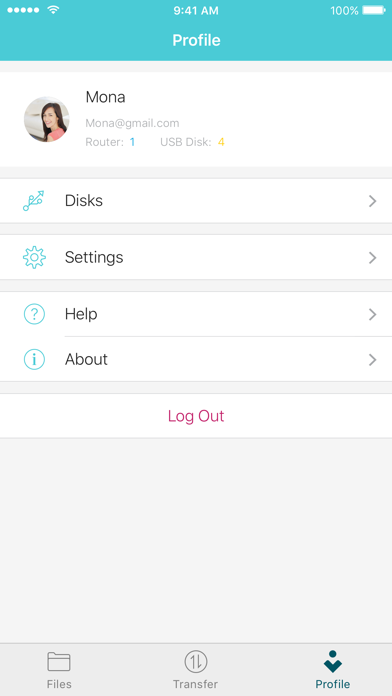
- Customize profile settings
Note: Currently only Archer C5400X supports TP-Link FileBank.
TP-Link FileBank App Comments & Reviews
TP-Link FileBank Positive Reviews
Free International Money Transfer 💸Enjoy high maximum transfers into more than 20 currencies while saving up to 90% over local banks! The cheap, fast way to send money abroad. Free transfer up to 500 USD!Version: 1.0.95