TP-Link Systems Inc.
TP-Link VIGI Customer Service

- TP-Link VIGI Customer Service
- TP-Link VIGI App Comments & Reviews (2026)
- TP-Link VIGI iPhone Images
- TP-Link VIGI iPad Images
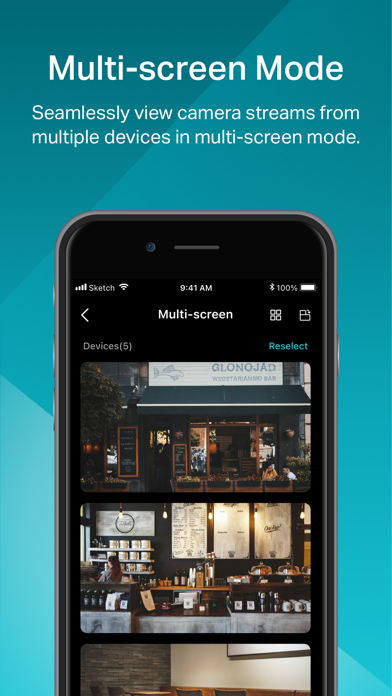
VIGI is specially developed for VIGI IP cameras and NVRs that are dedicated to protecting the business you’ve worked hard to build.
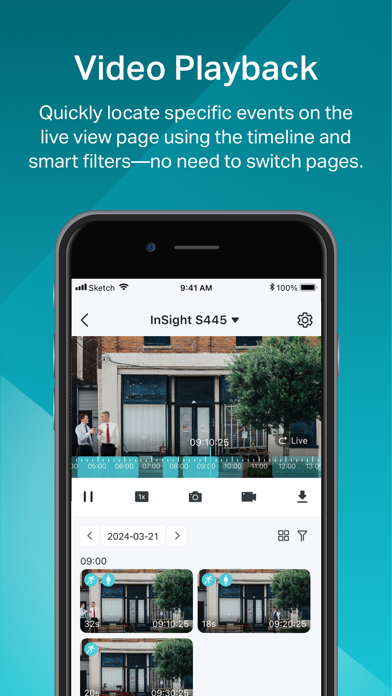
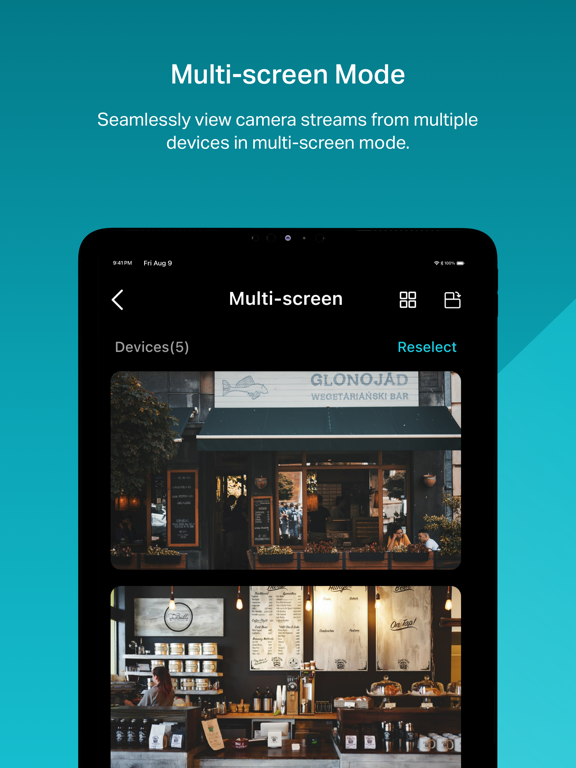
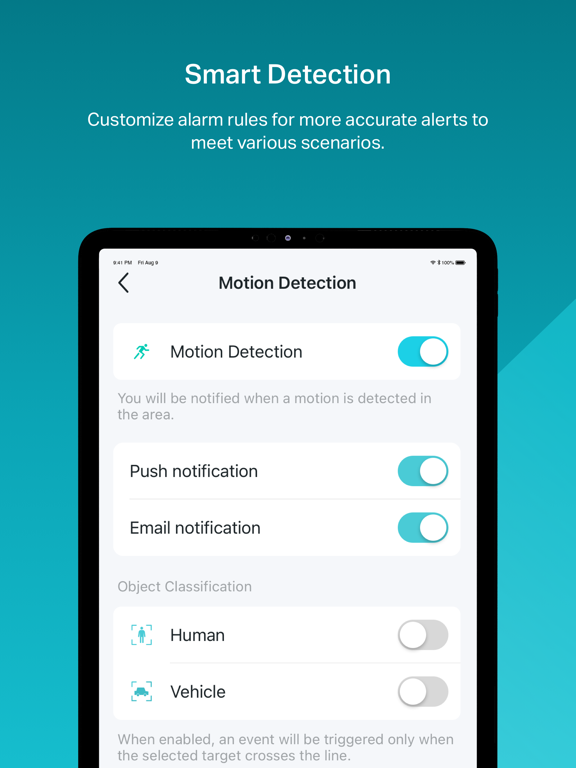
It allows you to easily add, configure, monitor, and control your connected devices. Simply create an account and add IP cameras to it to enjoy the real-time video—whenever, wherever. Moreover, it also allows you to play back videos at any time. Cooperating with TP-Link VIGI cloud service, VIGI is able to send you instant notifications when motion is detected.
Key Features
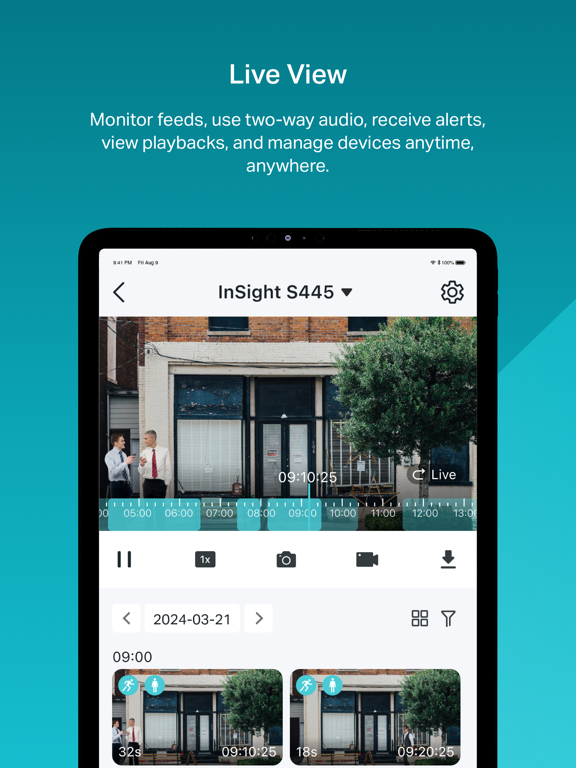
• Check your camera feed—anytime, anywhere.
• Watch live-view videos and play them back instantly.
• Step-by-step installation guidance makes setup remarkably easy.
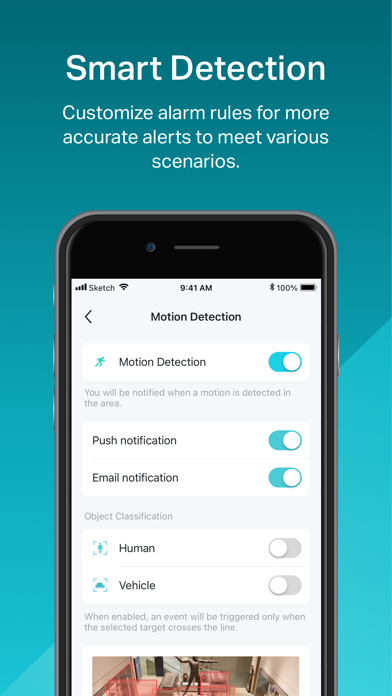
• Smart detection (motion detection/boundary alerts/activity zones/obstruction alerts) and instant notifications ensure your business is safe and secure.
TP-Link VIGI App Comments & Reviews
TP-Link VIGI Positive Reviews
Great updatePutting them in order instead of having to scroll through the night before to see what happened minutes ago was a great update!.Version: 2.7.95
App works fineDevices added easily, notifications pushed instantly.Version: 1.11.9
Great and easySo far better than other brands I used to have.Version: 2.6.28
The BestAbsolutely productive and very much easy to use, super smooth operational. Highly recommended..Version: 2.7.92
Works FlawlesslyApp is very user friendly and refined..Version: 2.7.63
Easy and greatSimple installation and immediate viewing.Version: 2.7.75
Nice!Very good products!the smart technology is so great!.Version: 2.7.51
Tp Link Puerto RicoSuper facil de usar con el app 100% aprobado.Version: 2.7.95
Pet or animal detectionCould you please add dog or animal detection in future.Version: 2.7.9
BetterBettering.Version: 1.11.9
No 12 hour time formatUnder recording timeline, there is no option to set the time from 24 hour clock to 12 hour clock! I've adjusted the NVR time to 12 hours but the vigi app still shows 24 hours in recording timelines. Please at least add an option for this!.Version: 2.7.95
Free International Money Transfer 💸Enjoy high maximum transfers into more than 20 currencies while saving up to 90% over local banks! The cheap, fast way to send money abroad. Free transfer up to 500 USD!Version: 2.7.95